Select the Photos and Set the Primary Variant
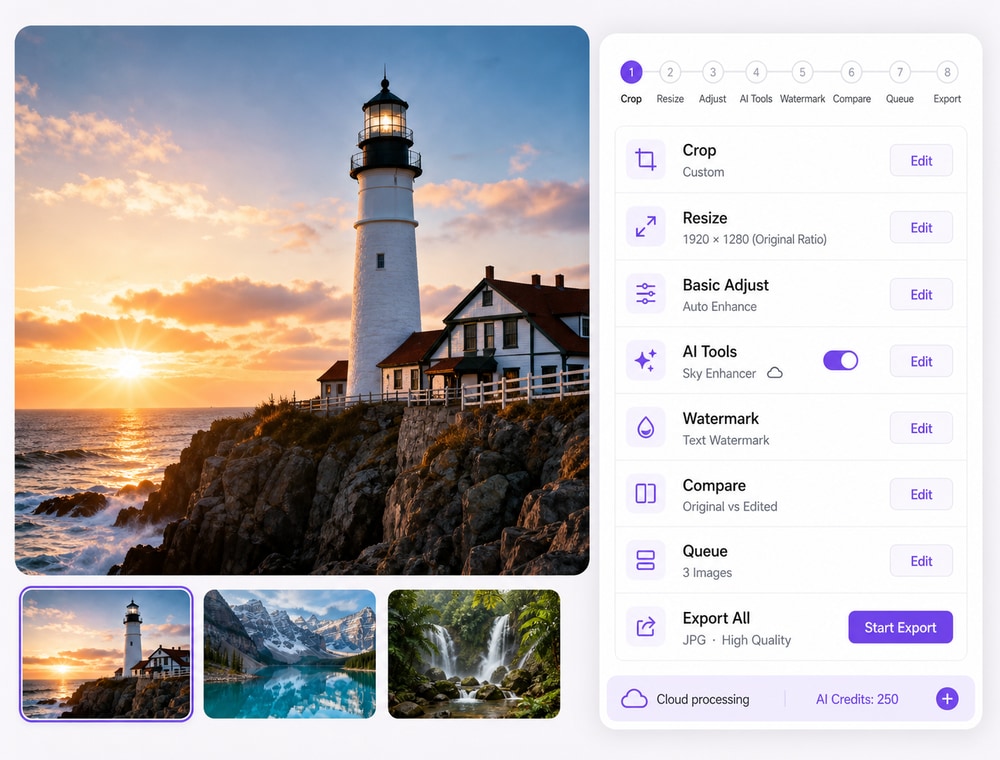
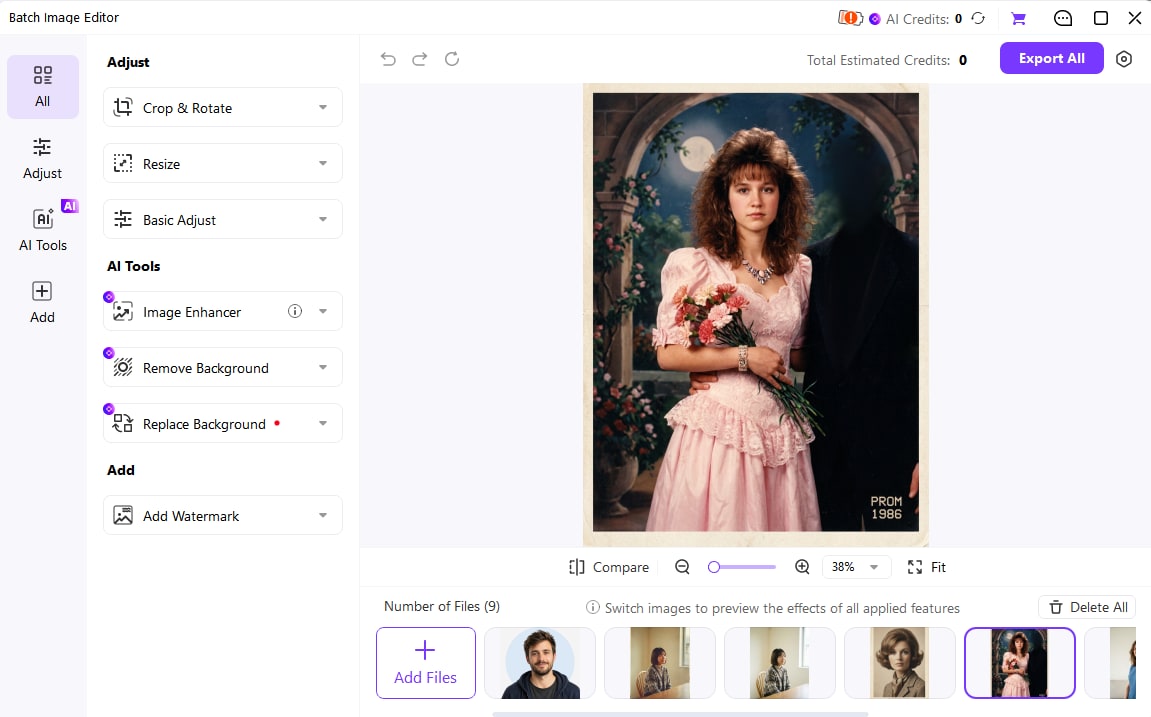
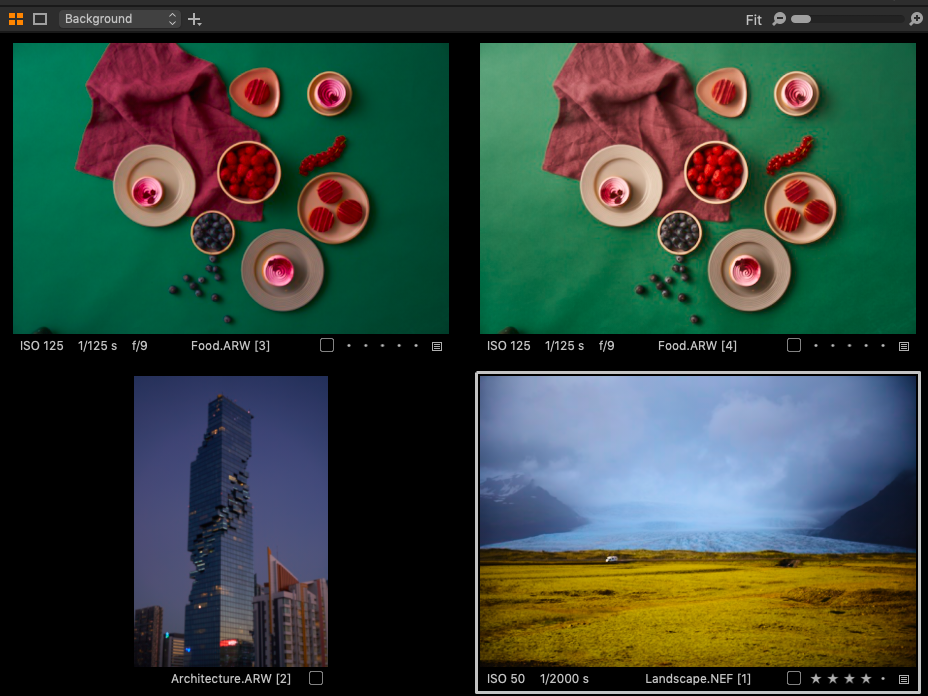
In the Browser, select photos that need a similar treatment. Make the intended reference image the primary variant, identified by its thicker border, and enable Image > Edit All Selected Variants. Adjust the reference image before copying its look to the group.
- Use Shift to select a range or Ctrl/Command to add individual photos.
- Choose a reference with representative exposure and white balance.
- Leave unusually dark, bright, or differently framed photos for separate review.