Transcribe Voicemail to Text for CRM Notes and Customer Follow-Ups
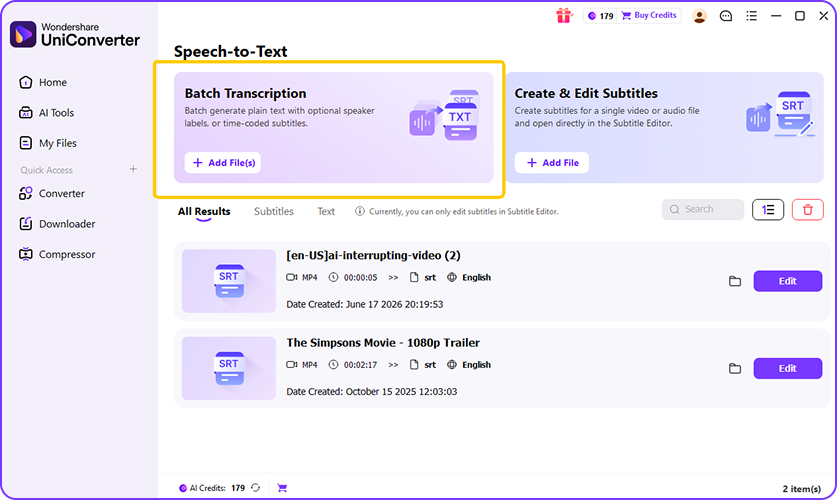
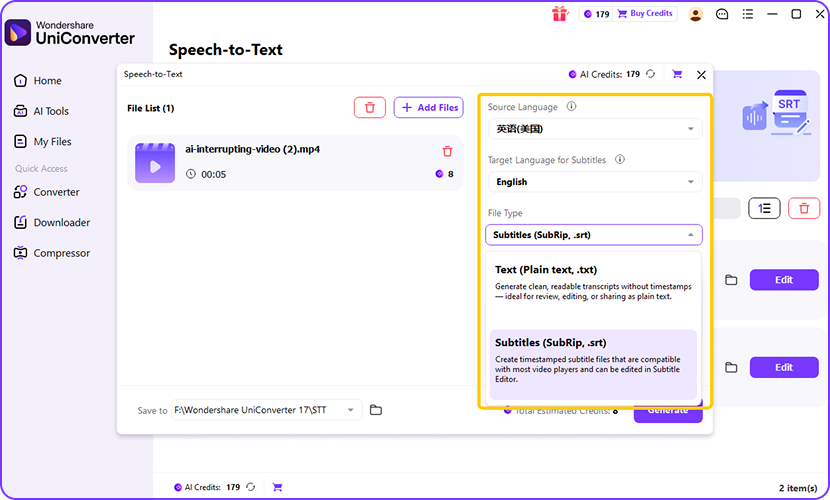
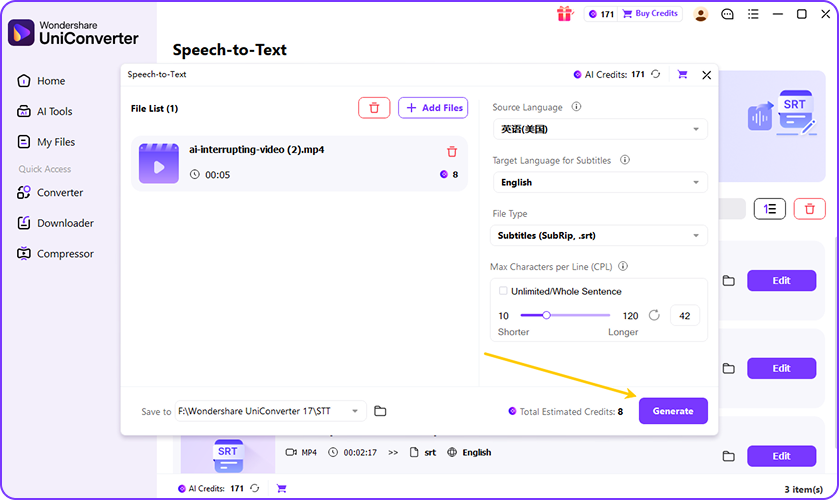
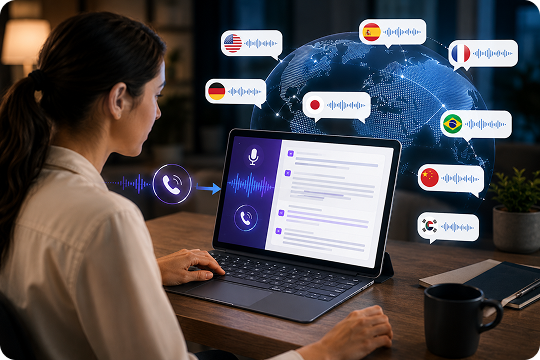
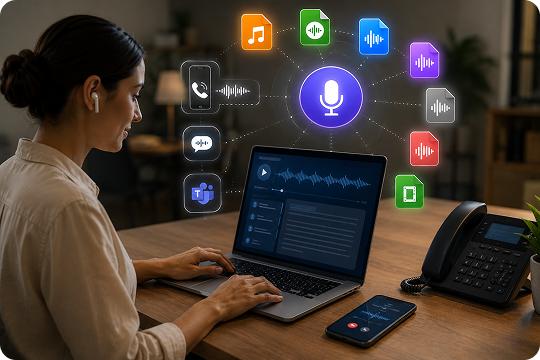
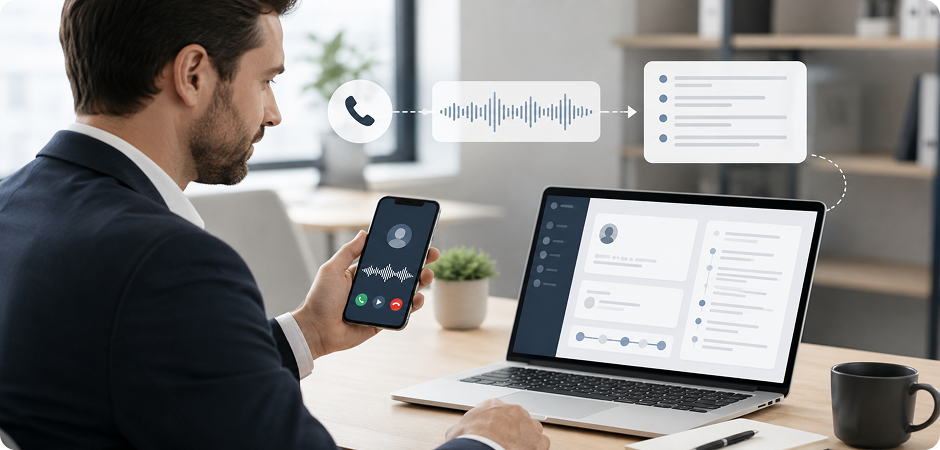
Sales teams often need to transcribe voicemail to text after missed calls, callbacks, and lead responses. UniConverter helps turn voice messages into readable notes that you can paste into Salesforce, HubSpot, or your preferred CRM. This voicemail to text workflow saves time, reduces manual typing, and makes it easier to keep customer records clear. It also helps when messages come from mobile phones, Google Voice, or business calling systems.
Convert Voicemail to Text for Searchable Client Message Records
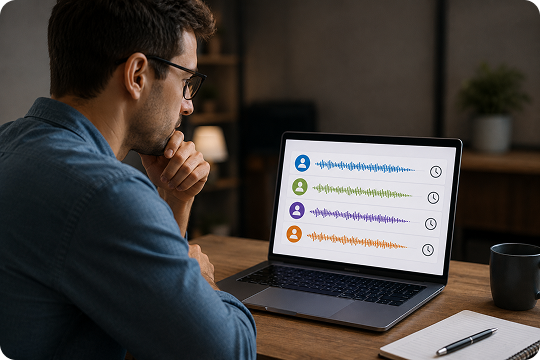
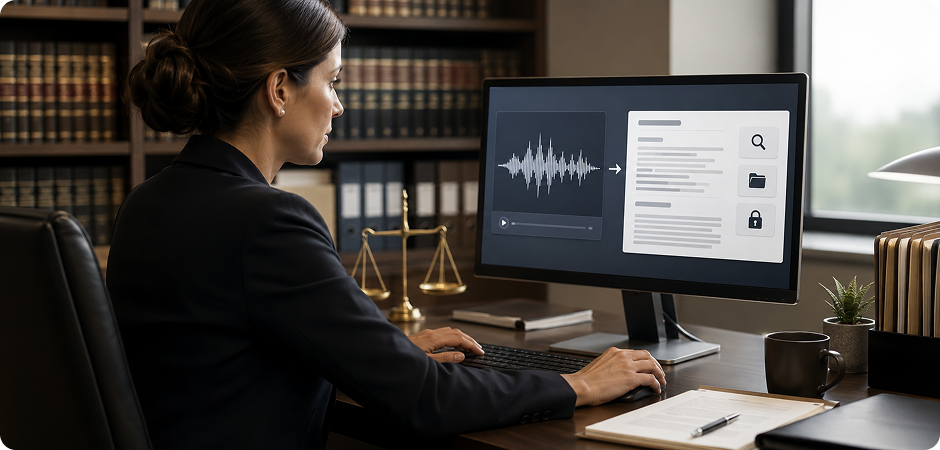
Legal teams often need written records of client calls and follow-up messages. UniConverter helps convert voicemail to text so important details are easier to review, search, and organize in case files. This is useful for firms that manage frequent voice updates, intake calls, or archived audio records. The desktop workflow also gives legal professionals a more controlled option when privacy and local handling matter.
Voicemail to Text Software for Patient Message Documentation
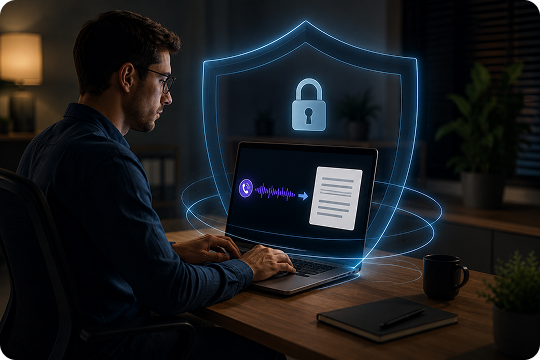
Healthcare coordinators often receive appointment updates, follow-up requests, and patient voicemails that need to be reviewed quickly. UniConverter works as voicemail to text software that helps turn those recordings into readable text for internal documentation and communication. The desktop option supports local processing, which is helpful for privacy-first workflows. It also makes voice message transcription easier when staff need written records instead of replaying audio multiple times.
Free Voicemail to Text for Daily Business Calls and Missed Messages
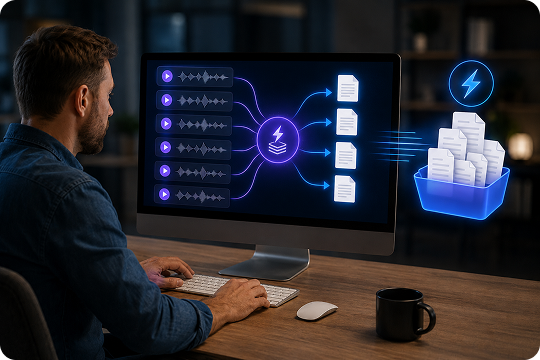
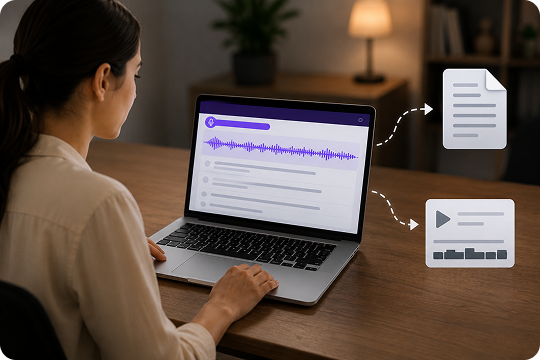
Small business owners do not always have time to replay every message. UniConverter offers a free voicemail to text workflow for checking customer calls, service requests, and follow-up questions more efficiently. You can upload audio from a phone or VoIP system and get readable text in seconds. This helps you respond faster, keep better notes, and avoid missing useful details in busy day-to-day communication.
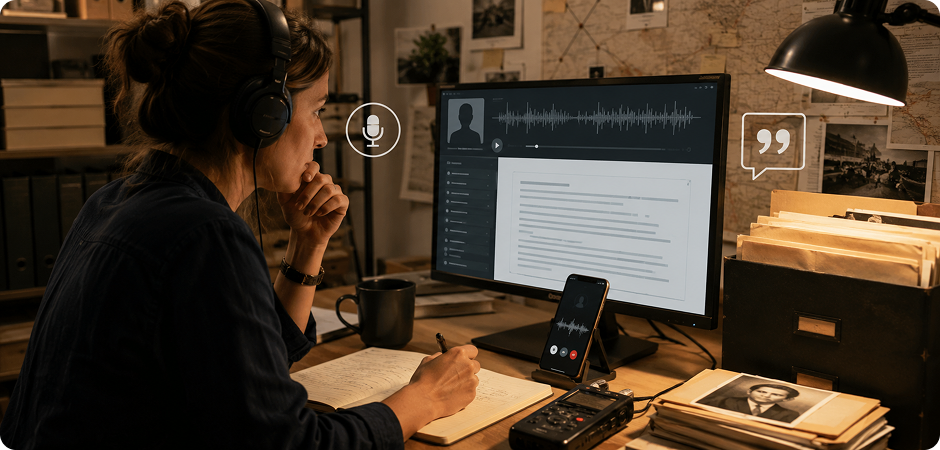
Voice Message Transcription for Interviews, Sources, and Audio Archives
Journalists and researchers often save voice messages from sources, contributors, or field contacts. UniConverter helps with voice message transcription by turning those recordings into searchable text that is easier to quote, organize, and review later. This is especially useful for archived material, interview follow-ups, and spoken updates that arrive as voicemail instead of email. It gives you a simpler way to build text-based records from audio.