
Why UniConverter Is a Reliable MP3 to Text Converter
Online MP3 to Text — Free, No Sign-up
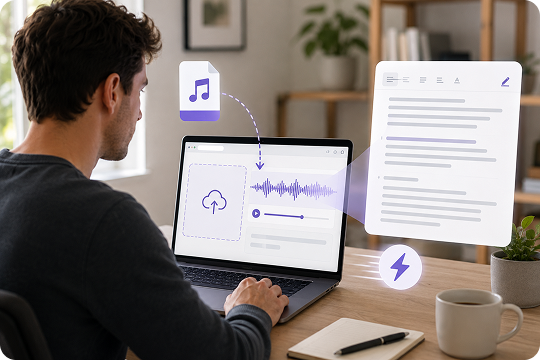
Use UniConverter as an MP3 to text free online tool when you need a quick transcript without installing software. Just drag and drop your MP3 file into the browser and get editable text in minutes. This online MP3 to text converter works well for short interviews, voice memos, class clips, and one-time transcription tasks.
Desktop MP3 to Text Software for Large Files and Batches
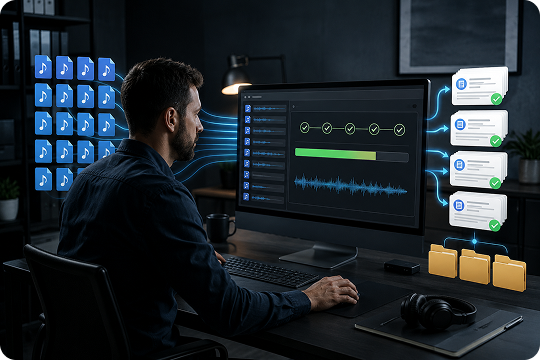
Need MP3 to text conversion software for longer recordings or repeated work? UniConverter desktop helps you convert MP3 to text from multi-hour interviews, lectures, and folders of audio files. This MP3 file to text converter is built for larger workloads, so you can handle batch MP3 transcription with more control and fewer browser limits.
Transcribe and Translate MP3 in 20+ Languages
UniConverter helps you transcribe MP3 to text and translate MP3 to text in one workflow. It supports 20+ languages, including English, Spanish, French, Chinese, Japanese, and more. You can detect the source language, create a transcript, and prepare multilingual text for research, content teams, lessons, or international communication.

Speaker Labels and Word-Level Timestamps
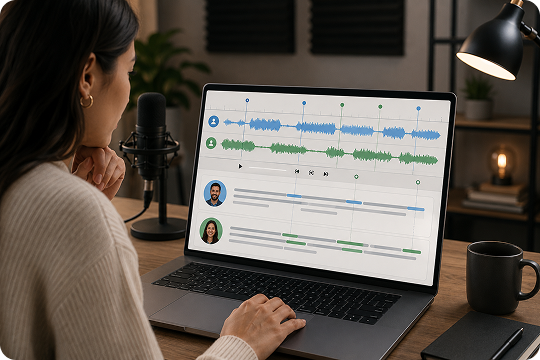
Turn each MP3 to text transcript into something easier to review and reuse. UniConverter adds speaker labels and word-level timestamps, which helps you track who said what and when. This is useful for interview transcription, meeting notes, subtitle export, and any MP3 transcription project that needs structure beyond plain text.
Export to TXT and SRT for Notes or Subtitles
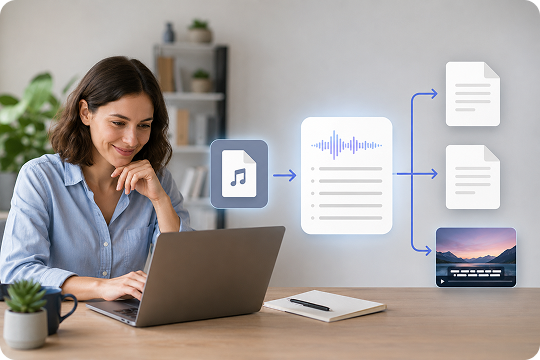
Once you convert MP3 to text, UniConverter lets you export the transcript in the formats most users need. Save your file as TXT for notes, records, and editable text, or export it as SRT for subtitle workflows. This keeps the MP3 to text converter practical for content review, study, reporting, and video publishing.
Batch and Local Processing for Sensitive Audio
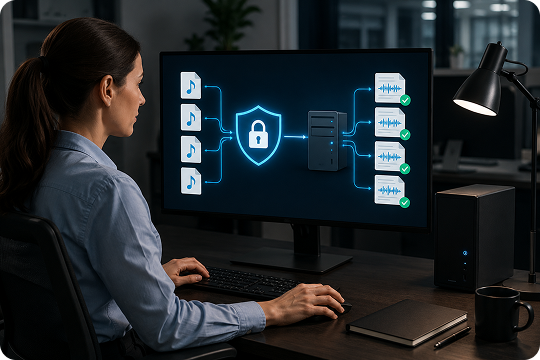
If you work with private recordings, UniConverter desktop gives you a more controlled way to handle MP3 file transcription. You can batch transcribe MP3 files from interviews, legal audio, or internal meetings while keeping the process closer to your local device. This setup is useful when privacy, file volume, and workflow consistency all matter.
Online vs Desktop: Which MP3 to Text Tool Should You Use?
Not sure which version fits your workflow? Match your scenario to the right path below.
| Your Scenario | Online | Desktop | Recommended Path |
|---|---|---|---|
| Single MP3 file under 100MB | Yes | No | Try Online |
| Long audio over 1 hour | No | Yes | Get Desktop |
| Multiple MP3 files at once | No | Yes | Get Desktop |
| Sensitive legal or medical audio | No | Yes | Get Desktop |
| Temporary use or student homework | Yes | No | Try Online |
| Subtitle or video editing workflow | No | Yes | Get Desktop |
| No software install permission | Yes | No | Try Online |
| Need fuller control and larger support | No | Yes | Get Desktop |
How to Convert an MP3 File to Text

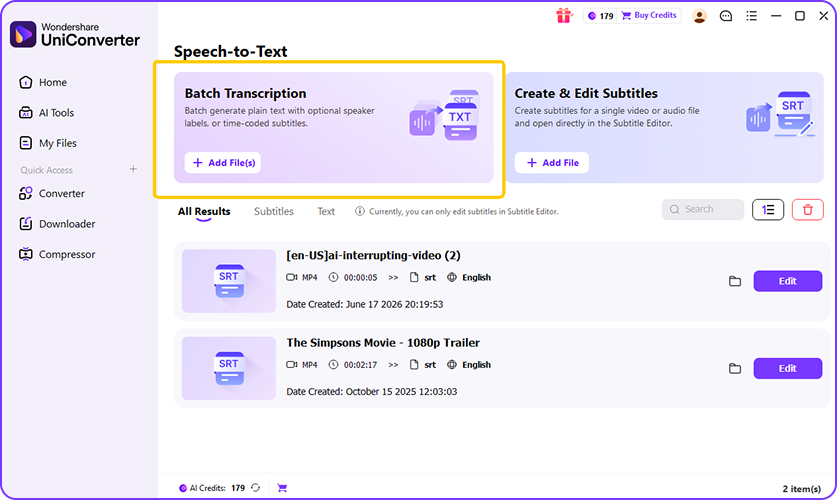
Drag and drop your MP3 into the browser, or import one MP3 file or a whole folder in the desktop app. UniConverter also supports WAV, M4A, AAC, OGG, FLAC, and other common audio formats.

UniConverter detects the spoken language and creates an accurate, punctuated transcript in minutes. It can also identify speakers, which helps when your MP3 includes interviews, meetings, or classroom discussion.

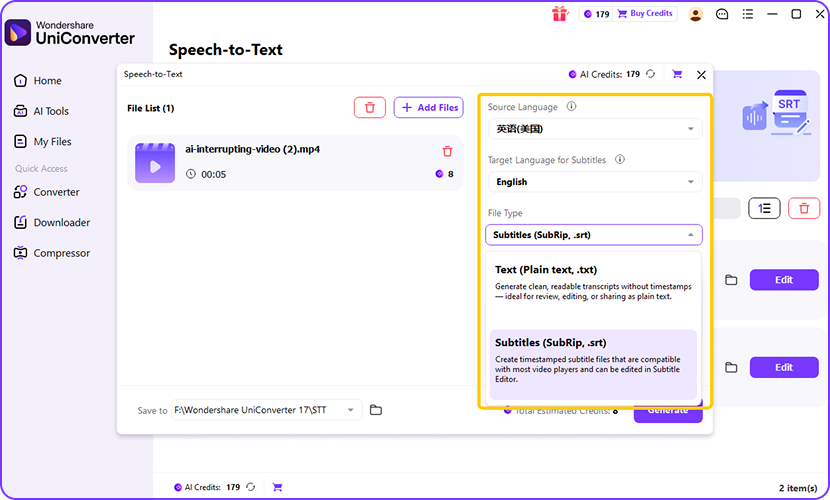
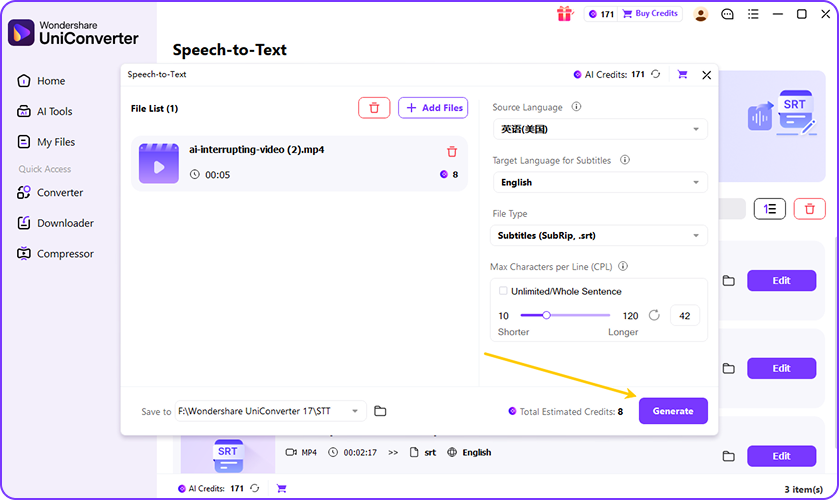
Review the transcript, fix names or unclear terms, and export it in the format you need. Save your MP3 to text output as TXT for notes and records, or as SRT for subtitle and caption workflows.
Who Needs an MP3 to Text Converter
From newsroom deadlines to lecture recordings, MP3 files are everywhere. Here is how different teams turn them into usable text.
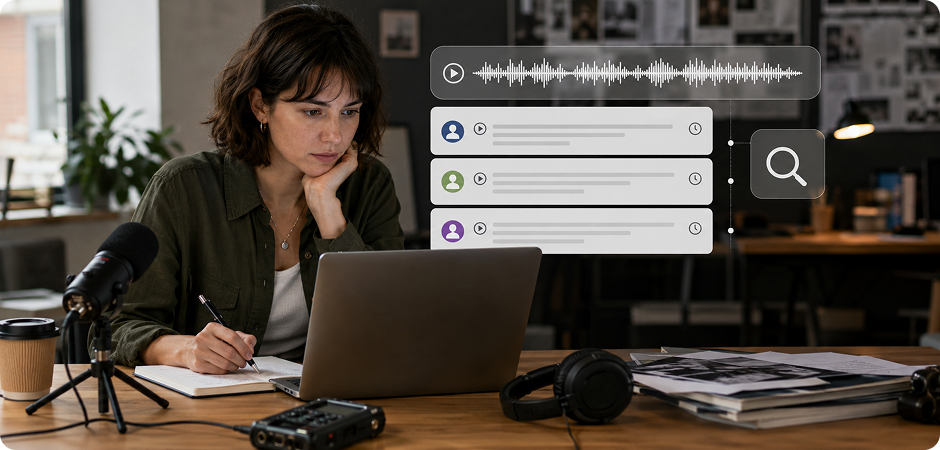
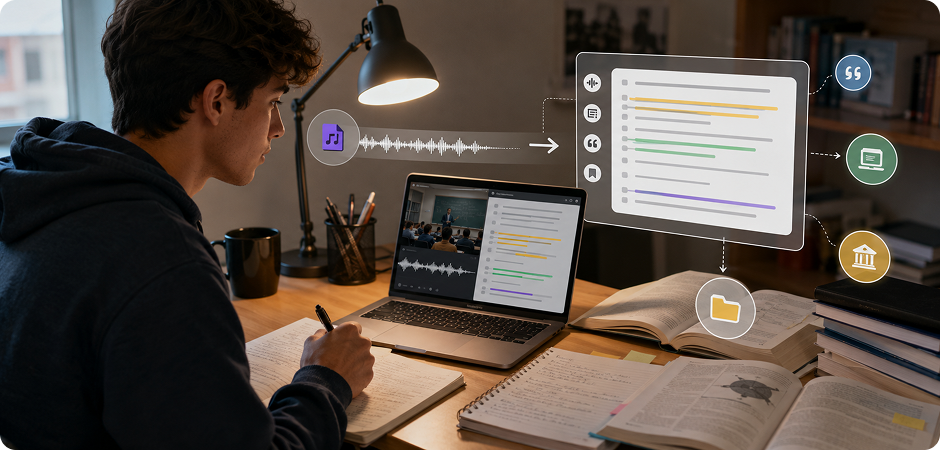
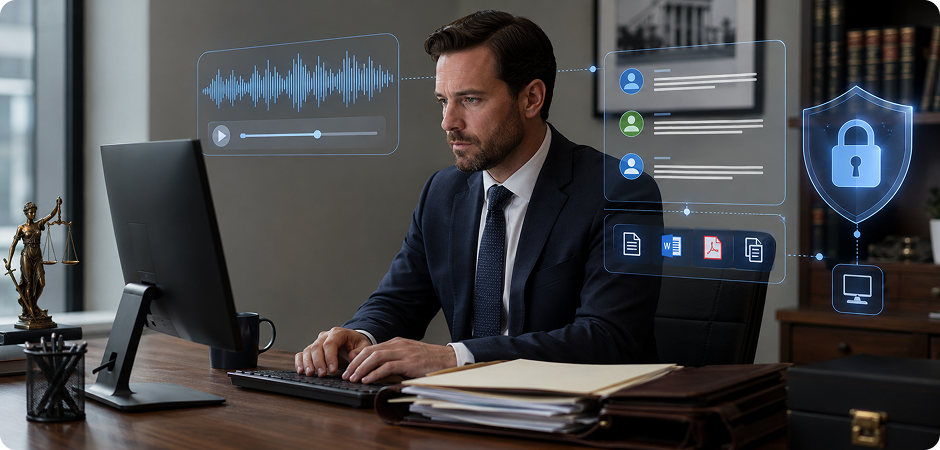
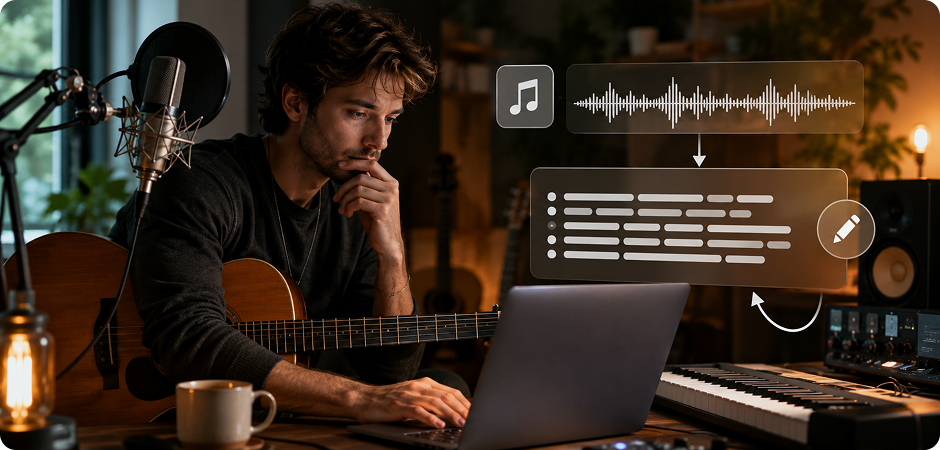
Journalists and Interviewers Who Need MP3 to Text Transcripts
Journalists and interviewers often work with long recordings that need to become clear, searchable text fast. UniConverter helps turn interview MP3 files into quote-ready transcripts with speaker labels and timestamps. You can search key phrases across your transcript, find exact statements more easily, and move faster from raw audio to article drafts, source review, or newsroom editing without replaying the same conversation again and again.
Students and Researchers Converting Lecture MP3 Files to Notes
Students and researchers can use UniConverter to convert lecture recordings, seminar audio, and field interview MP3 files into searchable notes. This helps you scan ideas, review quotes, and organize material faster than listening from the start every time. If you need lecture transcription or a practical MP3 to transcript workflow, the tool makes it easier to study, cite sources, prepare summaries, and keep your research material structured.
Lawyers and Compliance Teams Handling Sensitive MP3 Audio
Lawyers and compliance teams often deal with deposition recordings, client calls, and internal audio that should stay private. UniConverter desktop gives you a more controlled MP3 to text workflow for confidential files, especially when local processing matters. You can transcribe long recordings, review speaker details, and export text for case notes, review files, or compliance documentation while keeping sensitive MP3 content closer to your own device environment.
Musicians and Songwriters Turning MP3 to Lyrics Drafts
Musicians and songwriters can use UniConverter to turn MP3 demos into draft lyrics for review and editing. This MP3 to lyrics workflow works best when the vocal track is clear and the background instrumentation is not too heavy. You can capture rough lyric text from rehearsal files, song sketches, or original vocal demos, then refine unclear lines manually before sharing, archiving, or continuing your writing process.
Customer Support and Sales Teams Transcribing Call Recording MP3s
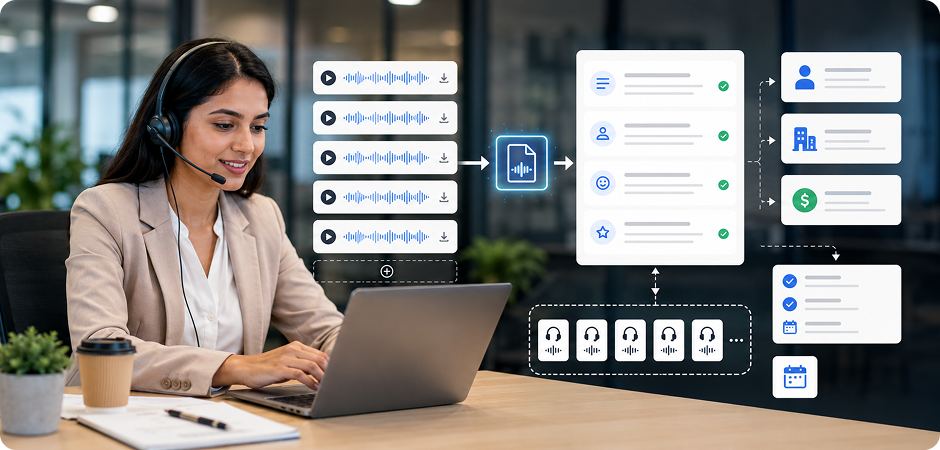
Customer support and sales teams can batch transcribe call recording MP3 files into usable notes for CRM updates, quality review, and follow-up tasks. UniConverter helps convert call audio into text so you can identify keywords, capture action items, and track common issues faster. If your team handles many calls each week, batch MP3 to text processing can make internal review, coaching, and reporting more efficient and easier to scale.
Why Teams Trust UniConverter to Convert MP3 to Text
FAQs about MP3 to Text Conversion
How do I convert an MP3 file to text?
Is UniConverter’s MP3 to text converter really free?
How accurate is MP3 to text transcription?
What’s the difference between the online tool and the desktop app?
What’s the maximum MP3 file size I can transcribe?
Can I transcribe an MP3 with multiple speakers?
Can I translate an MP3 to text in another language?
Can UniConverter convert an MP3 song to lyrics?
Is my MP3 file secure during transcription?
What output formats are supported?
More UniConverter Tools You Might Need



Start Converting MP3 to Text for Free Today
Whether you need to convert one voice memo or a full archive of interviews, UniConverter helps turn every MP3 into accurate, editable text. Pick the workflow that fits your project and start faster.
