Interview Transcription for Journalists and Field Reporters
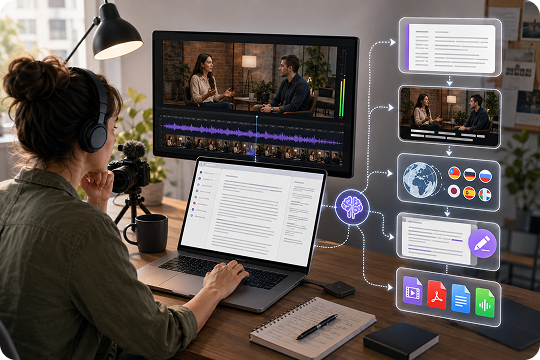
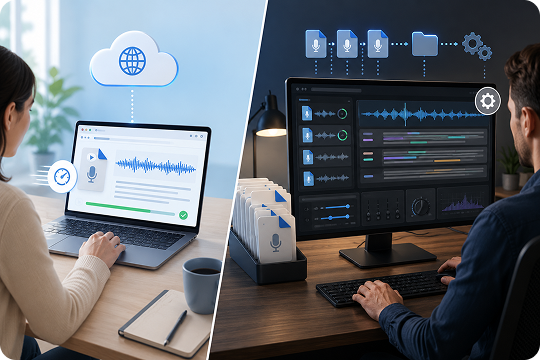
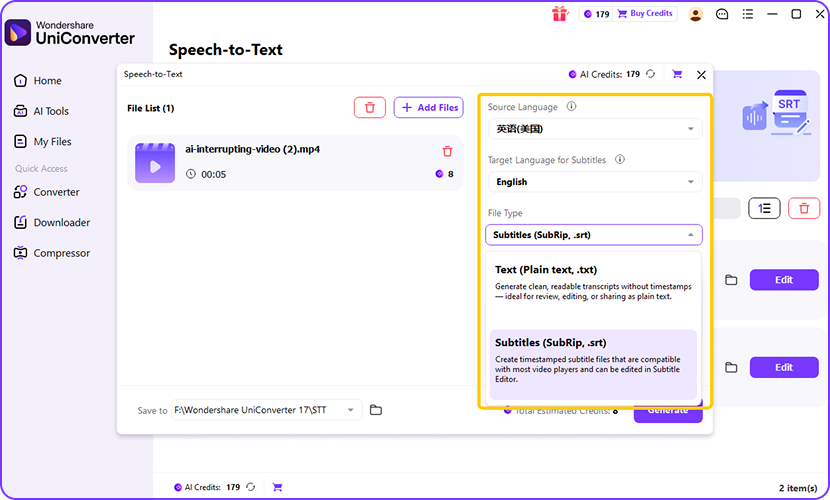
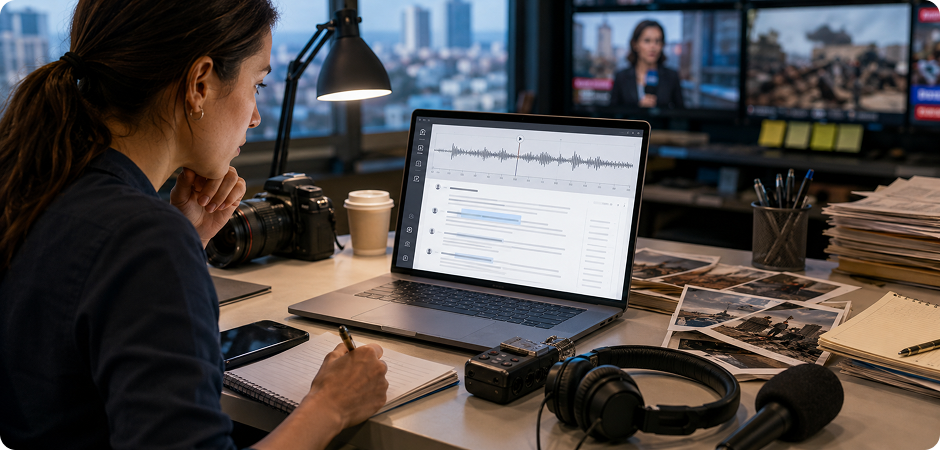
Journalists often need fast, reliable interview transcription after press calls, field recordings, or source interviews. UniConverter helps you turn audio and video into an editable interview transcript so you can find quotes quickly, check context, and prepare stories with less manual typing. You can review timestamps, clean unclear sections, and export text for fact-checking, article drafts, or newsroom collaboration. This workflow is useful when deadlines are tight and recordings come from different devices.
Interview Transcription for Podcasts, Show Notes, and Captions
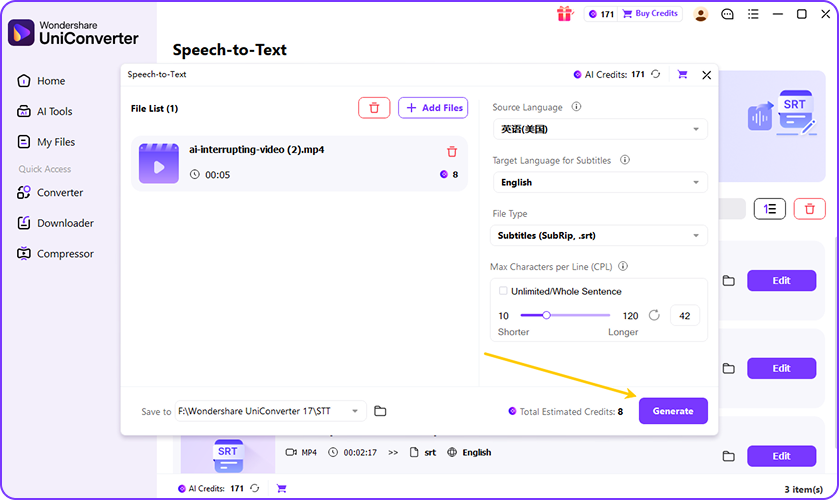
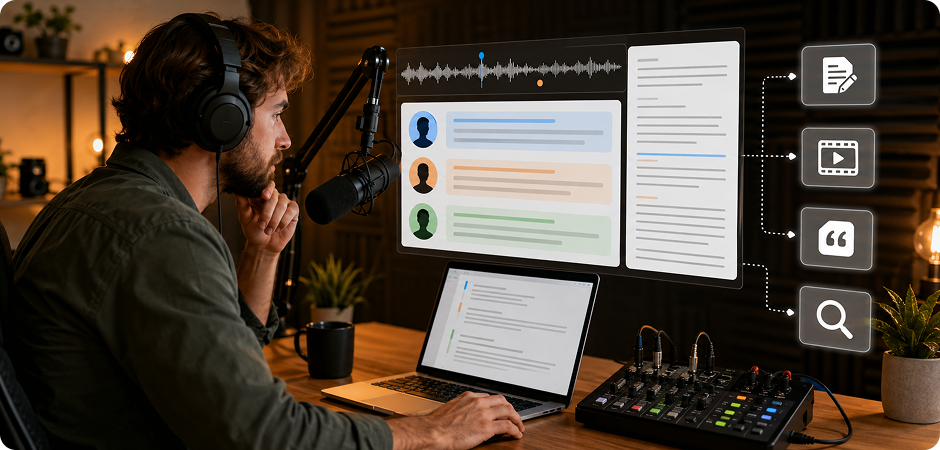
Podcasters can use interview transcription to turn guest episodes into show notes, blog posts, SRT captions, and searchable content. UniConverter helps you transcribe interview audio to text, review speaker turns, and pull out highlight quotes for episode pages or social clips. Instead of writing notes from scratch, you can start with an editable transcript from interview recordings and shape it into listener-friendly content. This also supports accessibility when you publish video podcasts on YouTube or learning platforms.
Interview Transcription for UX Research and Qualitative Coding
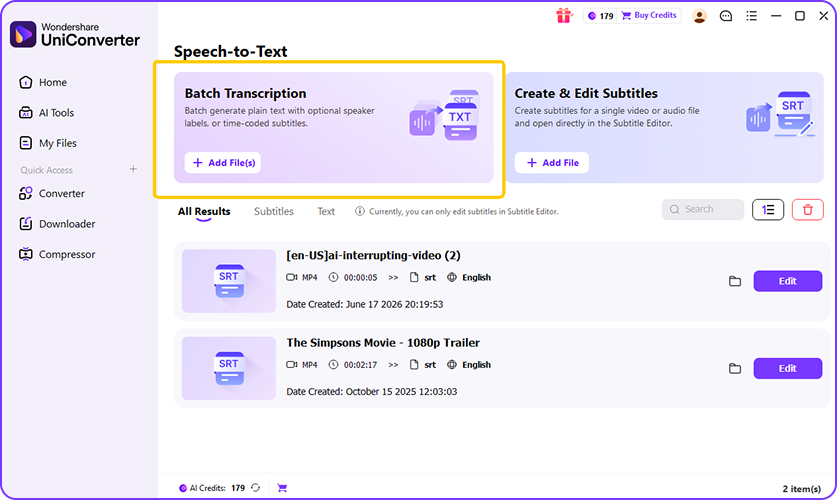
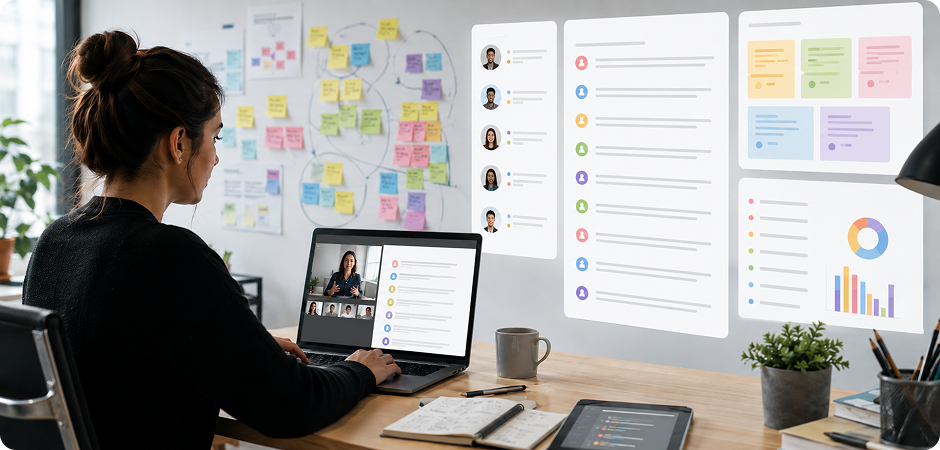
UX researchers and qualitative research teams often need clean transcripts for user interviews, coding, and thematic analysis. UniConverter helps you create interview transcripts with speaker labels and timestamps, making it easier to compare responses and locate important moments. You can review the transcript, mark recurring themes, and prepare research notes for analysis tools or reports. This workflow is useful when you run multiple interviews and need a structured text record for every participant session.
Private Interview Transcription for HR and Recruiting Teams
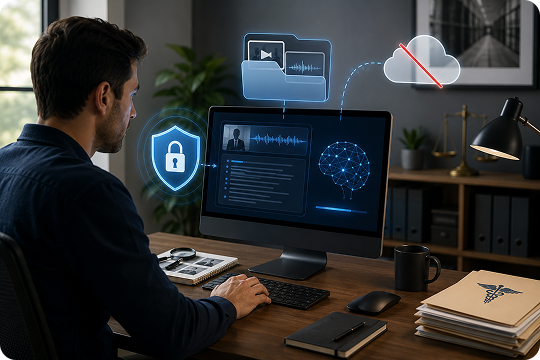
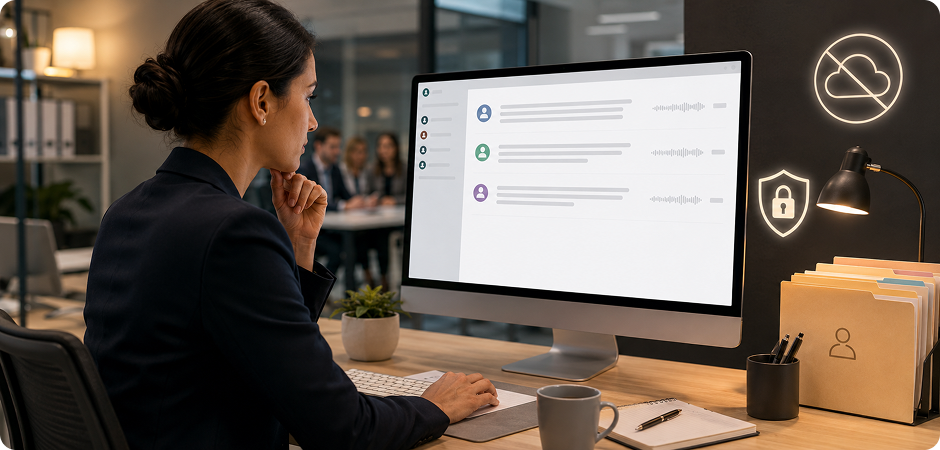
HR teams and recruiters can use interview transcription to document candidate conversations, hiring panels, and internal review discussions. UniConverter Desktop is especially useful when privacy matters, because local processing helps you keep sensitive interview files under your control. You can create a transcript from interview recordings, review speaker comments, and share key notes with hiring managers. This reduces manual note-taking and helps teams keep a clearer record of each interview stage.
Interview Transcription for Academic Research and Student Projects
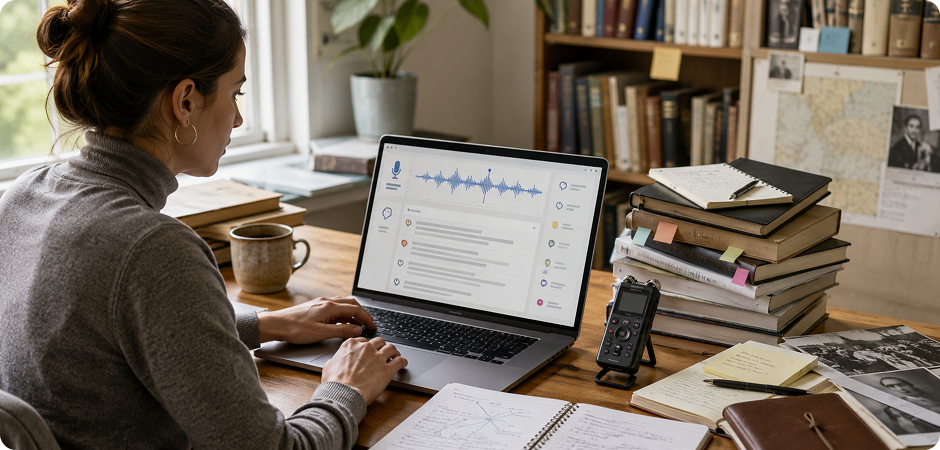
Students, professors, and academic researchers often need interview transcripts for citations, fieldwork notes, and qualitative coding. UniConverter helps convert research interviews into editable text with timestamps, so you can trace quotes back to the original recording. You can organize responses, prepare coding notes, and export files in formats that fit your writing or review process. This makes interview transcription easier for dissertations, class projects, oral history work, and research documentation.
Interview Transcription for YouTube Videos and Content Repurposing
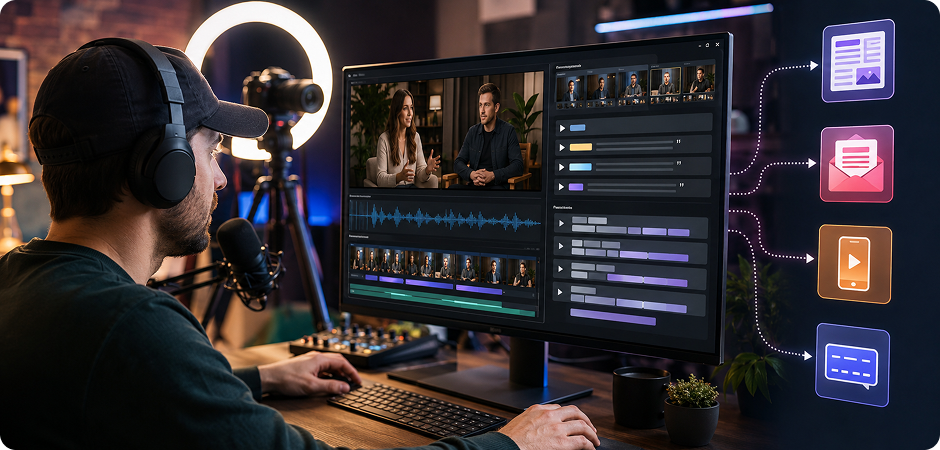
Content creators and YouTubers can use interview transcription to repurpose long videos into subtitles, articles, newsletters, and short social clips. UniConverter helps you turn interview videos into text, find strong quotes, and export SRT captions for publishing. You can also use the transcript to plan edits, write video descriptions, or create blog content from the same recording. This saves time when one interview needs to support several content formats.