Use UniConverter’s AI YouTube thumbnail generator to turn any image into bold, eye-catching thumbnail ideas. Instantly create more clickable designs for gaming videos, tutorials, reaction content, creator channels, and promotions—without starting from scratch.
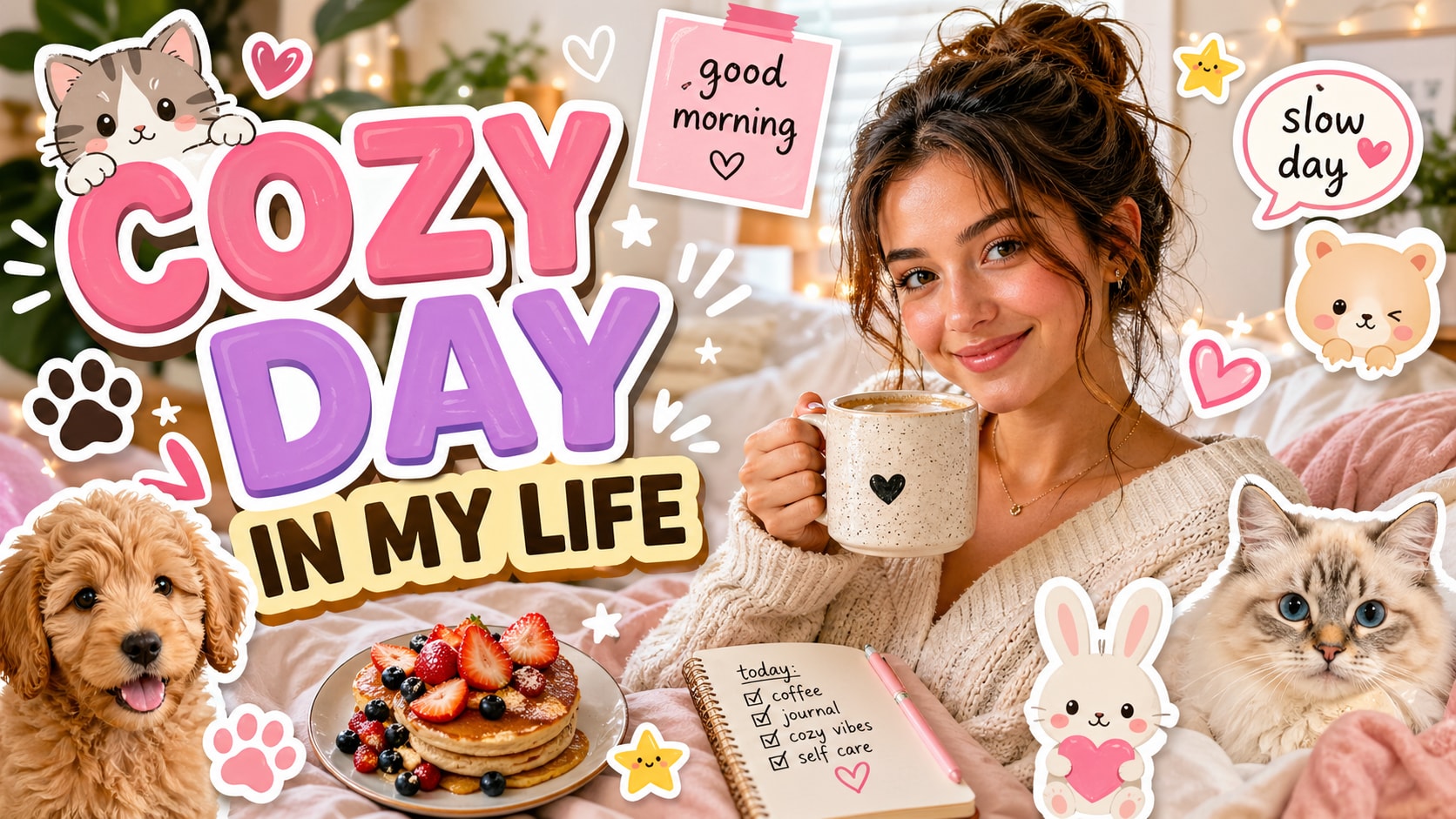
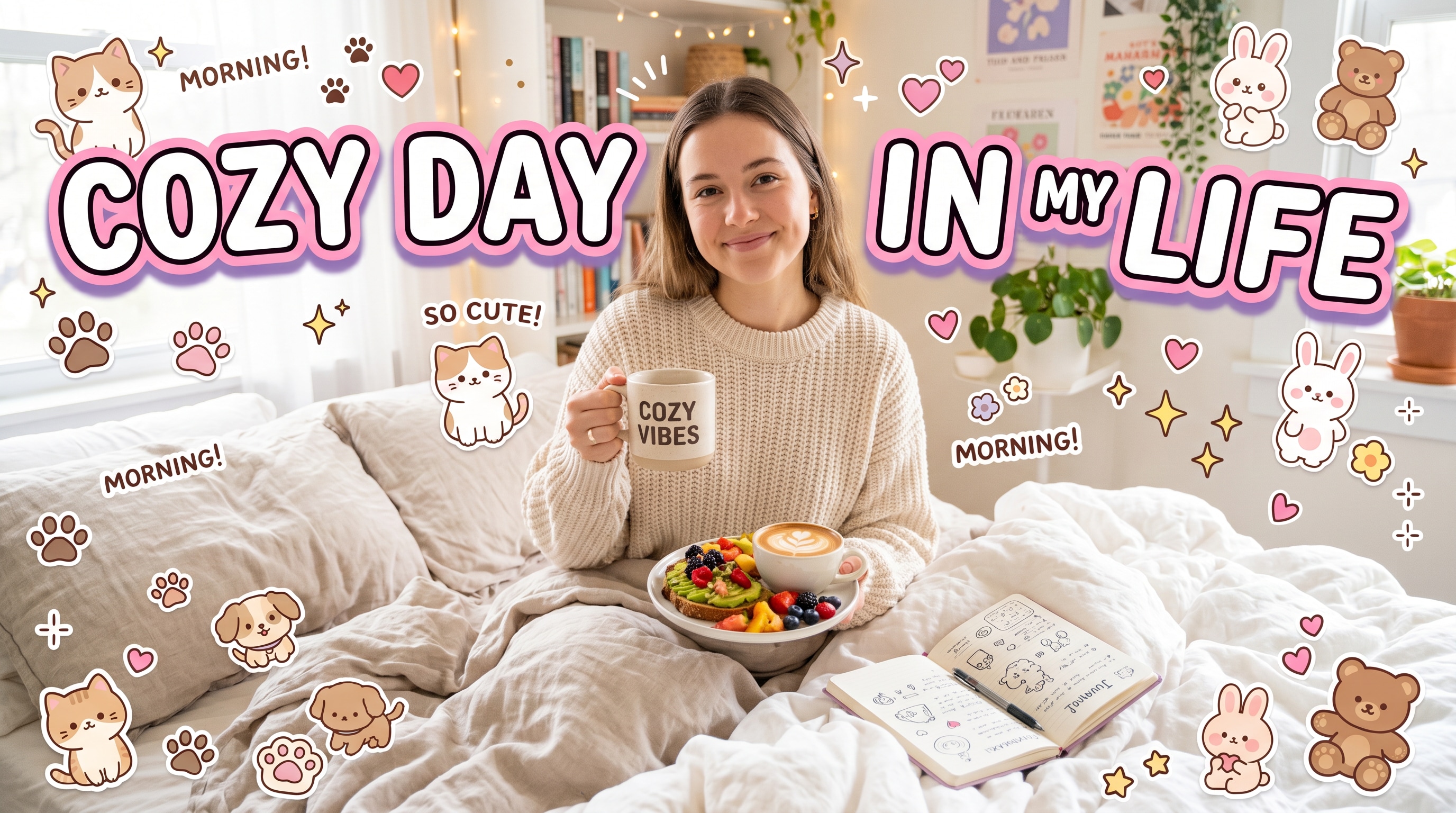
A great thumbnail decides whether viewers click or scroll. UniConverter helps you turn any image into a stronger YouTube thumbnail concept, making your visuals bolder, clearer, and more engaging.
Instead of building every thumbnail from zero, you can start with a single source image and quickly generate more dramatic visual directions. This helps you move faster while still creating thumbnails that feel more polished and more intentional.
YouTube thumbnails need strong contrast, clearer focal points, and a more attention-grabbing visual style. UniConverter helps you explore better thumbnail looks for tutorials, gaming videos, creator content, commentary clips, and channel promotions.
Create a more clickable YouTube thumbnail in just a few simple steps. Upload your source image, choose a thumbnail style, and generate a bold visual concept you can use as inspiration for your final video cover.
Upload any image—portrait, product shot, lifestyle photo, or gaming visual—to start generating your thumbnail concept.
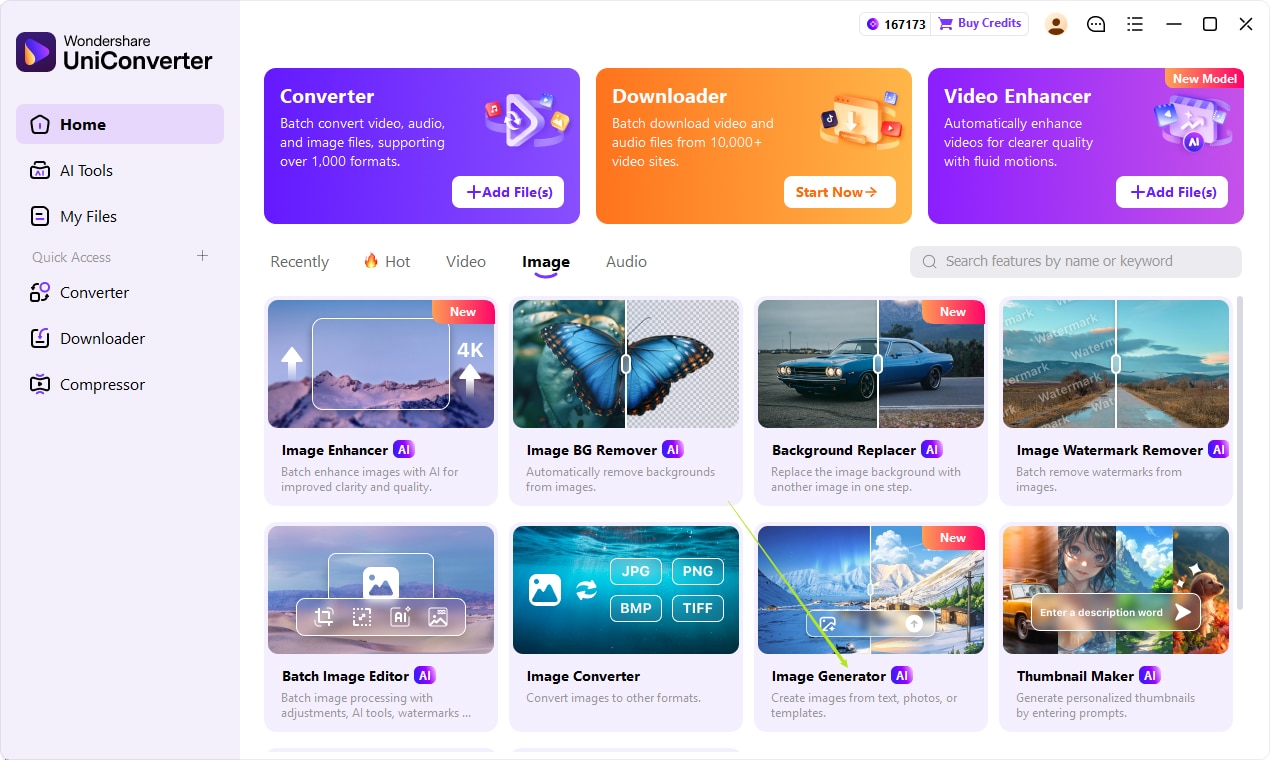
Describe the YouTube thumbnail you want with a text prompt, or upload a photo and add a prompt to guide the AI. You can specify the style, subject, mood, text, colors, and layout to generate a more accurate thumbnail concept.
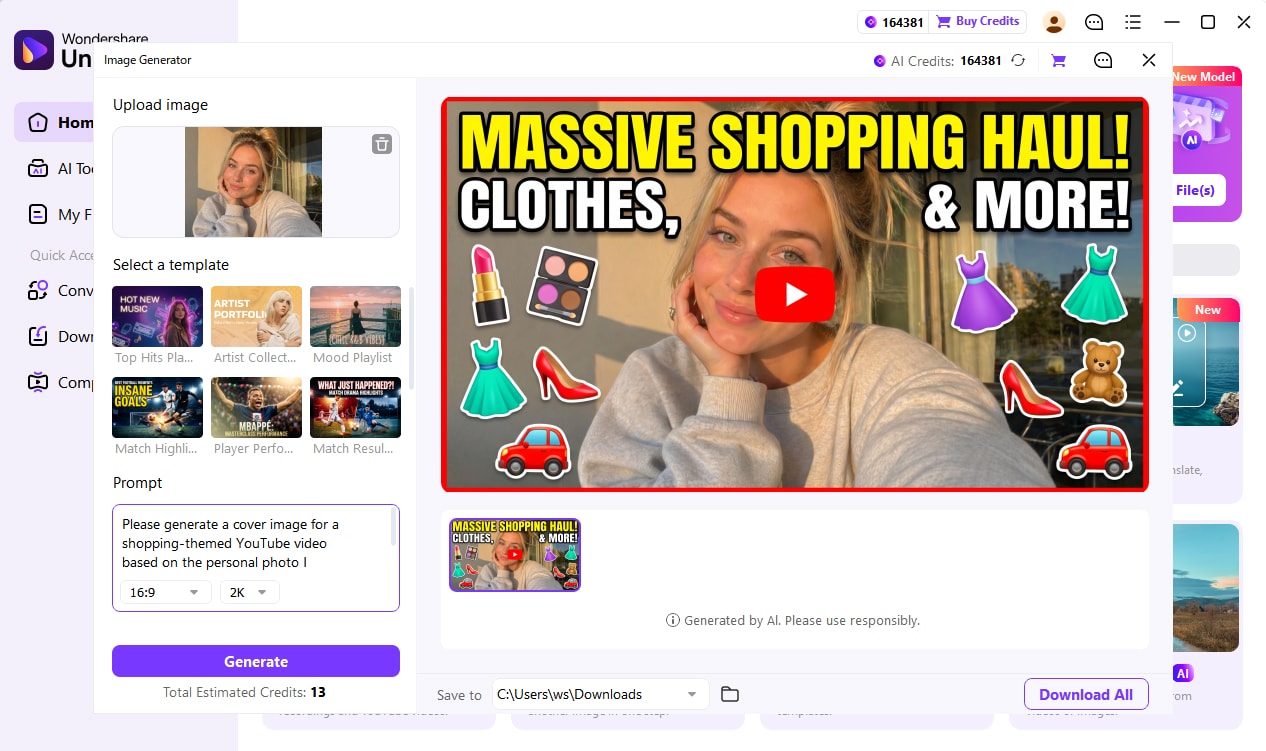
Generate the thumbnail visual and use it as a strong reference for your final YouTube cover. This helps you move faster when creating more polished thumbnails for tutorials, gaming videos, reaction content, or creator branding.
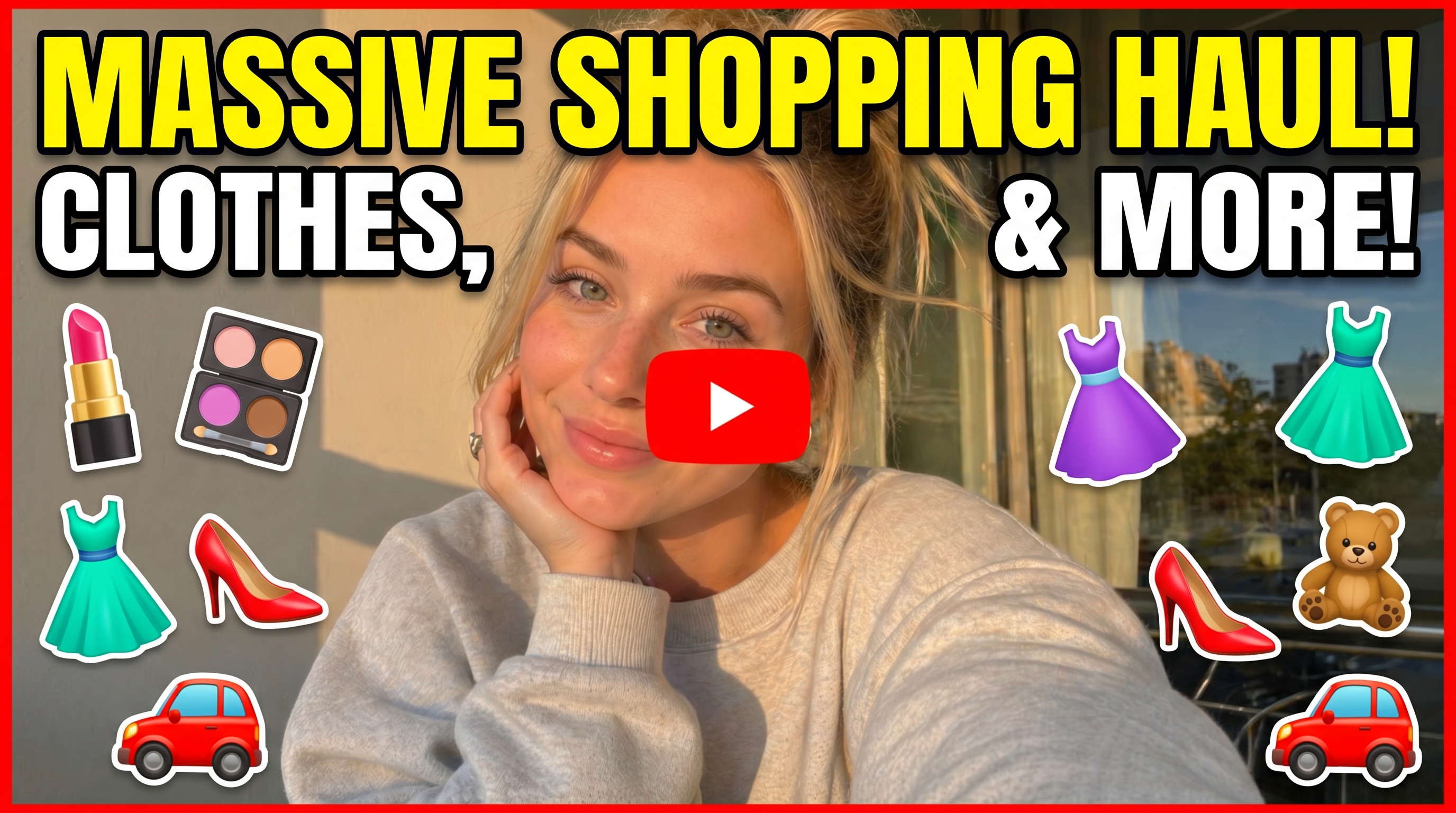
Good YouTube thumbnails are more than just screenshots. They need stronger subjects, clearer contrast, and a visual style that makes people want to click. UniConverter helps you generate richer thumbnail references before you move into final design.

Generate thumbnail ideas that feel more aligned with gaming videos, tutorials, reaction content, interviews, commentary, lifestyle uploads, or creator branding.
Use AI-generated outputs as visual references to understand where your face, product, object, or action focus should sit for a stronger click-first layout.
Before your final design step, create a stronger visual direction from one image so your team can move faster with clearer packaging ideas.
Once you have a strong YouTube thumbnail direction, you can reuse the same visual style for more creator assets. That makes UniConverter useful not only for video covers, but also for broader content packaging and channel branding.
Create more eye-catching YouTube thumbnail directions that feel clearer, bolder, and more viewer-ready.
Build a more recognizable visual style across your thumbnails, channel content, and promotional assets.
Reuse the same AI visual direction for recurring content formats, episode covers, and campaign visuals.
Adapt the same thumbnail reference style for social promotion, launch banners, and creator marketing materials.
Everything you may want to know before creating YouTube thumbnail visuals with UniConverter.
Turn one source image into a stronger YouTube thumbnail direction and create more clickable video cover references in less time.

