UniConverter
UniConverter Online Free
Converter video, audio & image free
Free Try
UniConverter Creative Banner Tool

YouTube Banner Generator

Turn one image into bold YouTube banner concepts with UniConverter. Create more eye-catching channel art ideas for gaming channels, vlogs, tutorials, business pages, and creator branding in just a few clicks.
  • Channel Art Ideas
  • Creator Branding
  • Wide Banner Visuals
  • Windows & Mac
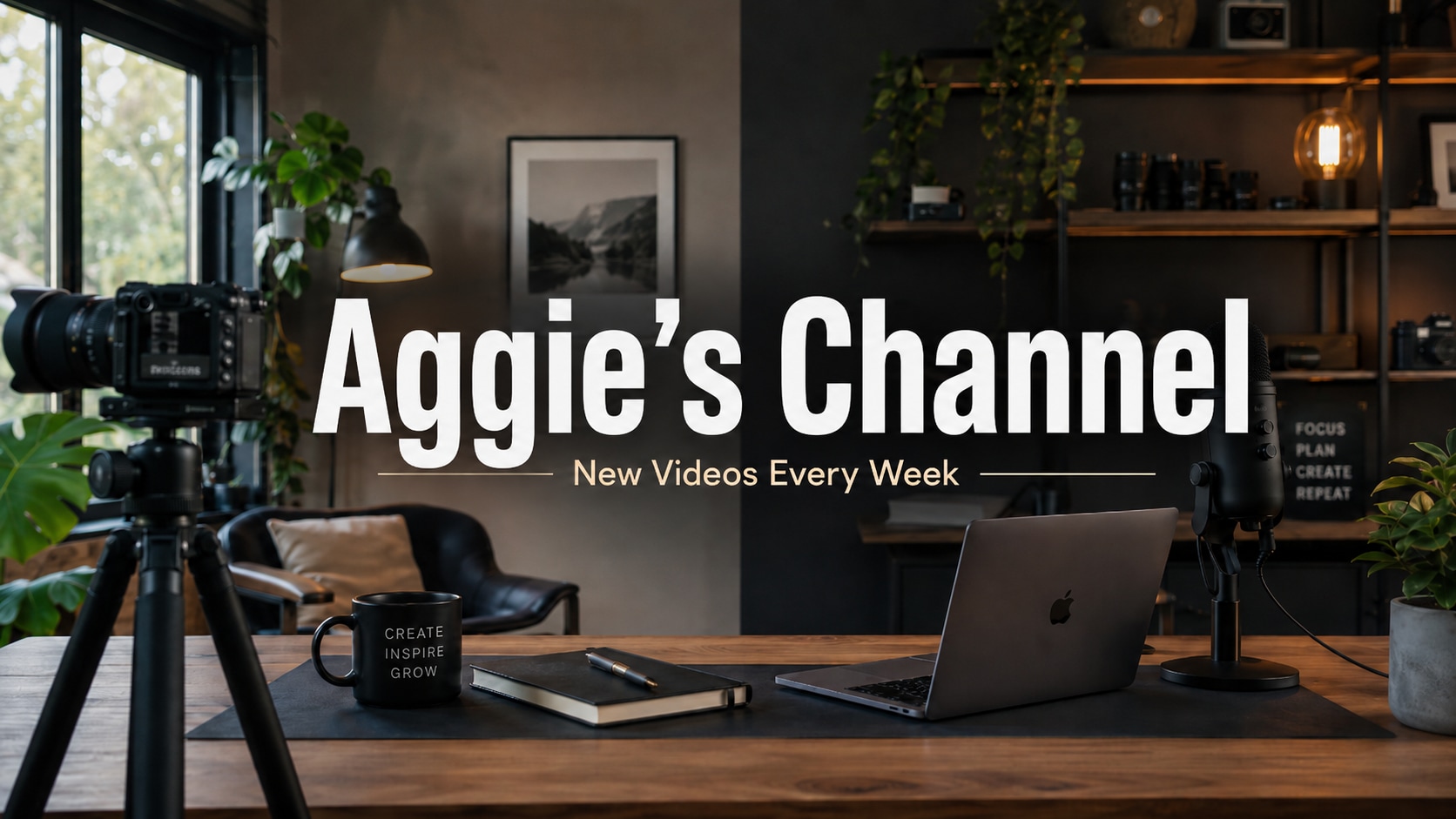
YouTube banner generator main visual
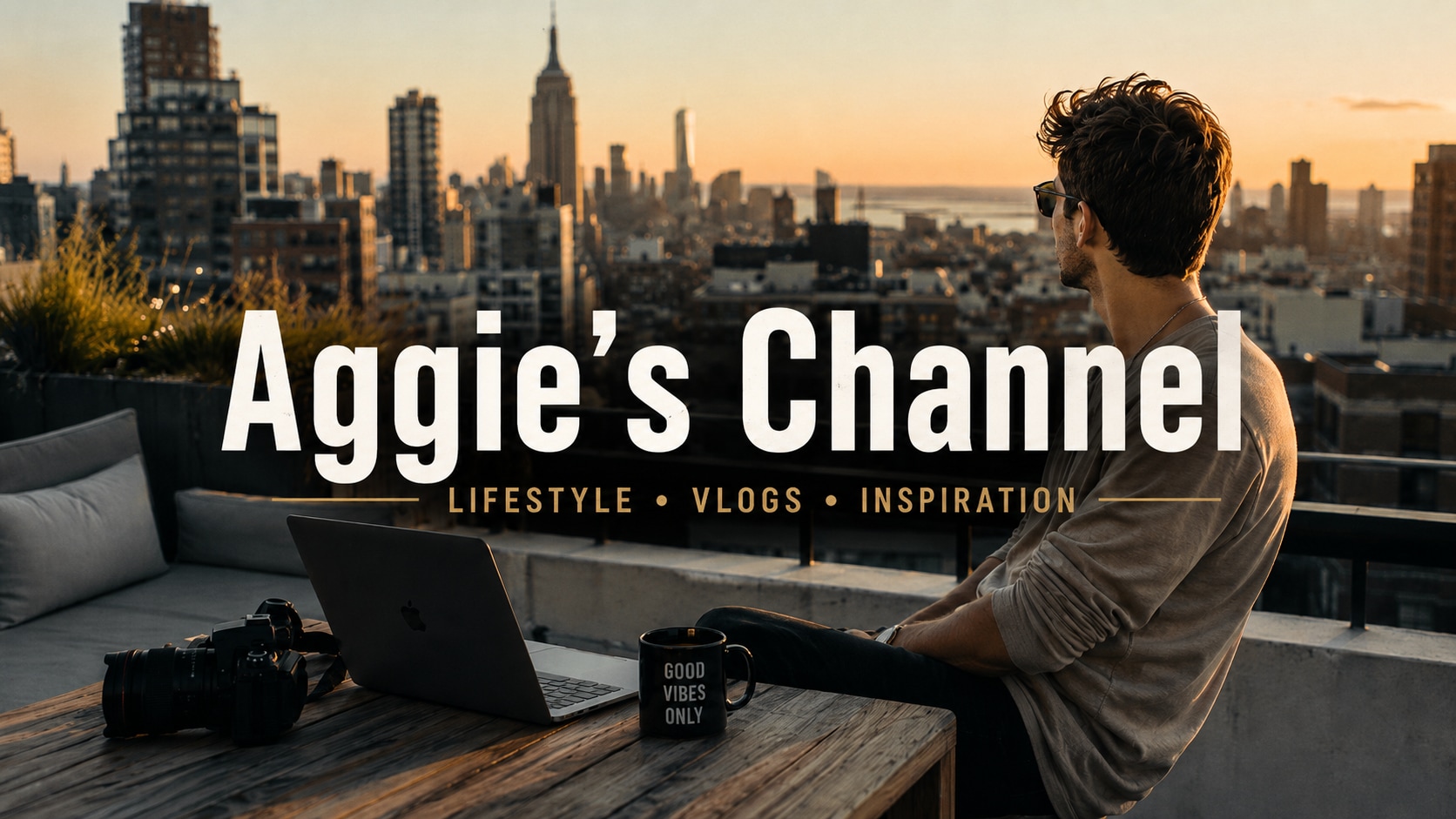
YouTube channel art style example
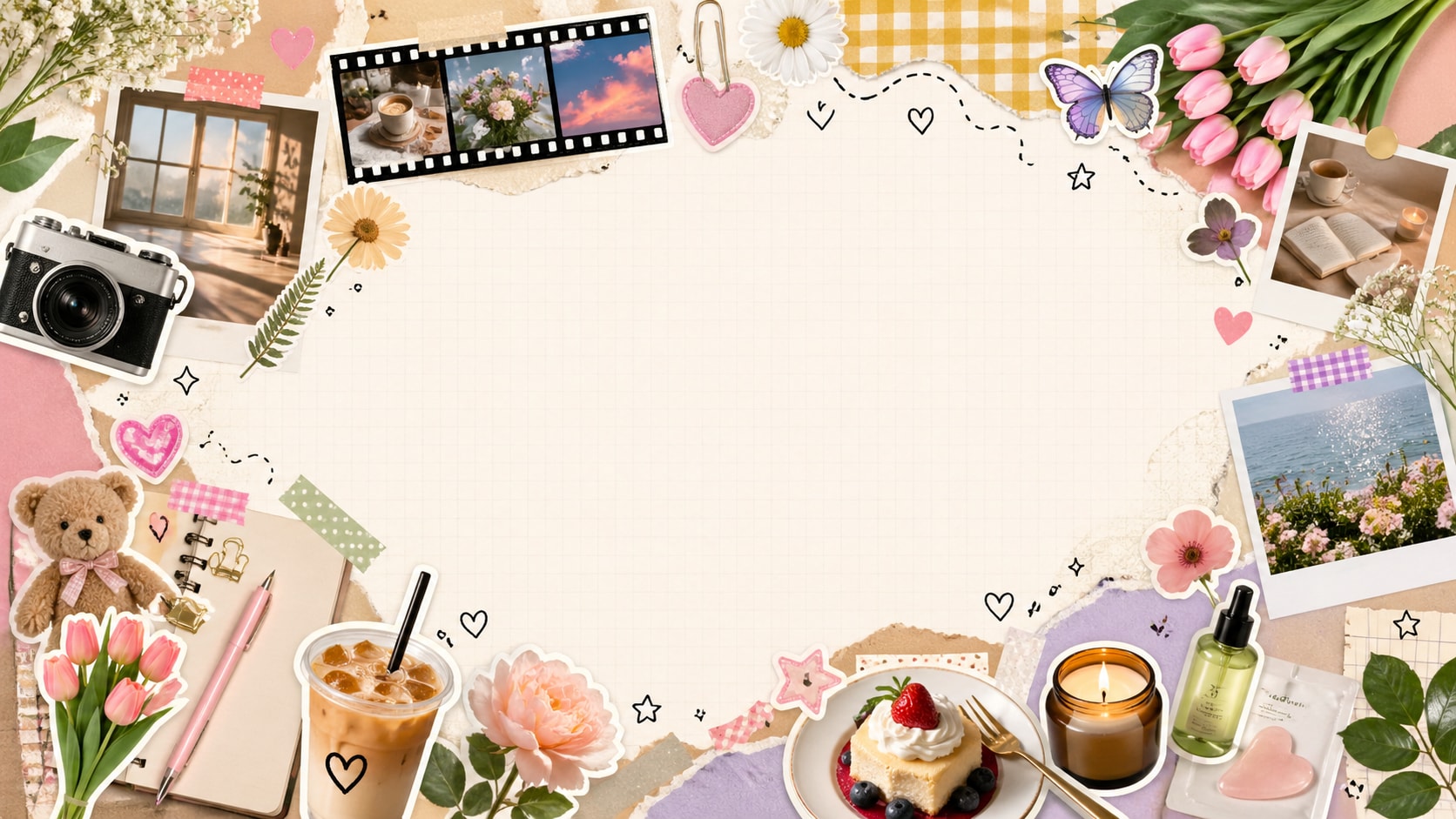
Creative YouTube banner idea
YouTube
Channel Art
1 Image Start from a single source image and build new banner directions faster.
Wide Layout Generate visuals that feel better suited for the horizontal look of YouTube channel art.
More Impact Create bolder banner concepts that feel stronger, cleaner, and more memorable.
Brand Ready Use generated visuals as references for creator pages, business channels, and branded accounts.

Create Bigger, More Eye-Catching YouTube Banner Concepts

Use one source image to generate stronger channel art directions for YouTube. From gaming creators and vlog channels to tutorial brands and business pages, UniConverter helps you explore banner visuals that feel more polished, more clickable, and more aligned with your content identity.
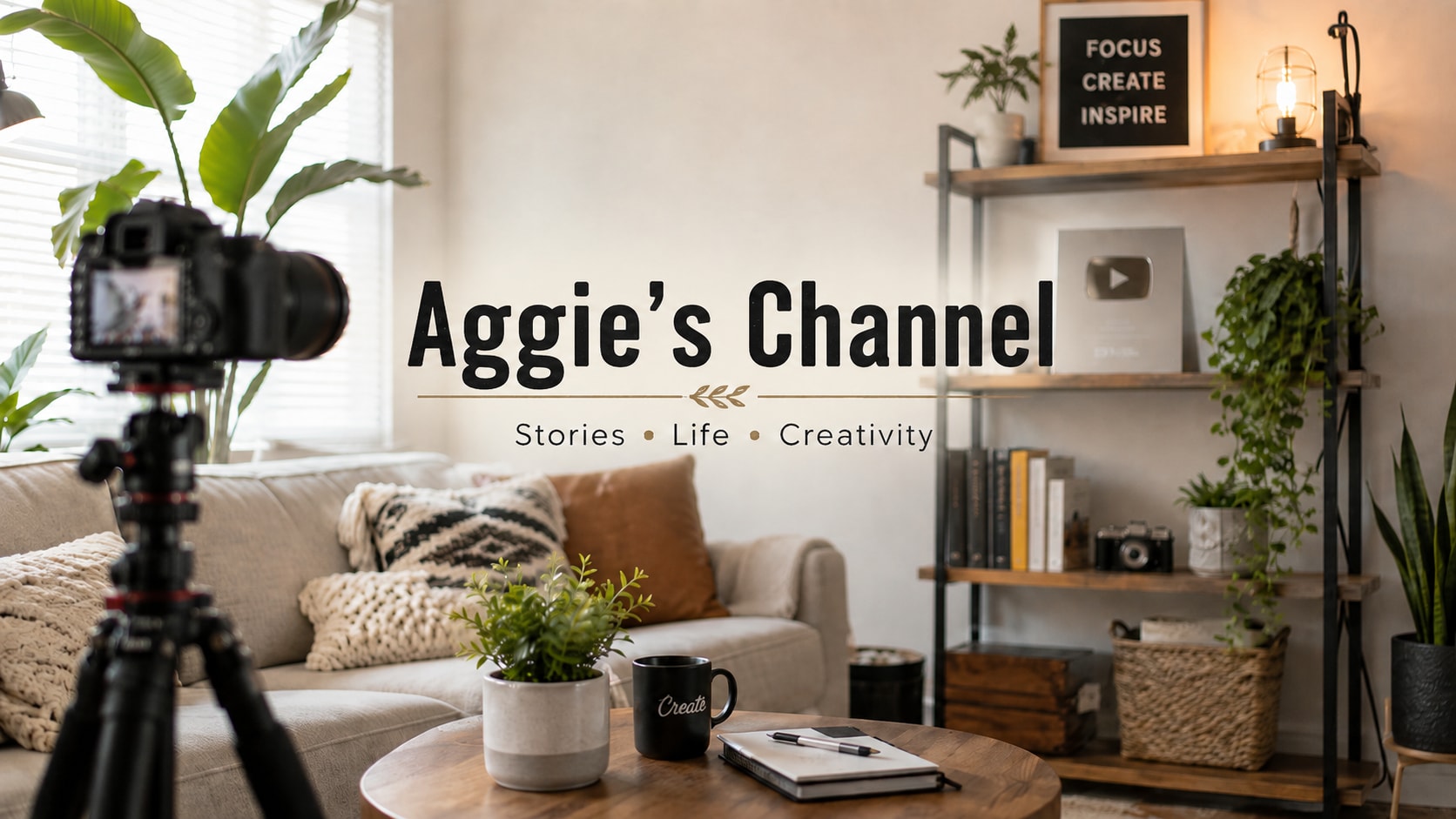

Featured Banner Style Featured YouTube banner concept
Banner Direction 01 YouTube banner direction one
Banner Direction 02 YouTube banner direction two
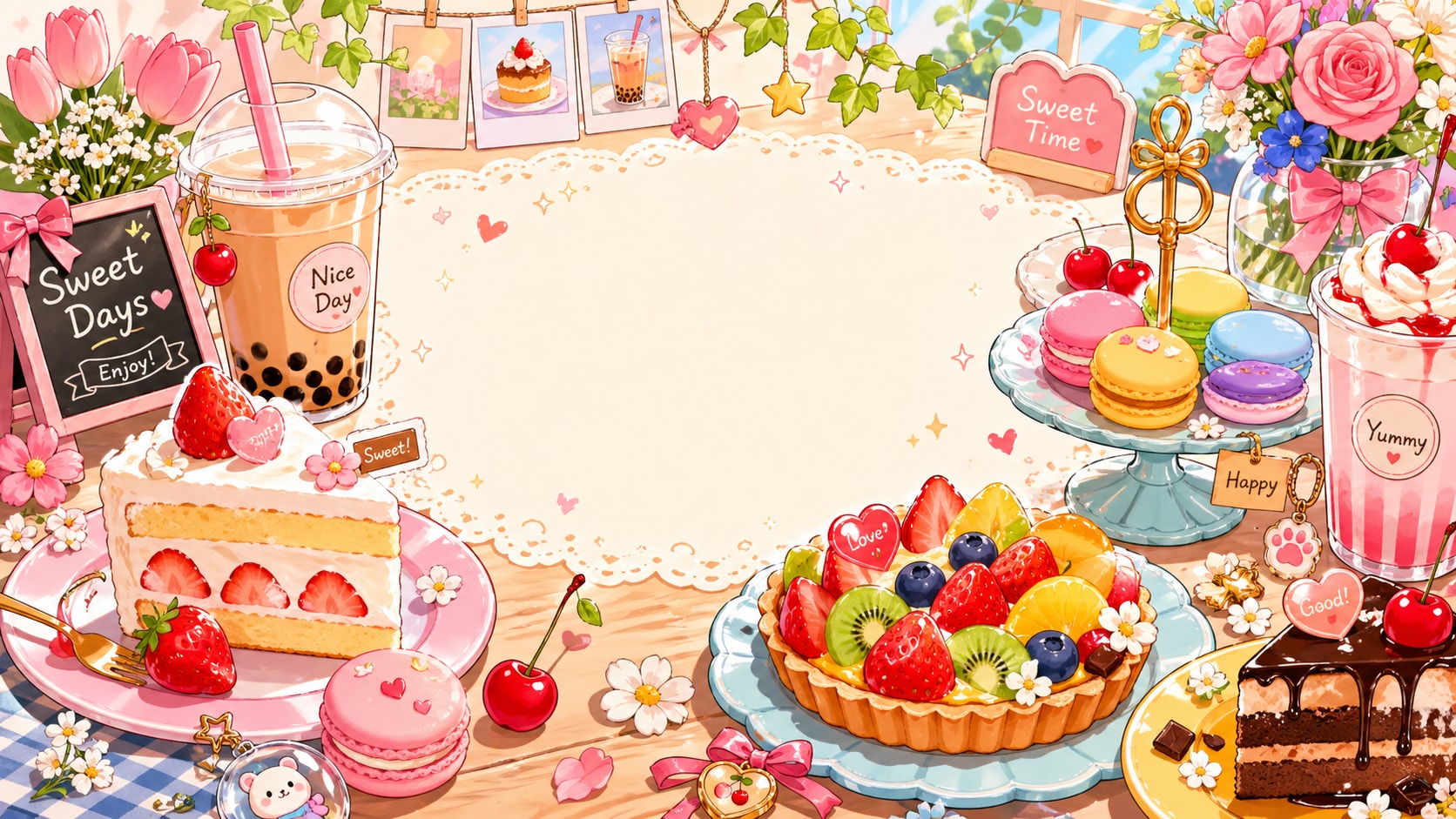
Banner Direction 03 YouTube banner direction three
Channel Art Layout YouTube channel art layout sample
How-To Guide

How to Generate a YouTube Banner with UniConverter

Create a professional YouTube banner in minutes with UniConverter. Just upload your image, enter your prompt, choose a preferred style, and let AI generate polished banner ideas for your channel.
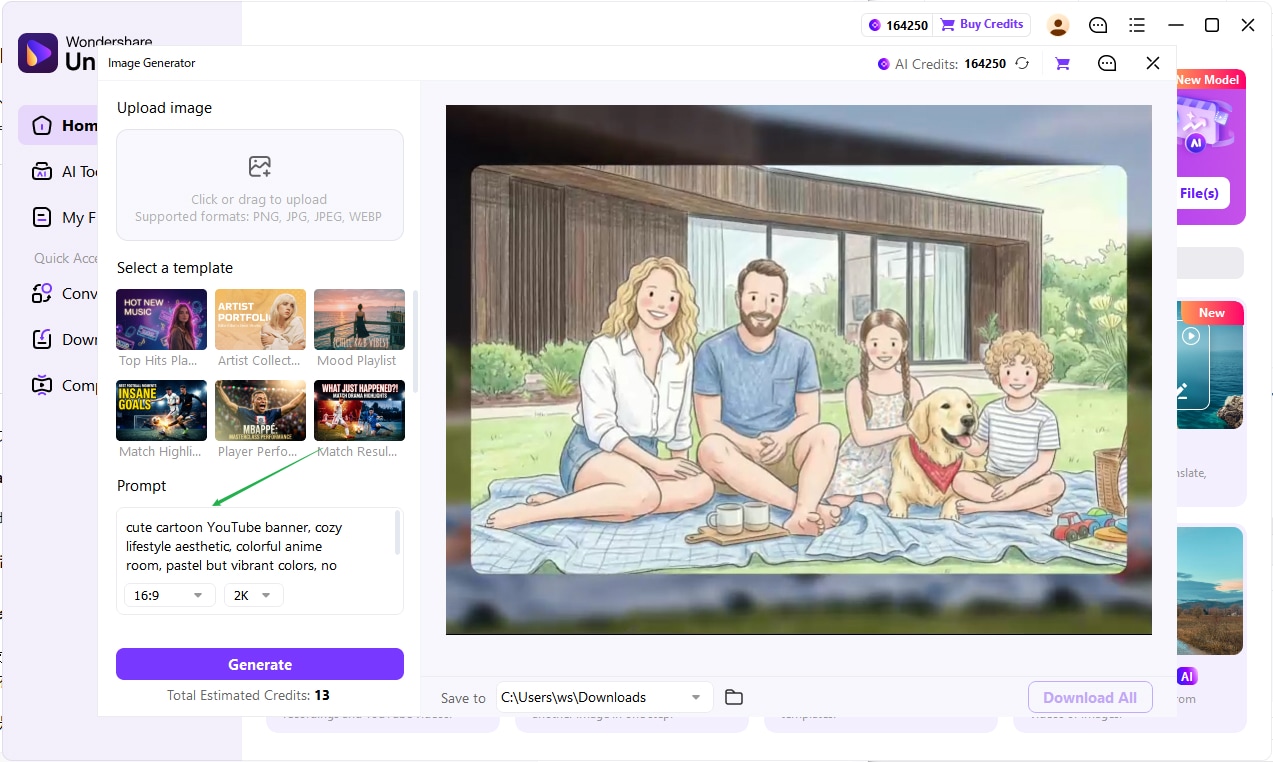
Step 1
Open UniConverter and upload your image

Open the AI Image Tool and Upload Your Image

Launch UniConverter and go to the AI image creation feature. Upload a source image if you want to transform an existing visual, or start from scratch for a brand-new banner design.

  • Open UniConverter and access the AI image generation workspace.
  • Upload a creator photo, logo, or background image if needed.
  • Use a clean image to get sharper and more professional banner results.

Enter a Prompt and Choose a Banner Style

Describe the look you want for your YouTube banner, such as gaming, lifestyle, business, tech, or minimal branding. Then select the style that best matches your channel identity.
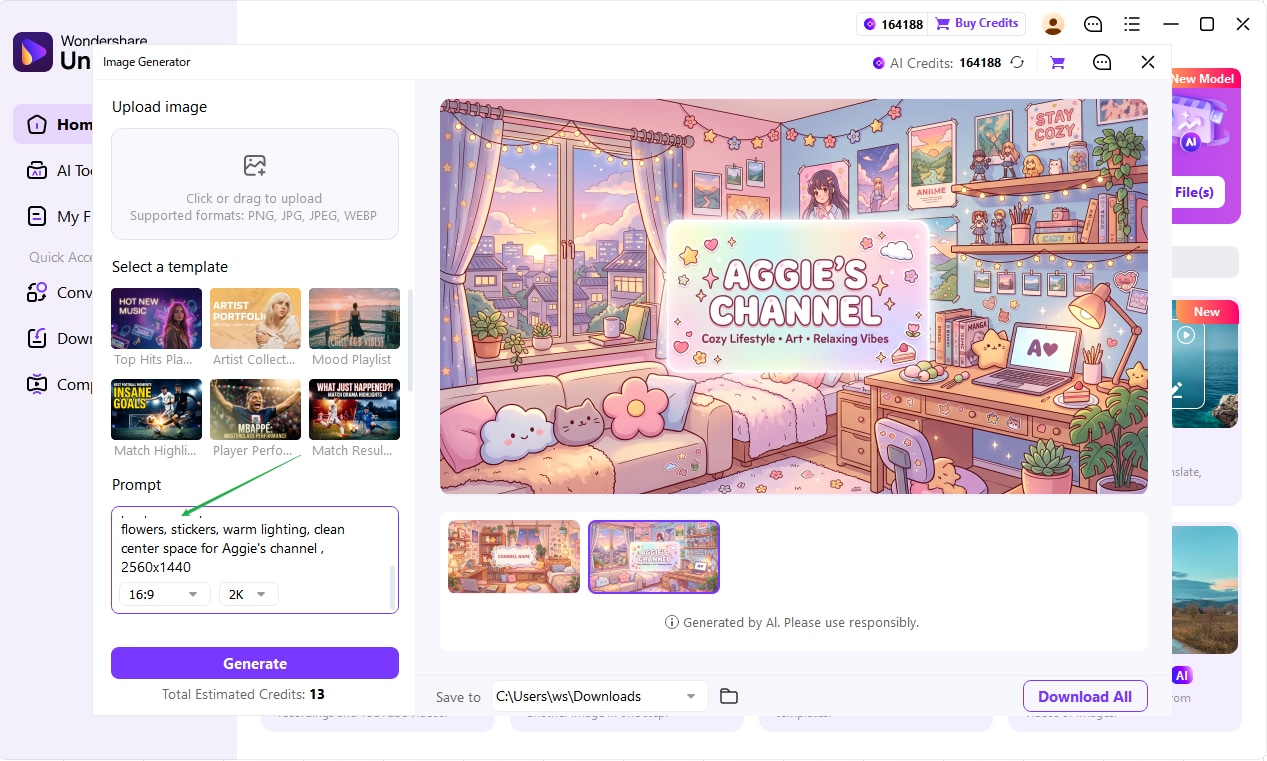
  • Type your prompt based on your desired banner style.
  • Adjust the visual direction for your niche and audience.
  • Choose a style that matches your channel branding.
Step 2
Enter a prompt and choose a style
Step 3
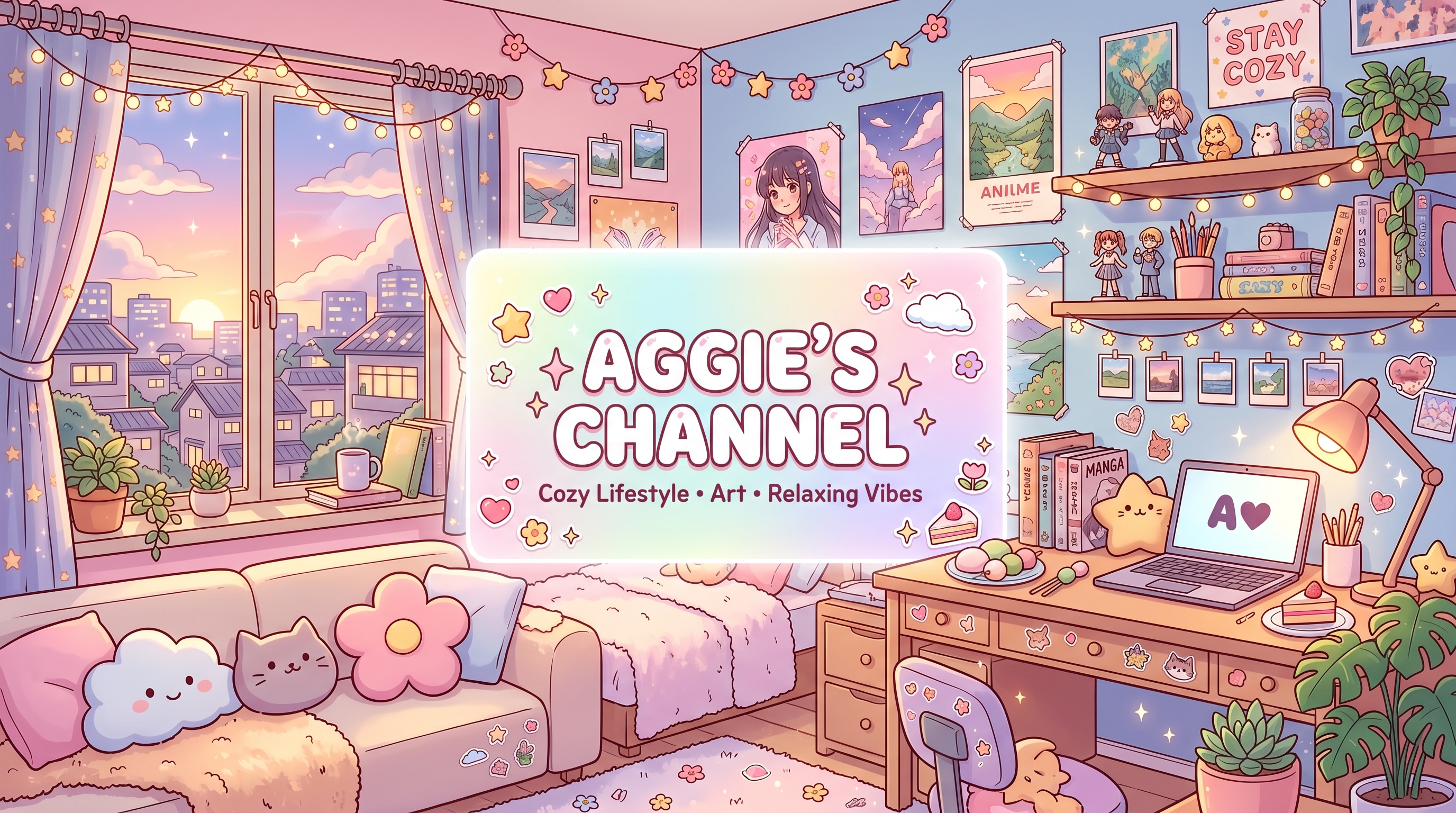
Generate and download your banner

Generate, Preview, and Download Your Banner

Click generate and review the AI-made banner options. Pick the one that best fits your channel, then download it for YouTube use.

  • Generate multiple concepts and compare the results.
  • Choose the banner that fits your visual identity.
  • Download the final design and upload it to YouTube.

Why Use a YouTube Banner Generator

Great YouTube channel art helps your page look more recognizable, more professional, and more aligned with your content niche. A stronger banner can improve first impressions before visitors even watch a video.

Build a Stronger Channel Identity

Create banner concepts that match your creator personality, content tone, and niche positioning. This helps your YouTube homepage feel more cohesive and more polished at first glance.

Explore More Visual Directions Faster

Instead of starting from scratch, generate multiple banner ideas from one image and use them as visual references for your final channel art production.

Useful for Different Channel Types

Whether you run a gaming channel, podcast page, tutorial account, reaction channel, vlog, or business brand, a banner generator helps you visualize stronger cover directions faster.

Make Your Page More Memorable

Clear banner design improves recognition across YouTube and other platforms. Better composition, stronger color direction, and cleaner message focus all help your channel stand out.

YouTube Banner Reference

A strong YouTube banner usually combines wide-format composition, clear branding, readable hierarchy, and a visual tone that matches the channel niche. Use these reference points when shaping your own channel art direction.

YouTube banner reference example

Use a Wide, Balanced Composition

YouTube banners need strong horizontal balance. Keep the focal subject, key branding area, and visual weight distributed in a way that feels stable on large screens.

Match the Banner Style to the Channel Niche

Gaming, education, lifestyle, podcast, and business channels all need different visual tone. The banner should quickly communicate what viewers can expect from the page.

Keep the Branding Clear and Memorable

Strong banner references usually avoid clutter. They use cleaner hierarchy, stronger contrast, and more focused visual storytelling so the homepage feels more professional.

FAQs About YouTube Banner Generator

Learn more about creating banner visuals for YouTube channels with UniConverter.

A YouTube banner generator is a tool that helps you create visual ideas for YouTube channel art. It can turn one image into a stronger wide-format banner concept that fits creator branding and channel presentation.
Yes. UniConverter can help you transform a single image into more eye-catching banner directions, making it easier to explore creative layouts and stronger visual styles for your channel art.
It is useful for YouTubers, streamers, educators, business channels, podcasters, gaming creators, and anyone who wants stronger channel branding and a more attractive page presentation.
A good YouTube banner should be visually clear, wide-format friendly, aligned with your niche, and consistent with your brand identity. Strong composition, better color focus, and simple hierarchy all matter.

Create Better YouTube Banner Concepts with UniConverter

Generate more attractive channel art ideas from a single image and explore bigger, more polished visual directions for your YouTube branding.

Create eye-catching YouTube banner concepts with UniConverter