Turn simple prompts into polished visuals for ads, social media, ecommerce, posters, and campaign creatives. Powered by Seedream5.0 inside UniConverter, this workflow helps you create faster with cleaner composition, stronger aesthetics, and a more premium visual finish.
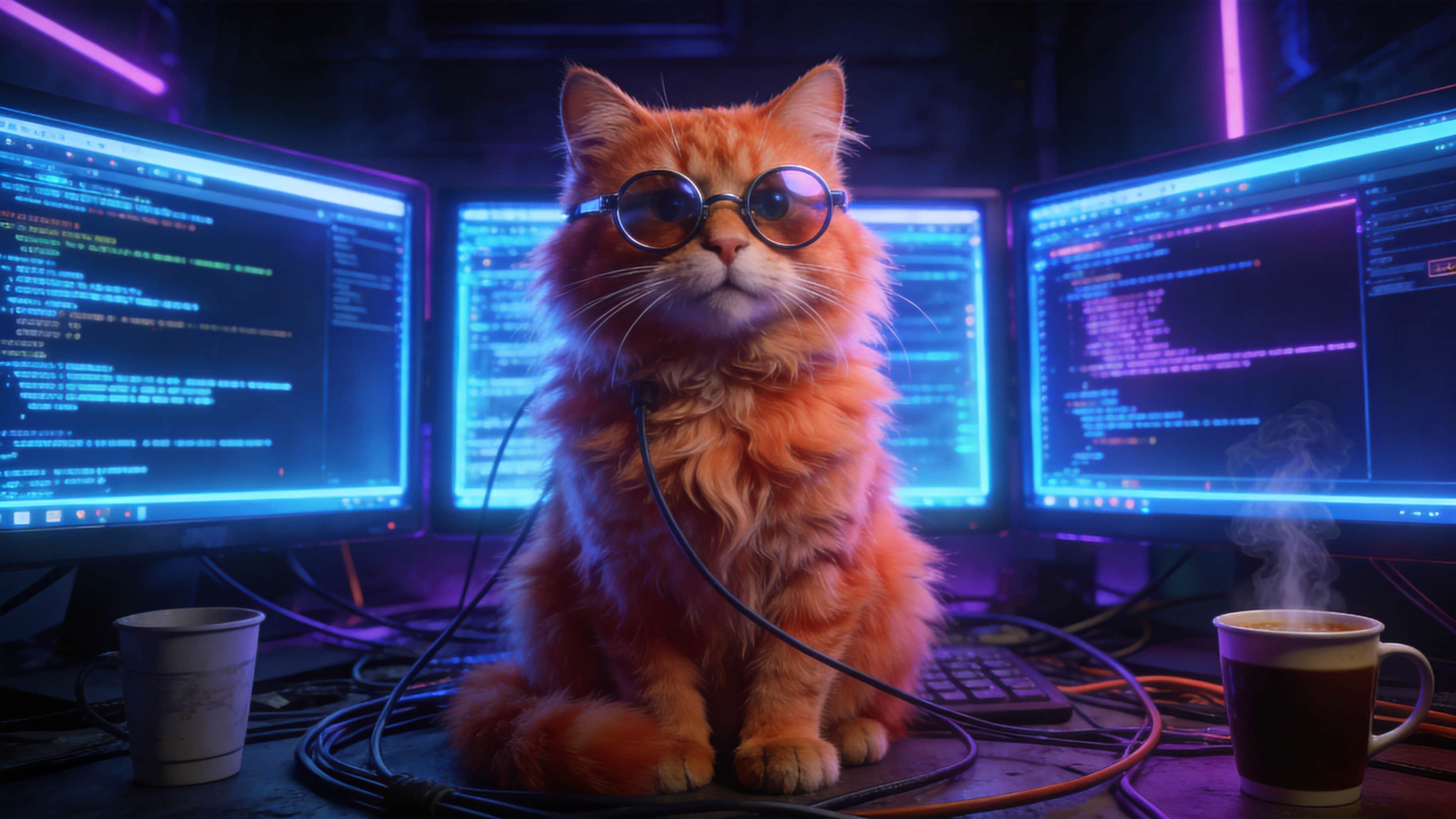

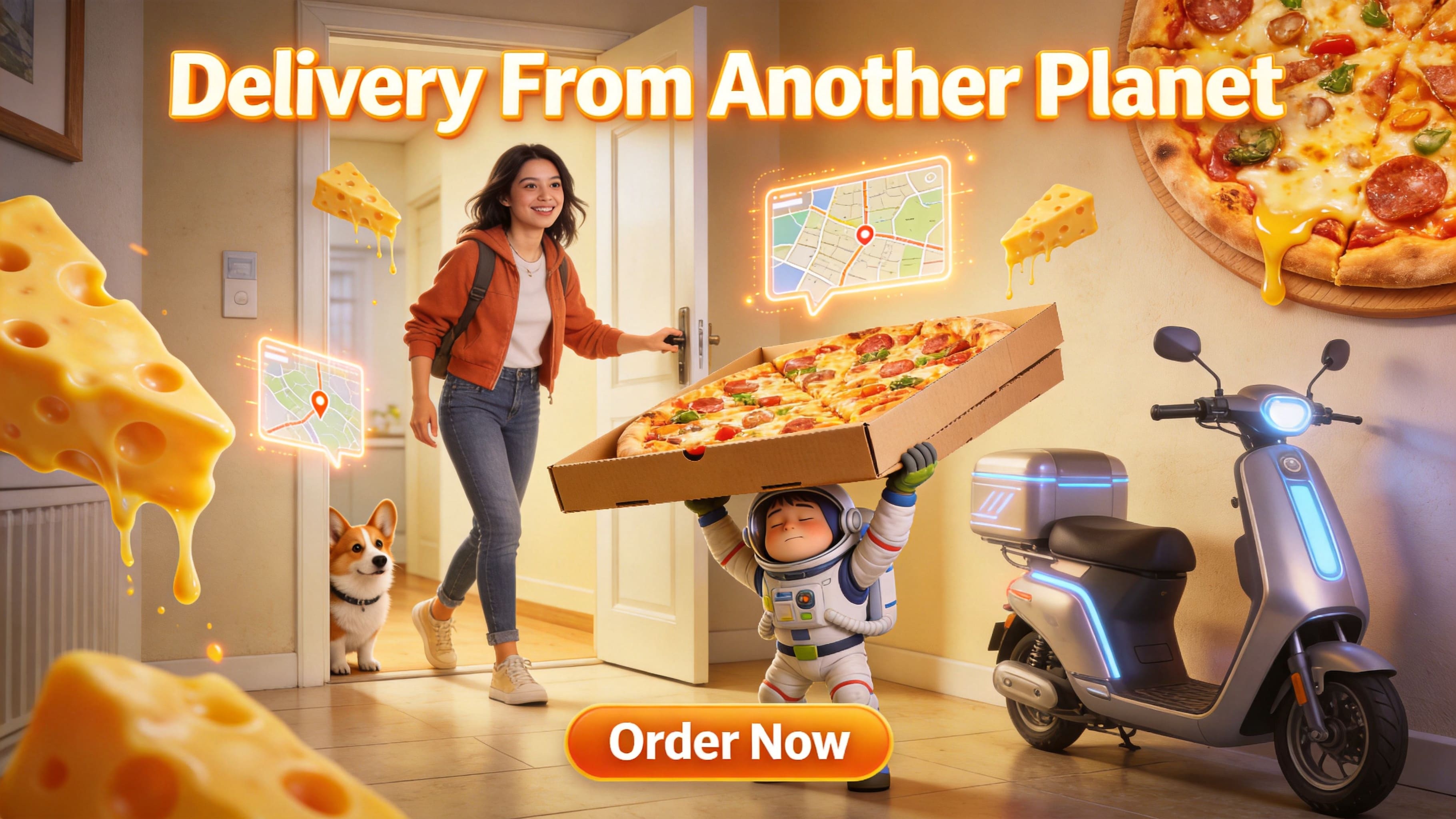
Explore premium-looking outputs for brand campaigns, product promotions, social publishing, and creator visuals.





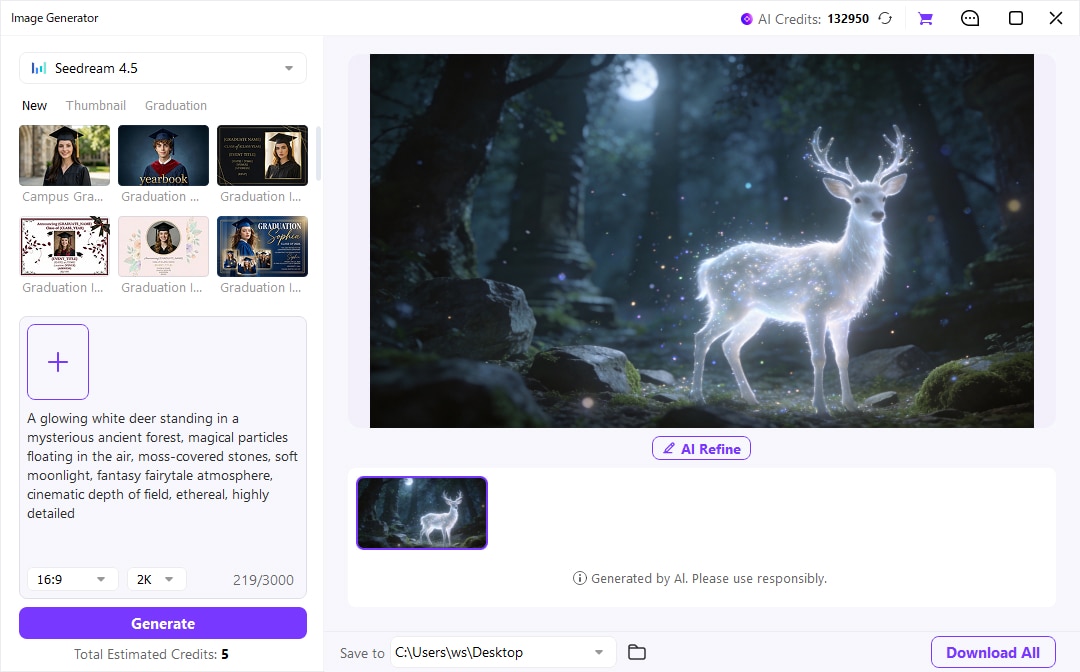
Use UniConverter’s AI Image Generator to go from prompt to finished visual in a simple 3-step workflow.
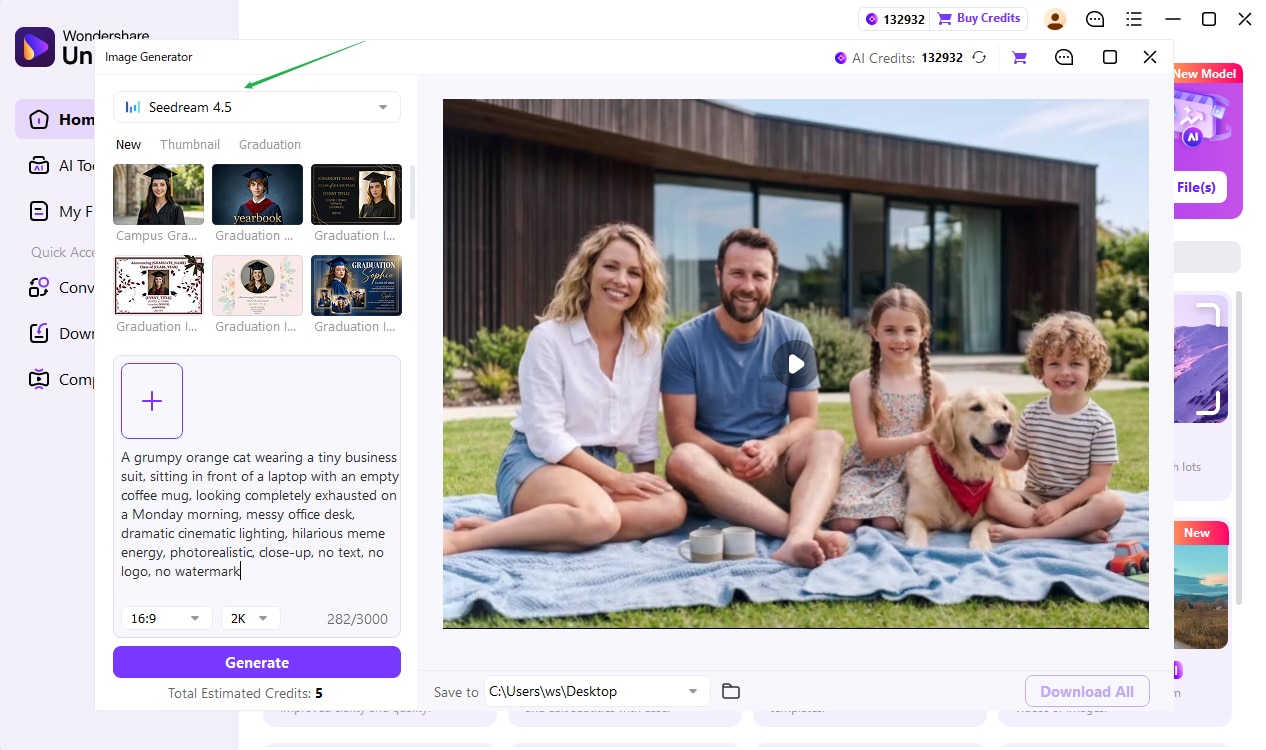
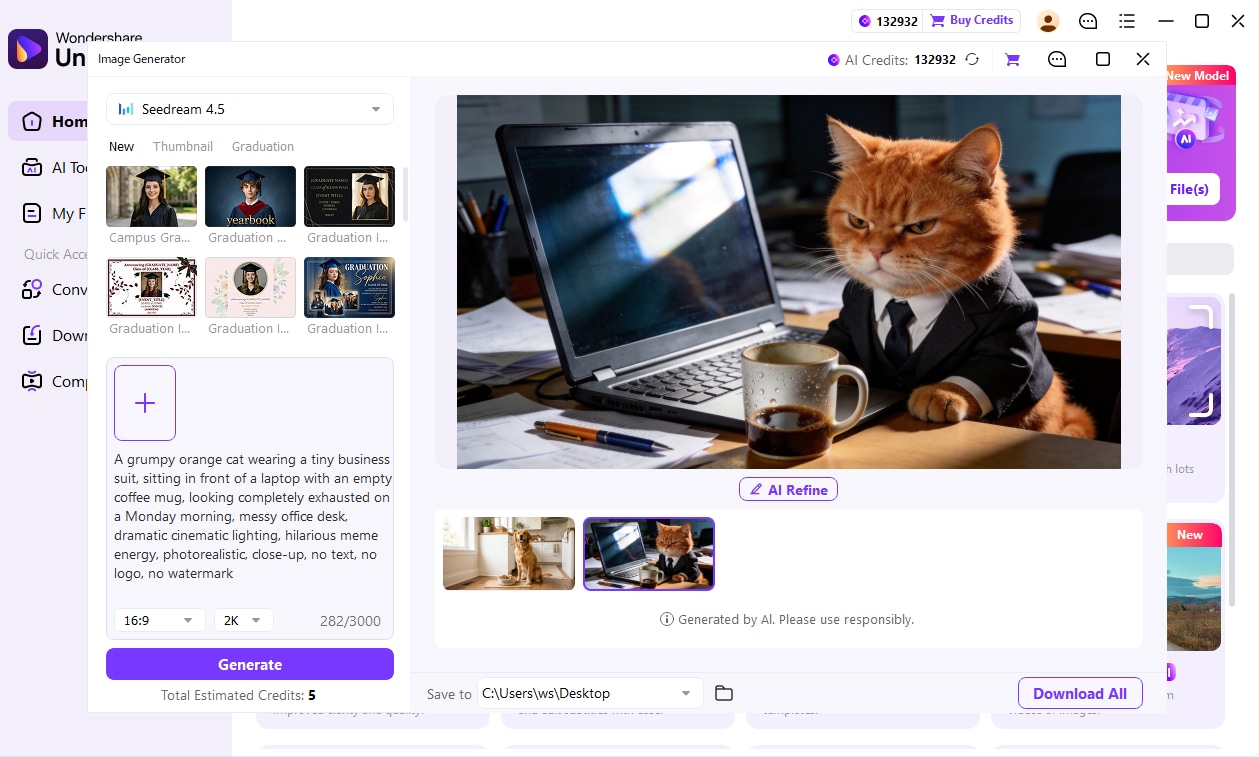
Seedream5.0 works especially well for teams and creators who need polished, campaign-ready visuals fast without switching between multiple design tools.

Create ad creatives, seasonal campaigns, social assets, and landing-page visuals with a more premium, brand-ready finish.

Generate product banners, promo graphics, store hero images, and commercial-looking visuals for fast-moving sales activities.
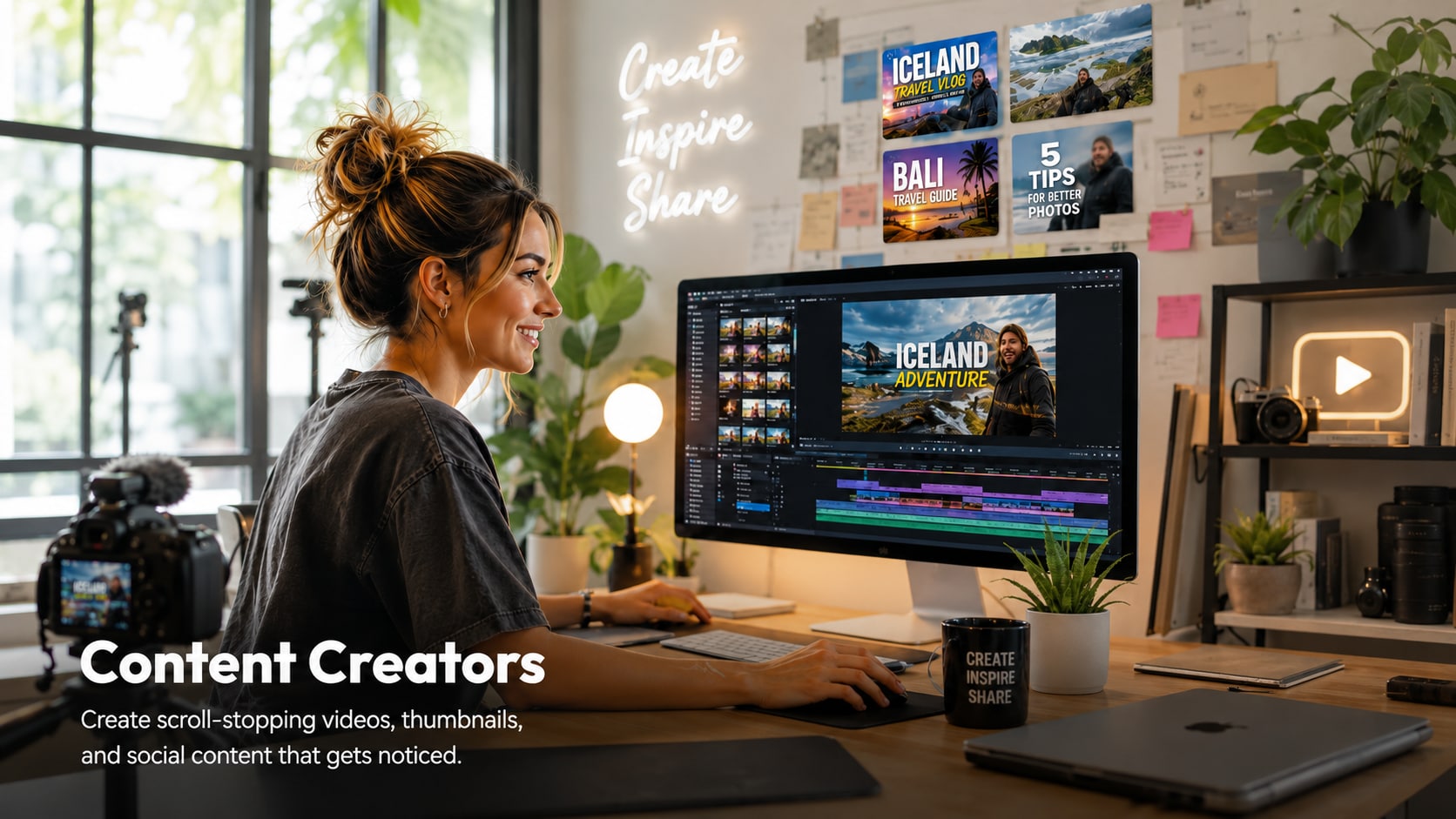
Produce thumbnails, posters, channel art, storytelling visuals, and creator-branded graphics with stronger visual consistency.
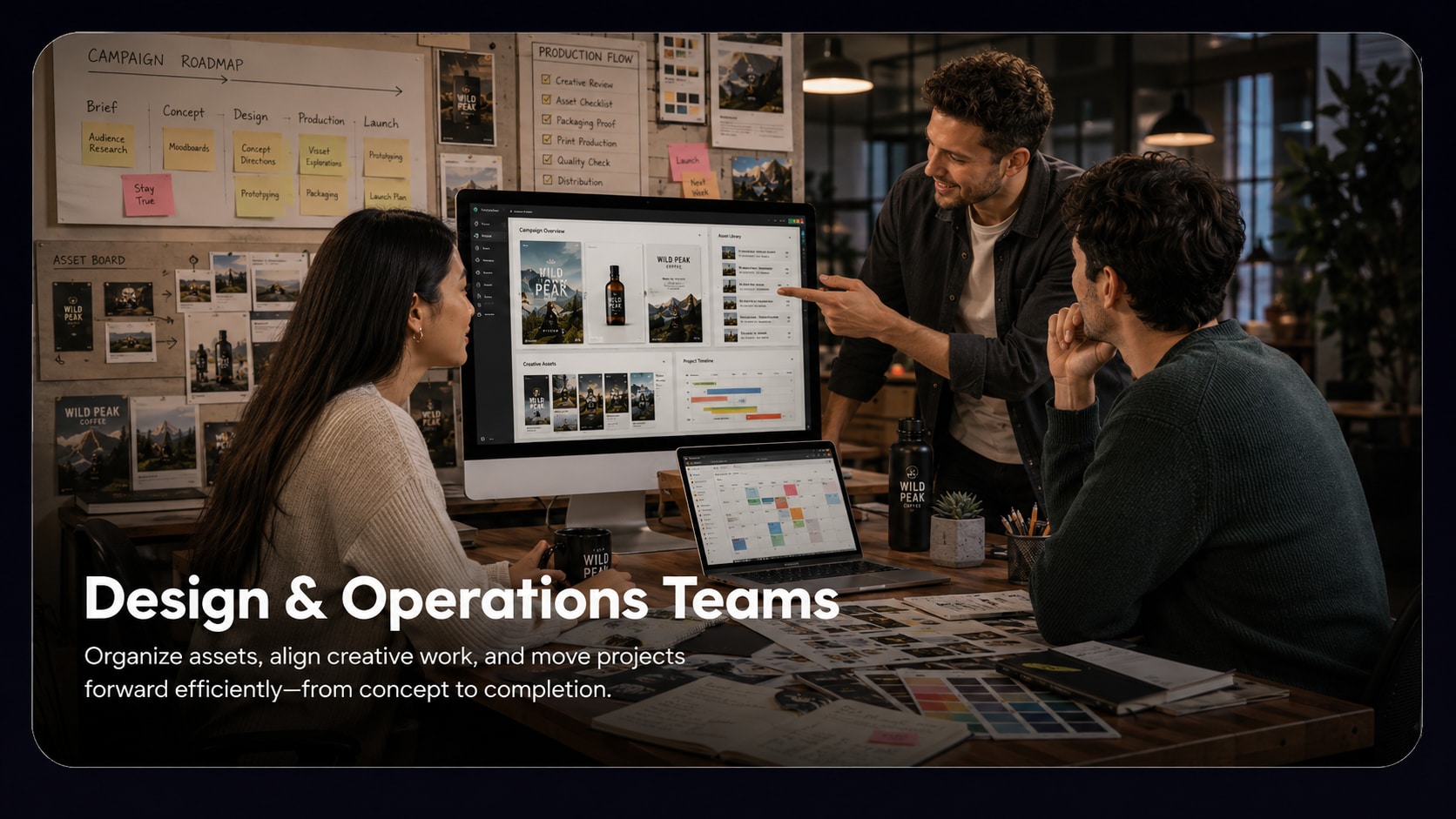
Speed up concept exploration, campaign drafts, and internal creative production when quick turnaround matters more than manual design time.
Seedream5.0 in UniConverter is built for more than one-off image generation. It helps turn simple prompts into cleaner, brighter, campaign-ready visuals with stronger composition, more polished styling, and a workflow that fits real content production. Instead of stopping at image output alone, you can generate, review, refine, and export assets in one place for ads, ecommerce banners, social posts, thumbnails, and branded creative work.
Yes. The page is clearly positioned around polished, premium-looking output for marketing teams, ecommerce sellers, and content creators. That makes it especially useful for product promos, seasonal campaigns, social media graphics, store banners, landing-page visuals, and other commercial-style assets where lighting, framing, and presentation quality matter as much as the idea itself.
You can start with only a text prompt, which makes it accessible even if you are not a designer. If you want more control, UniConverter also supports adding a reference image to guide style and composition. A practical workflow is to begin with a clear concept, generate a first draft, then refine wording, visual direction, or references until the image better matches the campaign or content goal.
It is a strong fit for marketing teams, ecommerce sellers, content creators, and design or operations teams that need polished visuals quickly. Marketing teams can use it for ad creatives and seasonal campaigns, ecommerce sellers for product banners and store imagery, creators for thumbnails and social content, and internal teams for faster concept exploration without constantly switching between separate design tools.
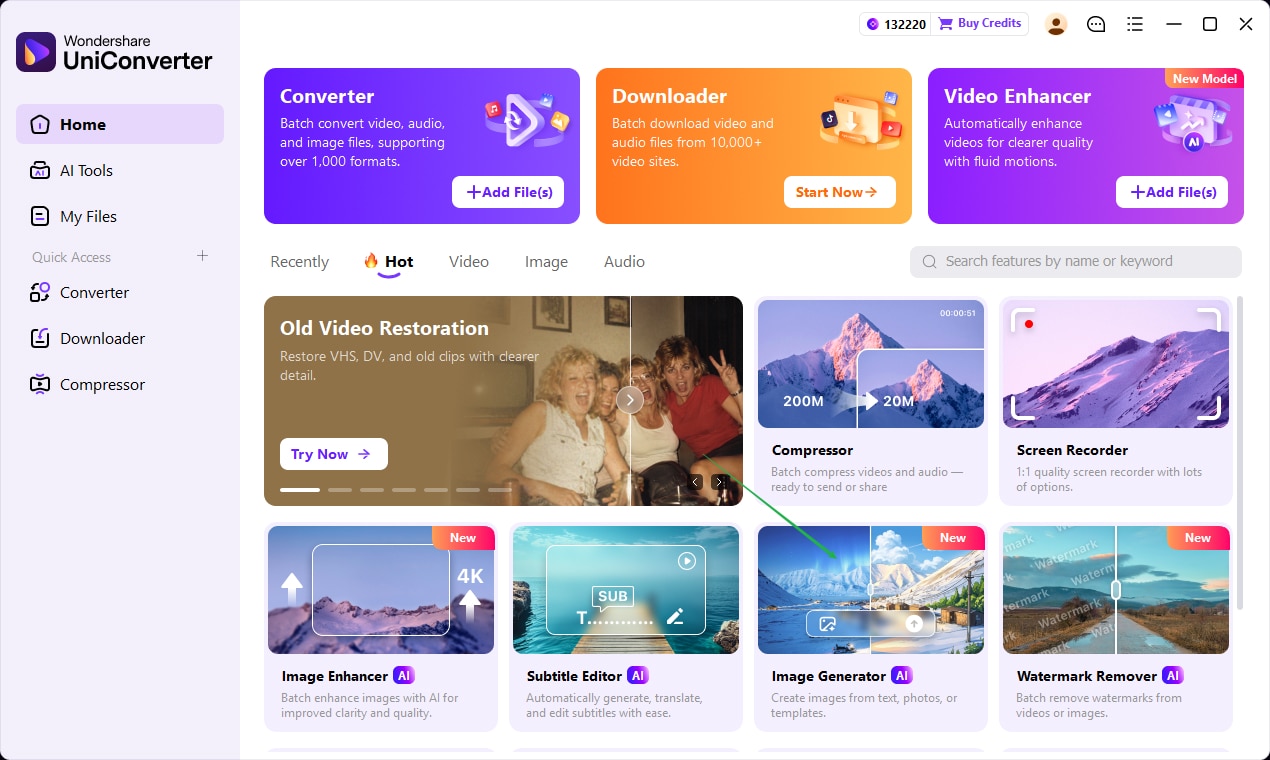
The workflow is designed to stay simple: open the AI Image Generator in UniConverter, enter a prompt or upload a reference image, then generate, refine, and export the final visual. That structure is useful because it keeps ideation and production connected. You can move from concept to usable campaign asset faster, while still having room to improve details before export.
Generate standout visuals for ads, ecommerce, social media, and campaign design inside UniConverter.

