Bring your ideas to life with image generator Nano Banana 2 in UniConverter. Create bold, high-quality AI images in seconds for social media, branding, marketing campaigns, product promotion, and everyday creative work.

See how Nano Banana 2 helps you quickly produce striking AI visuals for social content, campaign design, product promotion, YouTube graphics, and brand storytelling.
Use UniConverter’s AI Image Generator to move from a simple idea to a finished visual with an easy 3-step process.
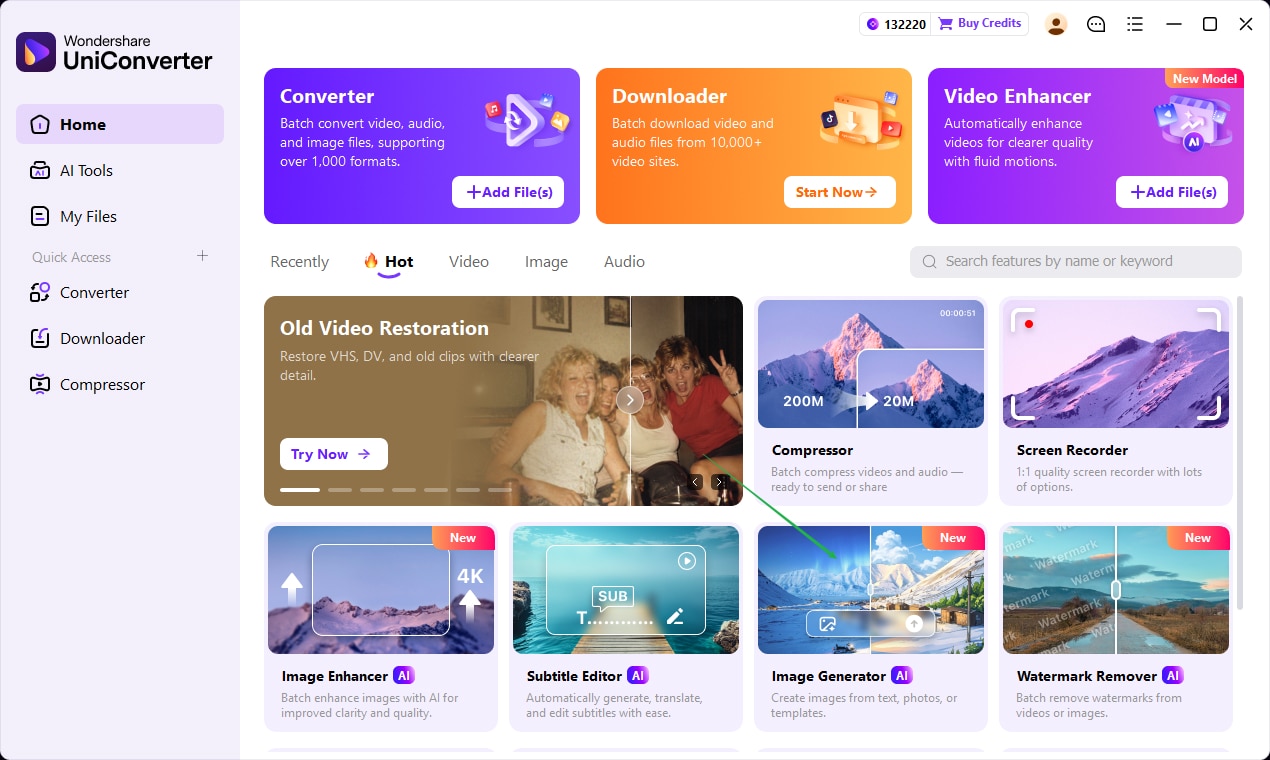
Launch UniConverter from the Home screen, then click the Image Generator card to enter the AI image creation workspace.
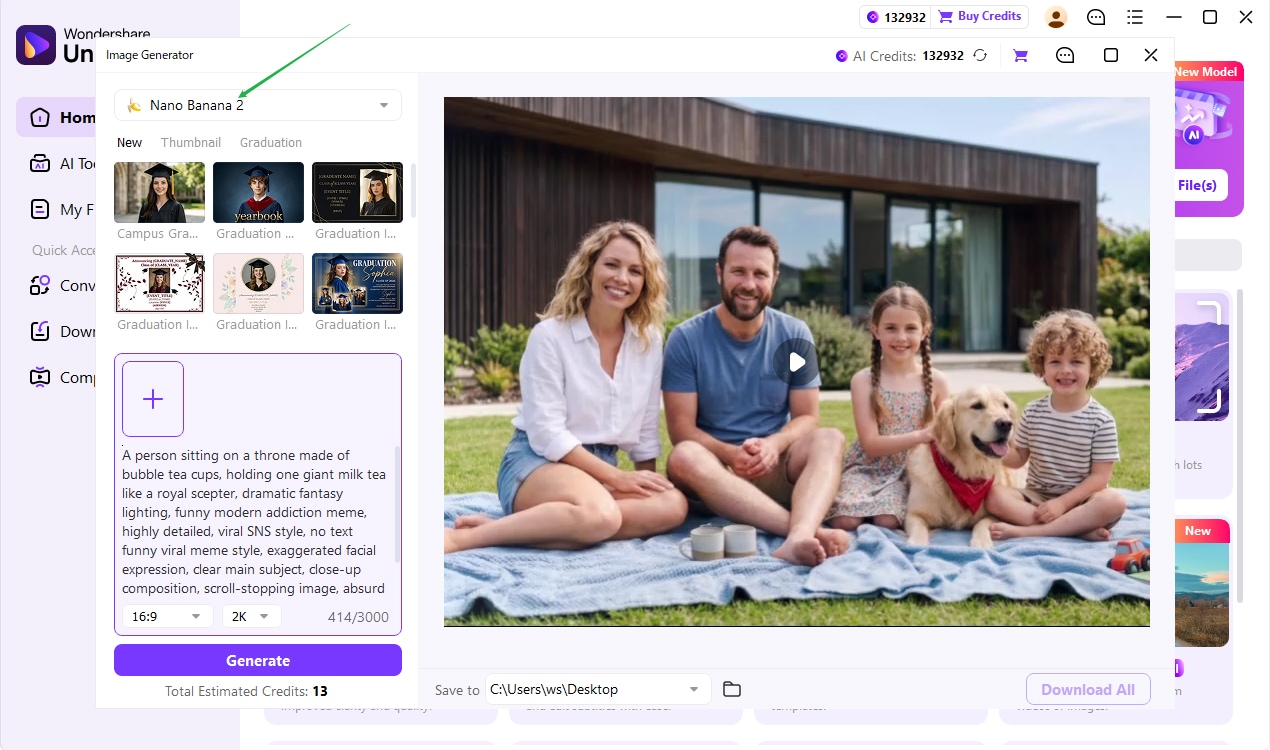
Select Nano Banana 2, then describe the image you want to create. You can also choose a style or use reference examples to guide the final look.
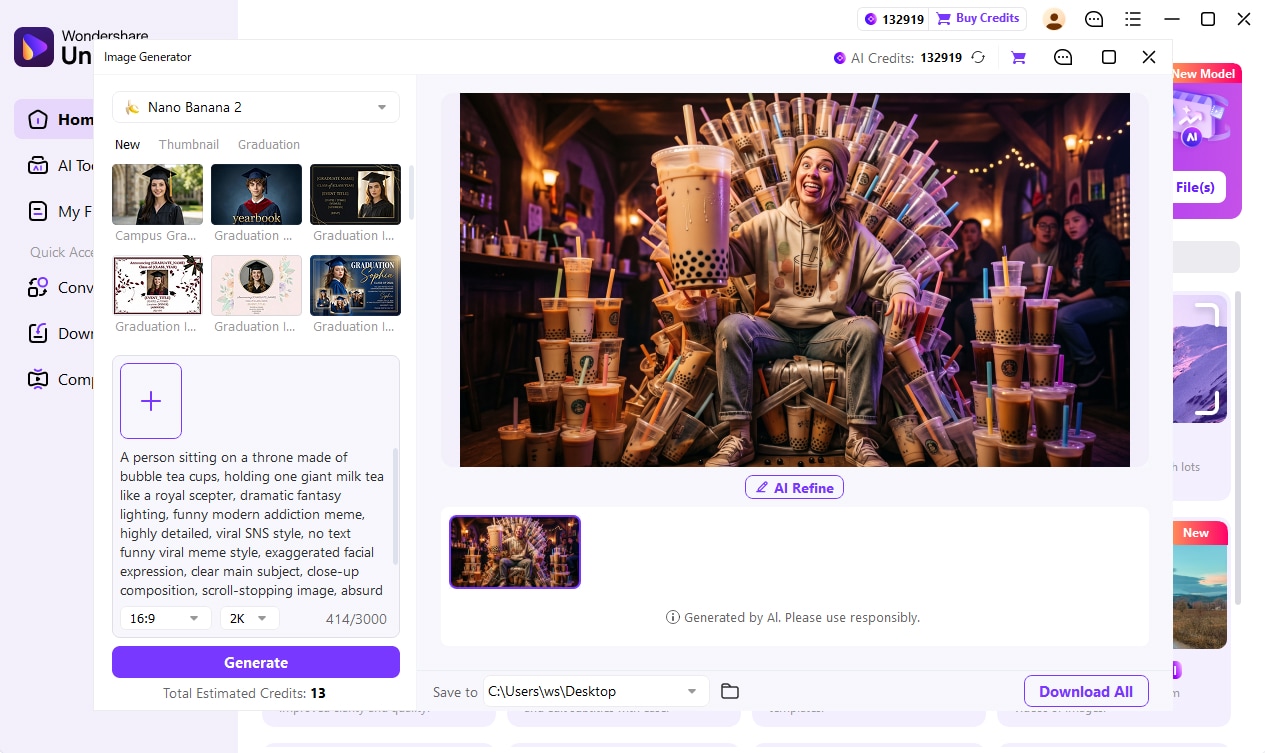
Click Generate to create the image, review the result, use AI Refine if needed, and download the final visual once it matches your idea.
Nano Banana 2 is built for creators, marketers, ecommerce teams, and storytellers who need fast, high-impact visuals for branding, promotion, and content production.
From campaign concepts to ecommerce visuals and creator branding, Nano Banana 2 helps teams build polished image assets faster and more consistently.
Try It Free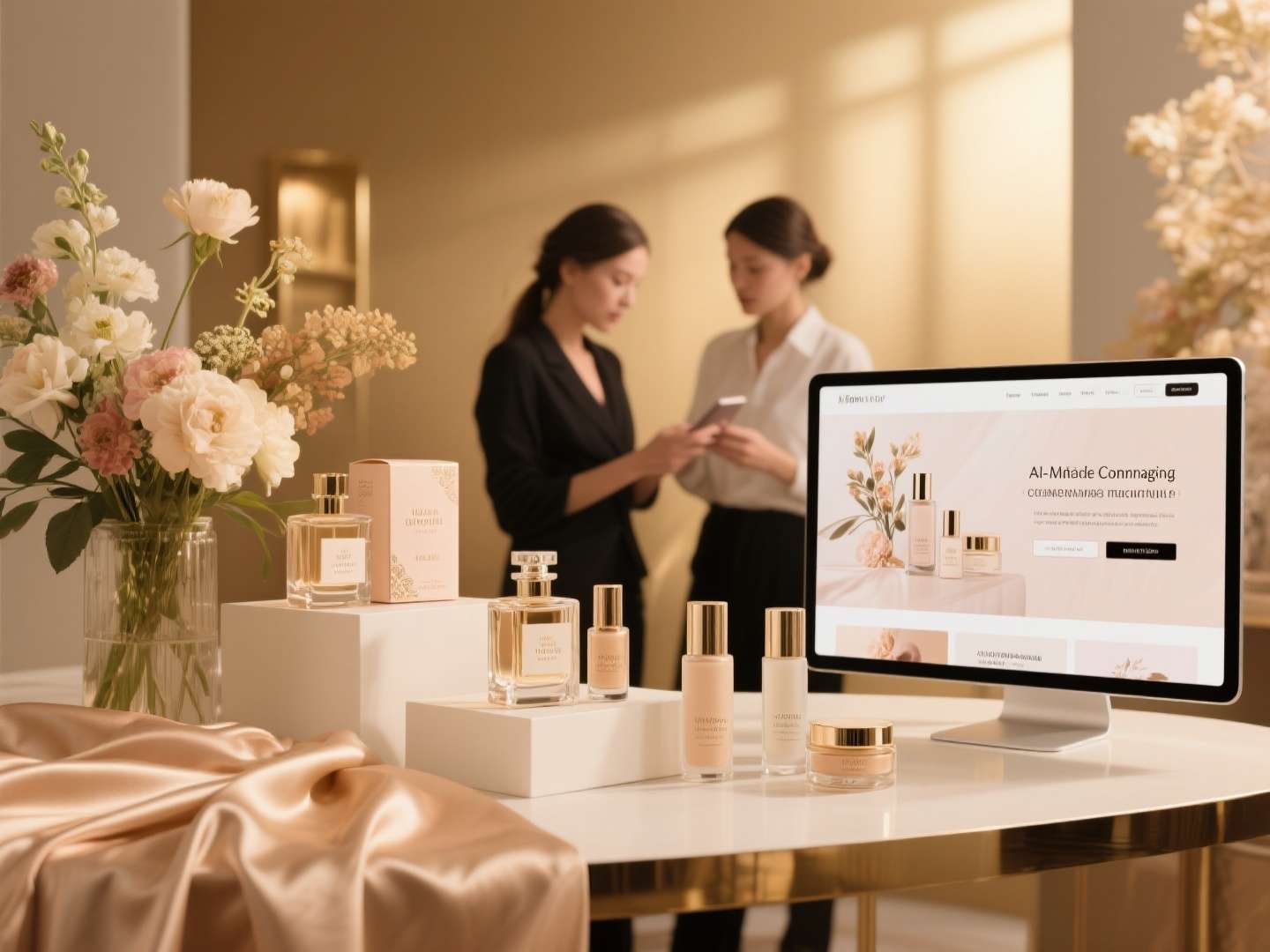
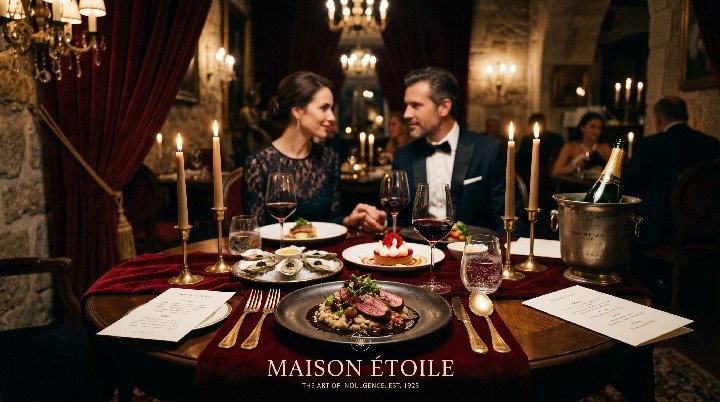
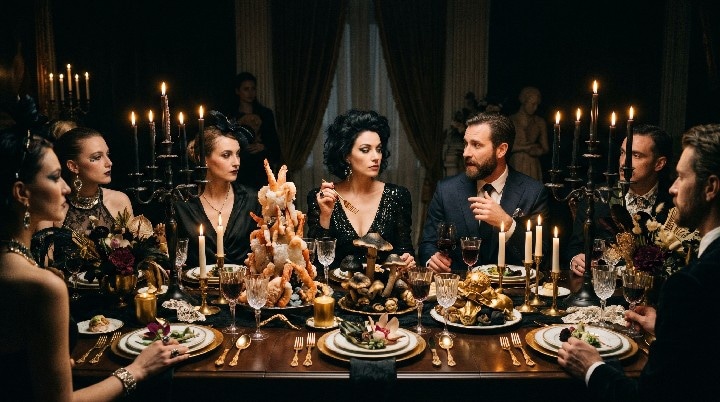
Generate cinematic portraits, dramatic people visuals, and story-driven scenes for invitations, social campaigns, and creative branding.
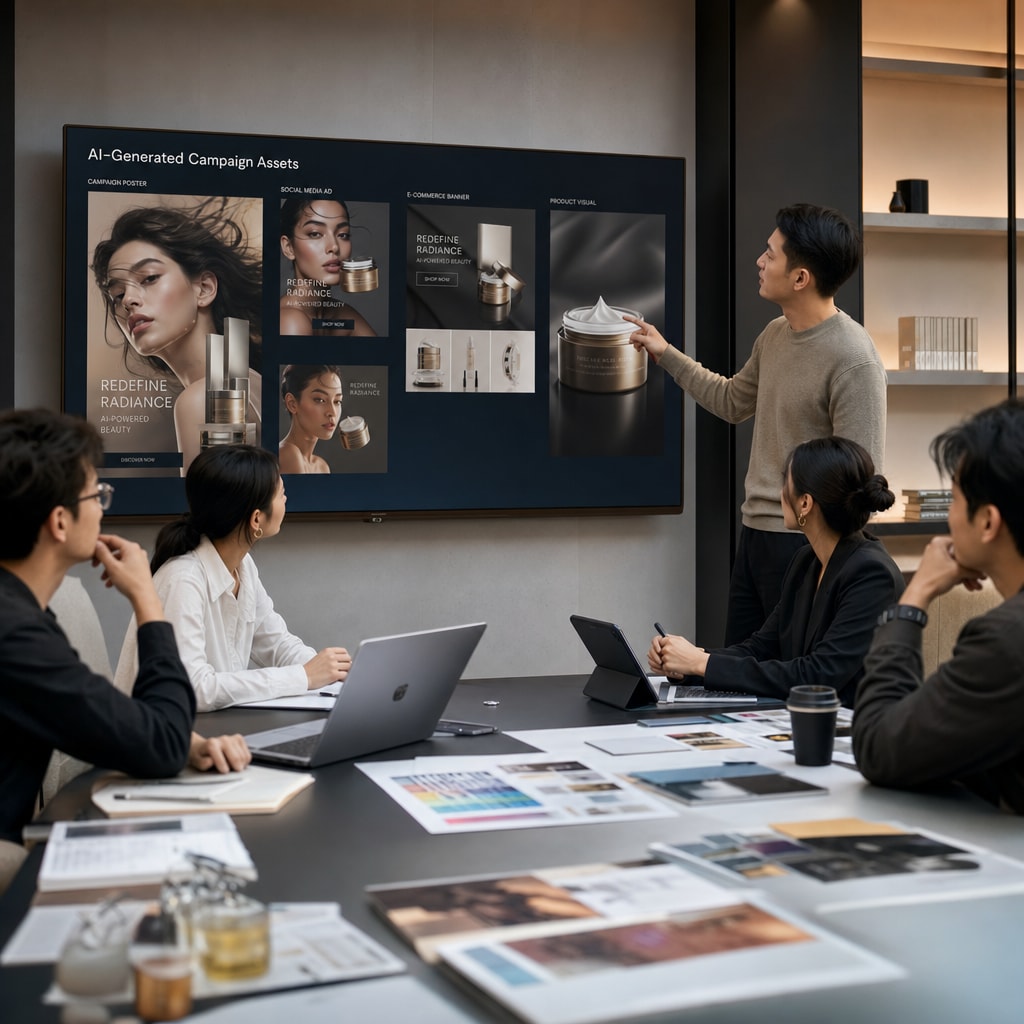
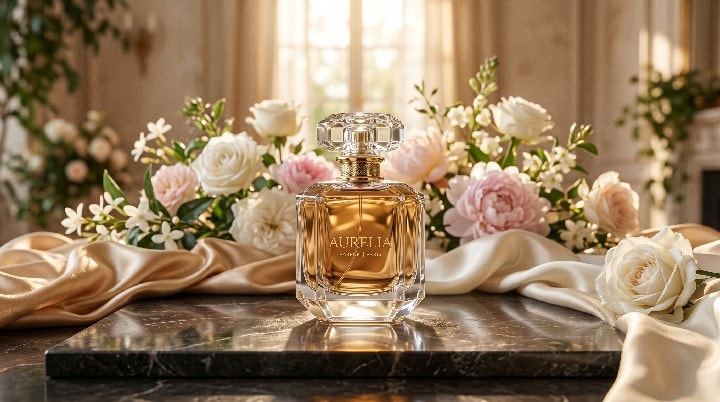
Generate polished product shots, premium brand visuals, and elegant campaign images for beauty launches, ads, and landing pages.
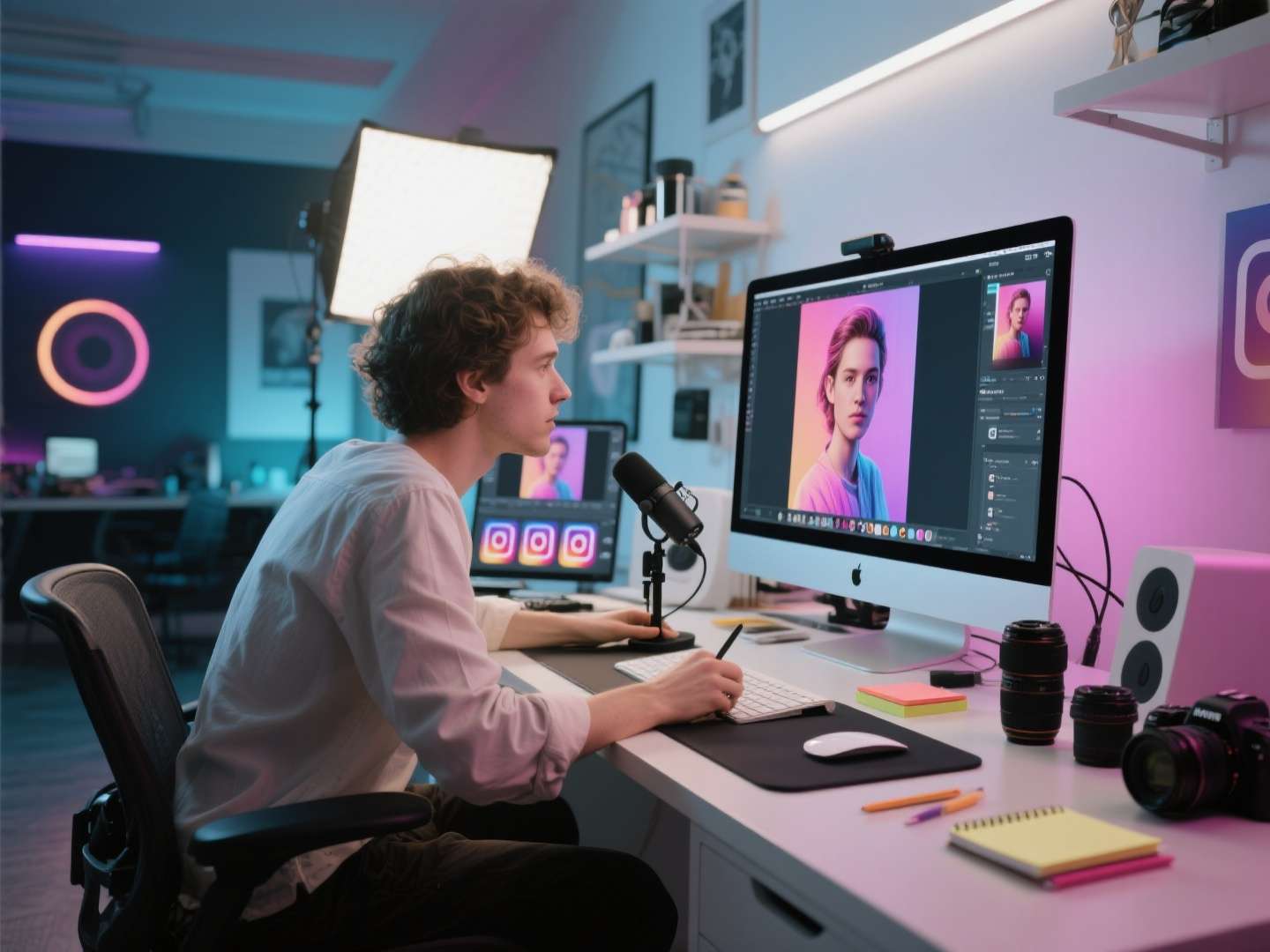
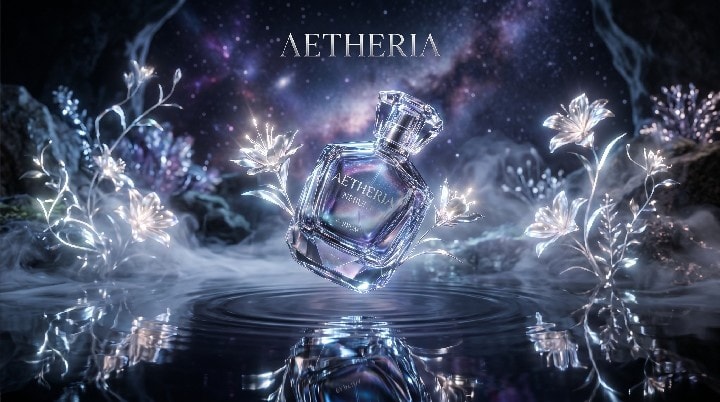
Produce poster-style visuals, branded story images, and editorial campaign artwork for promotions, launches, and digital media projects.

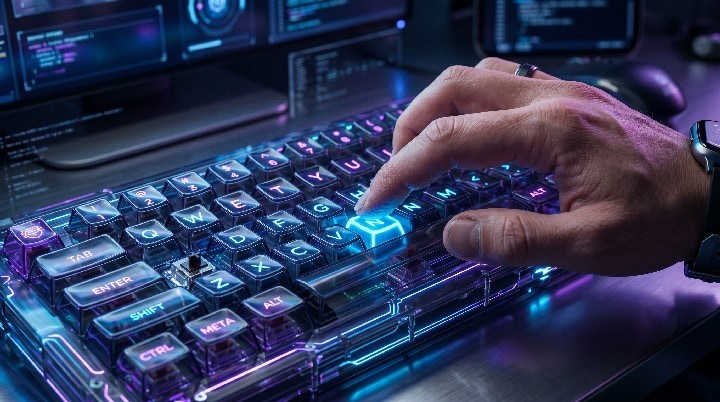
Create clean product visuals, premium campaign images, and polished brand assets for ecommerce pages, ads, and launch promotions.
Create polished lifestyle portraits, brand-ready story visuals, and social-friendly concept images with a faster AI image workflow inside UniConverter.
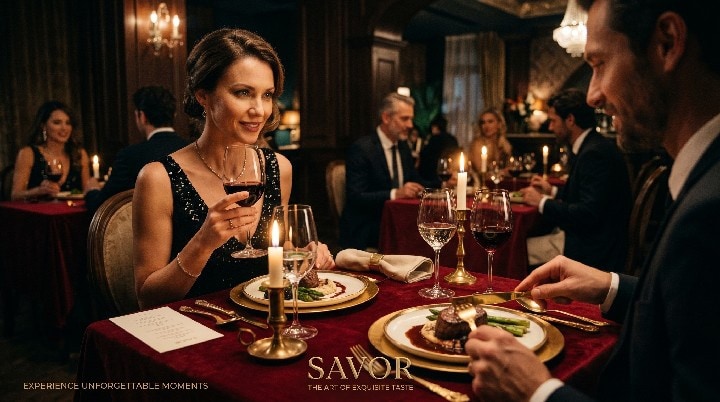
Create elegant, cinematic people-focused visuals for brand campaigns, social promotions, and premium marketing content.
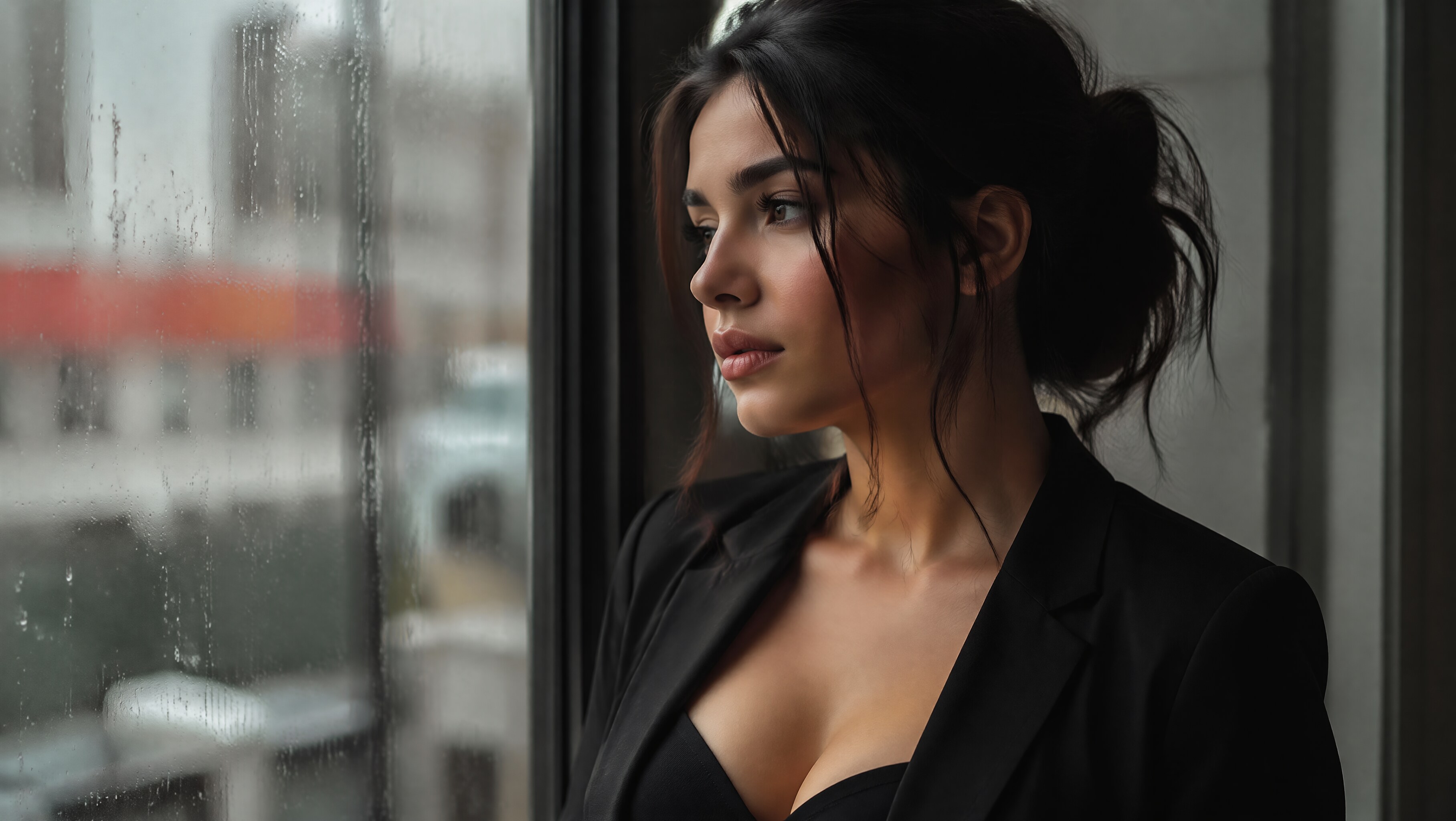
Generate clean, modern portraits that feel polished and expressive for creator branding, editorial-style content, and landing page visuals.
Turn everyday scenes into vibrant, engaging visuals for social posts, lifestyle campaigns, and fast-moving creative experiments.
Nano Banana 2 can help teams build around a clearer creative direction instead of generating disconnected one-off images. This makes it easier to create visuals for social posts, product storytelling, promotional graphics, and brand campaigns that feel more aligned in tone, style, and presentation across different channels.
It is useful for both stages of the creative process. You can use it early to test styles, moods, and composition ideas, then continue refining the stronger directions into cleaner, more campaign-ready visuals. That flexibility is especially helpful for teams that need speed without sacrificing presentation quality.
Better results usually come from prompts that define more than just the subject. It helps to describe the intended style, mood, lighting, setting, color direction, and use case so the generated image feels closer to a usable creative asset rather than a generic draft. The more clearly the visual goal is described, the easier it is to get results that match the campaign or content need.
Nano Banana 2 is especially useful for workflows that need frequent visual output, such as ecommerce promotions, creator content, social media publishing, campaign ideation, and branded storytelling. It helps reduce the time spent moving between tools while making it easier to generate, review, and refine image concepts inside a more connected production environment.
The main advantage is workflow efficiency. Keeping image generation inside UniConverter makes it easier to move from idea to usable visual without constantly switching platforms. For creators and marketing teams, that can speed up iteration, simplify review, and make content production feel more streamlined when multiple assets need to be created quickly.
Generate standout visuals for campaigns, social media, branding, and content creation inside UniConverter.

