Bring your imagination to life with GPT Image 2 in UniConverter. Instantly create detailed, stylish, and scroll-stopping images for creative projects, branding, and online content.
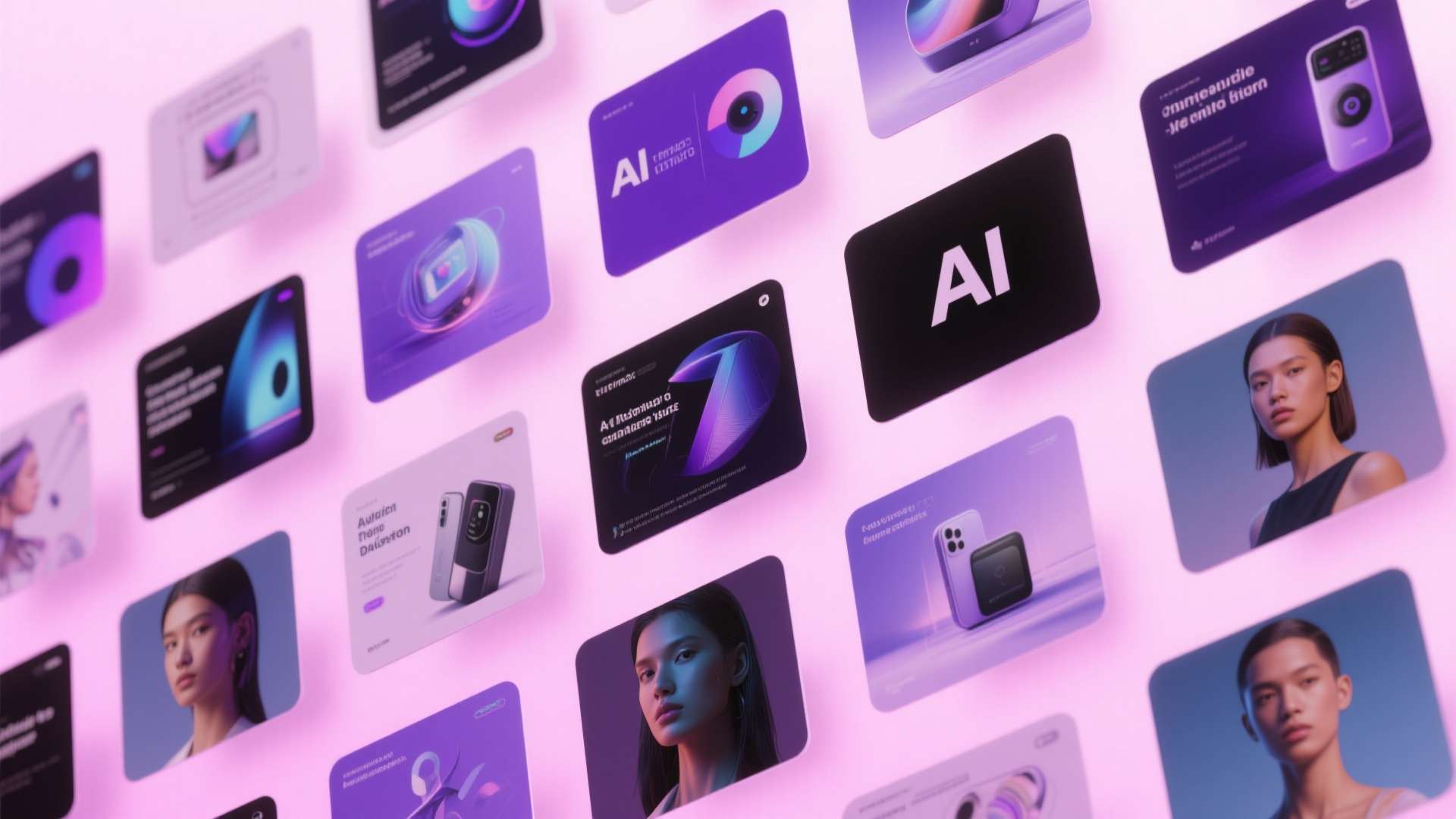
From eye-catching social graphics to brand-ready key visuals, explore how GPT Image 2 helps create polished images for campaigns, inspiration, and creator content.
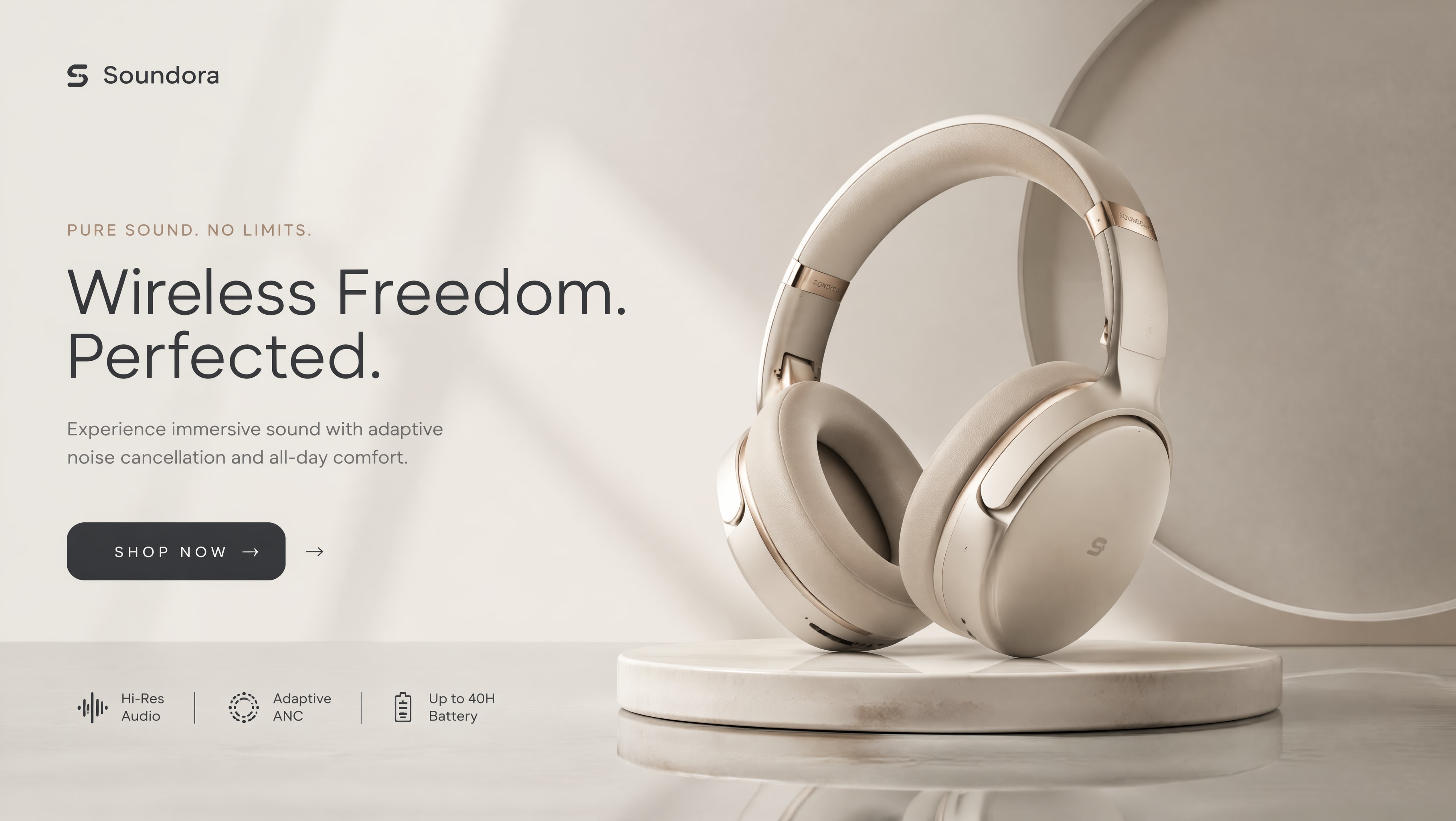
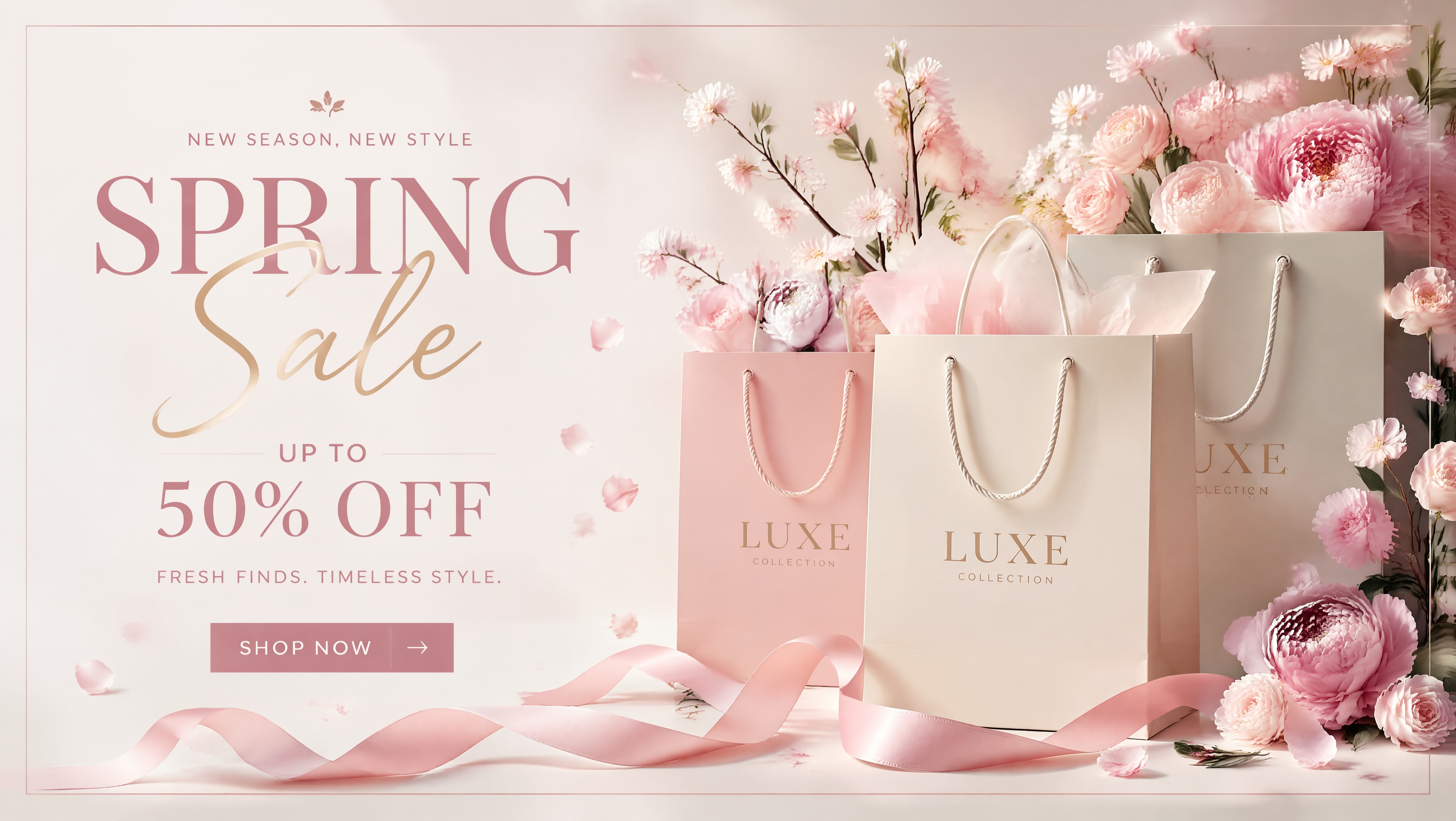
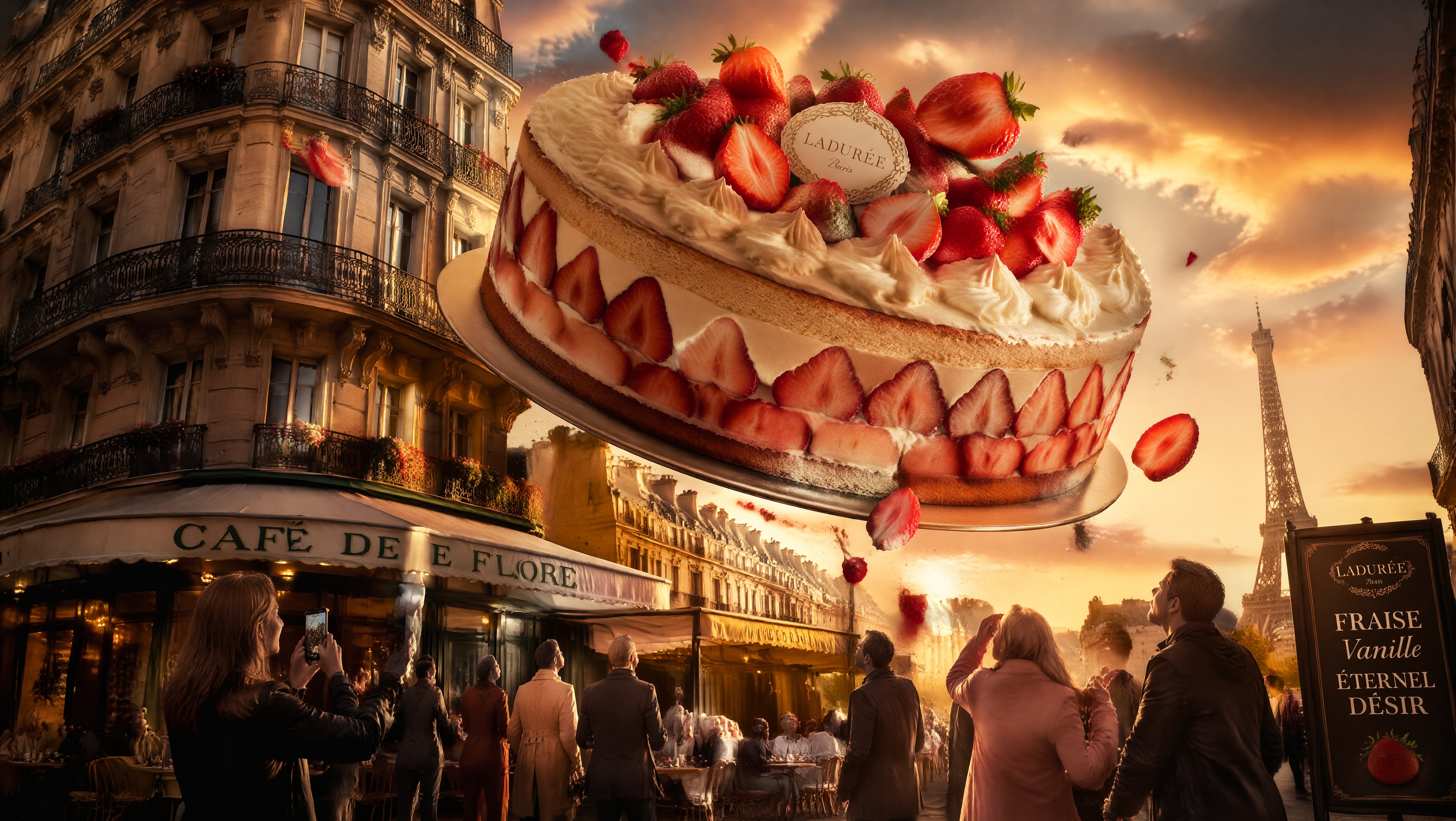
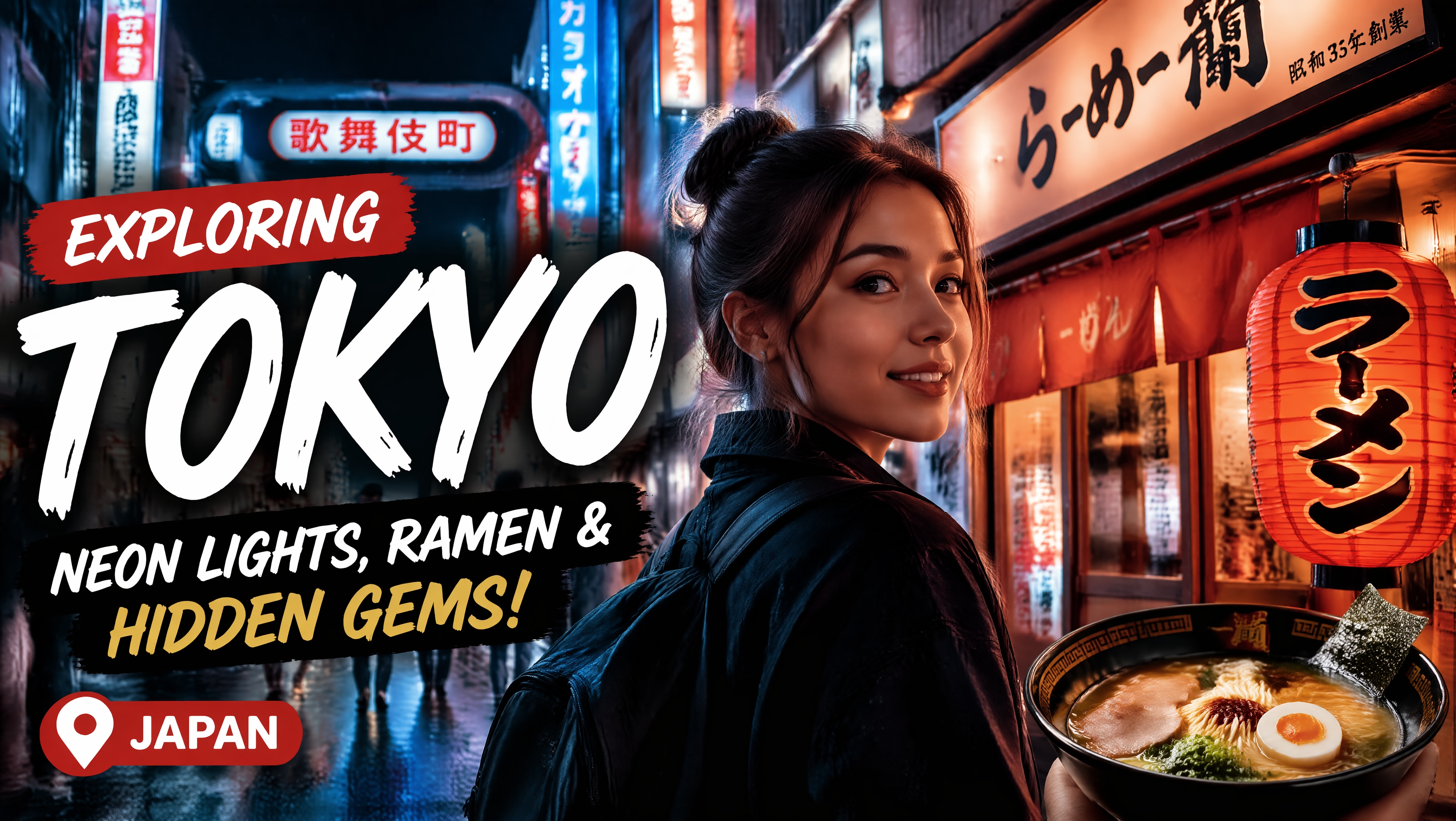
GPT Image 2 helps you create more polished visuals faster, explore more creative directions, and build stronger image output for content, branding, and online campaigns.
Create visuals that better match your brand style and campaign tone.
Generate multiple image ideas quickly before choosing the strongest look.
Make social graphics, promo visuals, concept art, and creator assets faster.
Use stronger composition and eye-catching styles to improve visual impact.
Experience the power of high-quality AI image generation in UniConverter. Click each step to preview the matching workflow screen, or let the section rotate automatically.
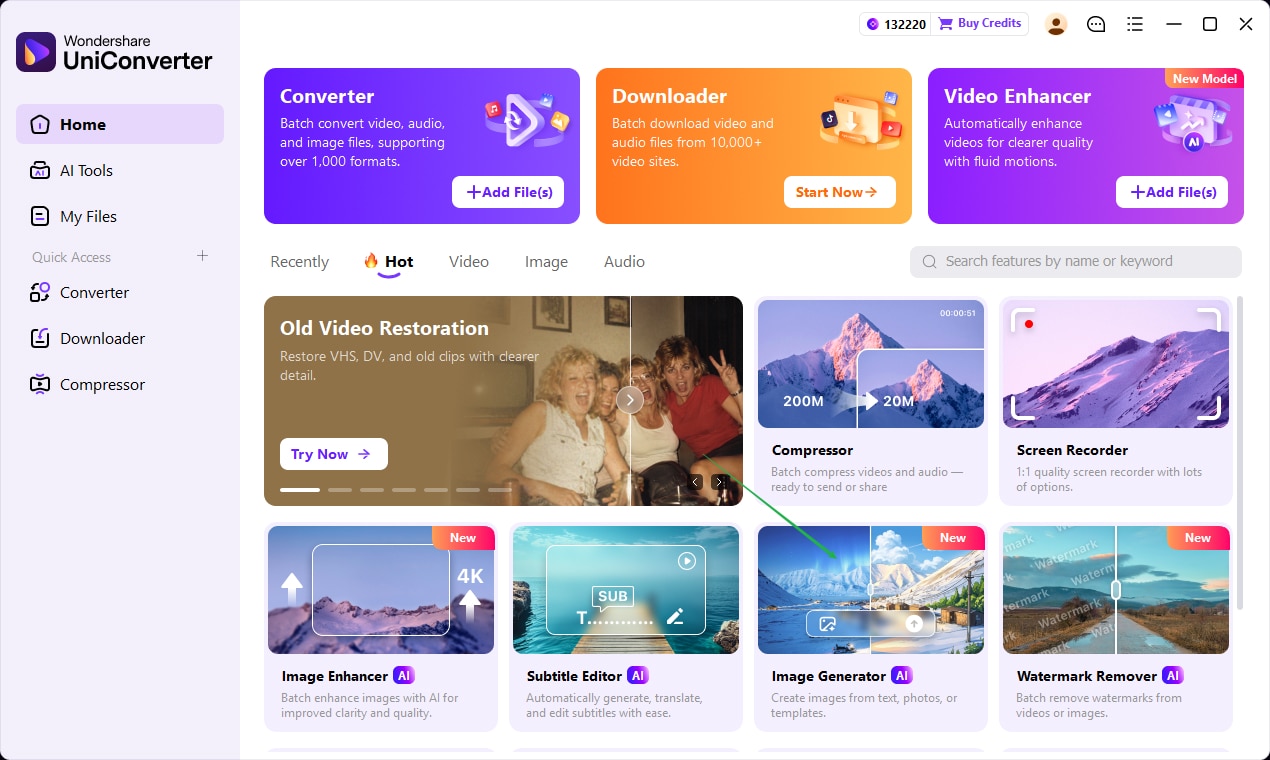
Launch UniConverter and enter the AI image workflow to begin creating from prompts, concepts, or visual inspiration.
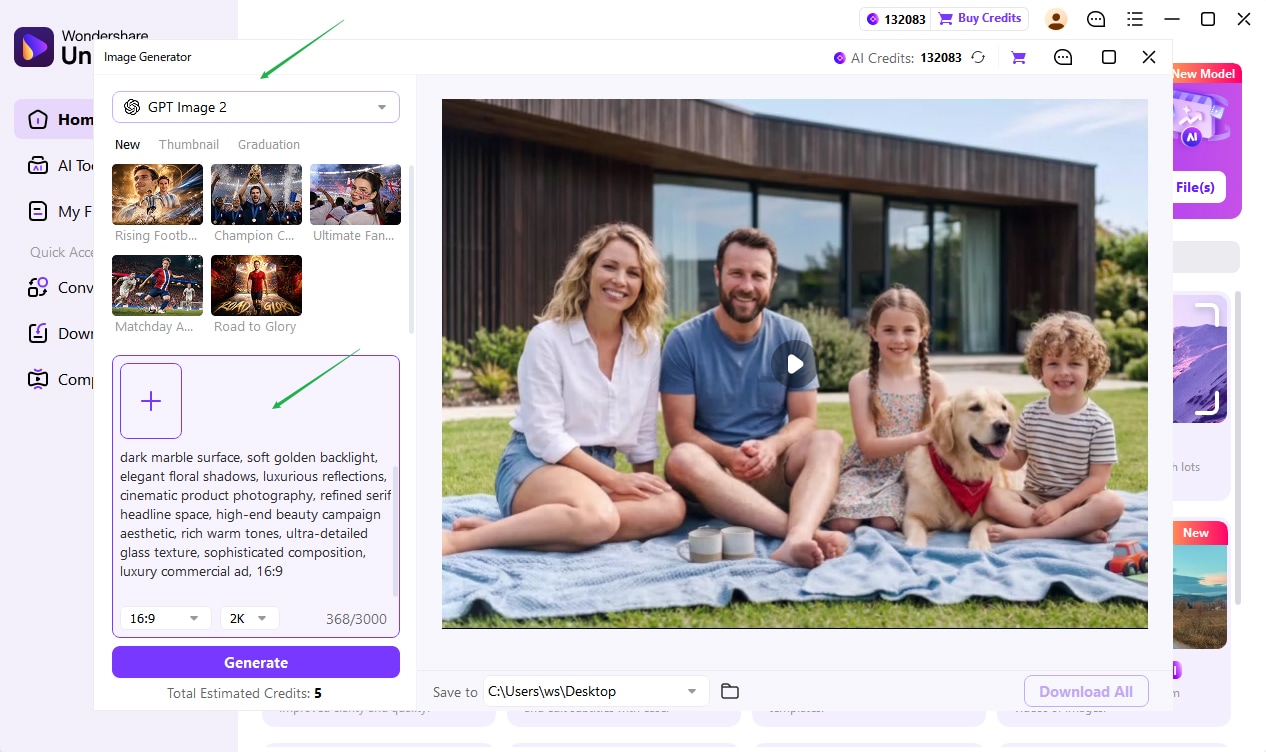
Describe the look you want, then tune style, mood, and composition to better match your creative direction.
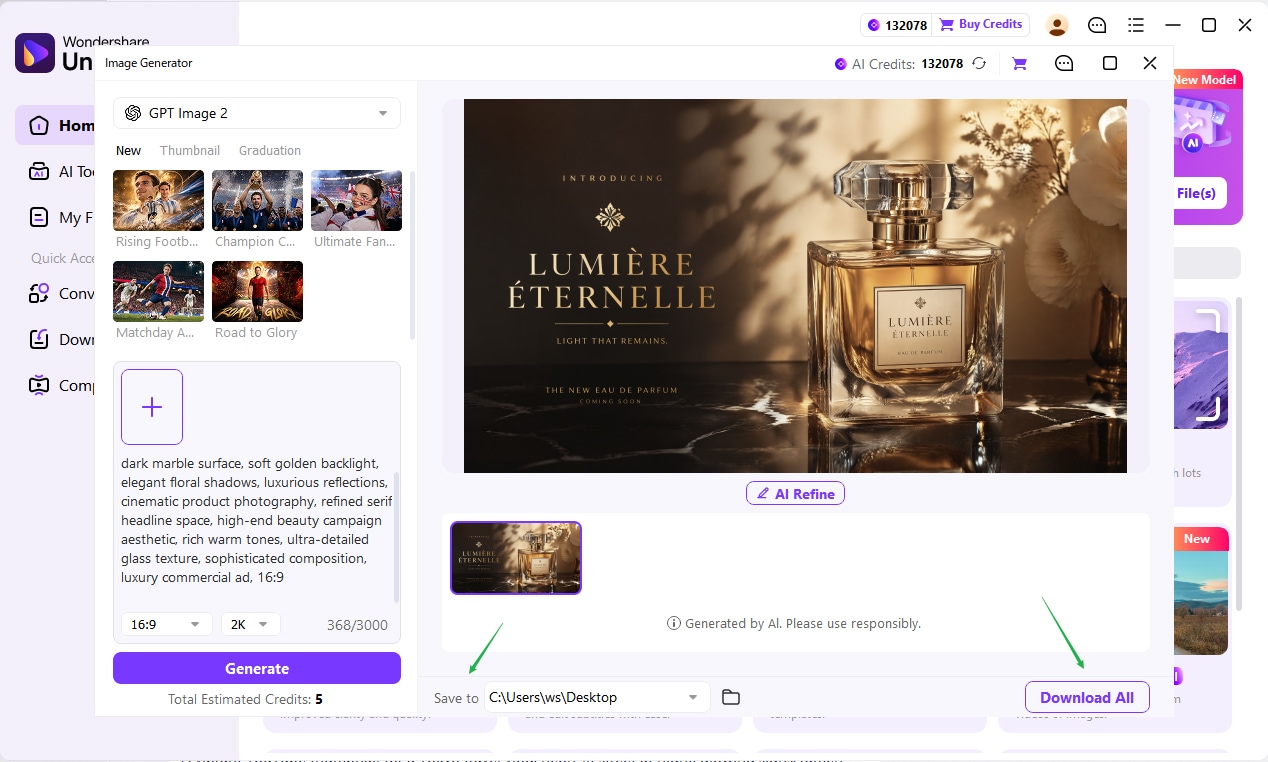
Create the image, review the result, and keep refining until the output is ready to download or use in your project.
Here is a clean visual direction I think fits this page well: three polished scenario cards that feel premium, lightweight, and aligned with UniConverter’s purple product tone.
Create fast-turn promotional images for product launches, seasonal campaigns, ads, and social posts.
Generate eye-catching images for thumbnails, channel banners, cover concepts, and creator branding.
Explore different art directions, moods, and compositions when developing new visual ideas or references.
Here are a few quick answers about how GPT Image 2 can help with creative image generation in UniConverter.
GPT Image 2 can be used to generate creative visuals from text prompts, including marketing graphics, social media images, concept art, thumbnails, and branded content ideas.
Yes. It can quickly generate campaign-style visuals, promotional posters, social creatives, and other branded assets that help teams explore concepts faster.
Yes. It can help create visual directions for thumbnails, banners, cover art, and creator branding ideas that are more eye-catching and platform-friendly.
Yes. You can adjust prompts, style direction, mood, and composition ideas to keep improving the result until it better matches your creative goal.
Using GPT Image 2 in UniConverter helps keep image generation in the same creative workflow, making it easier to create, review, refine, and use AI visuals more efficiently.
Generate detailed, stylish, and eye-catching AI visuals for content creation, branding, and social media in just a few clicks.

