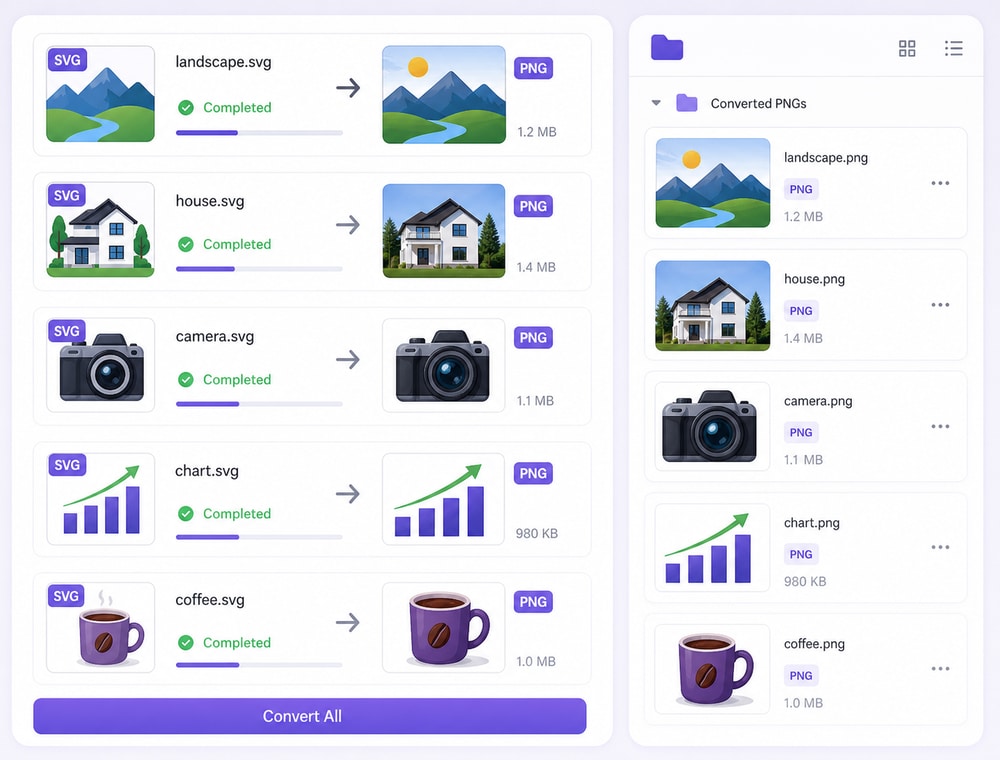
What the Batch SVG-to-PNG Workflow Lets You Set Up
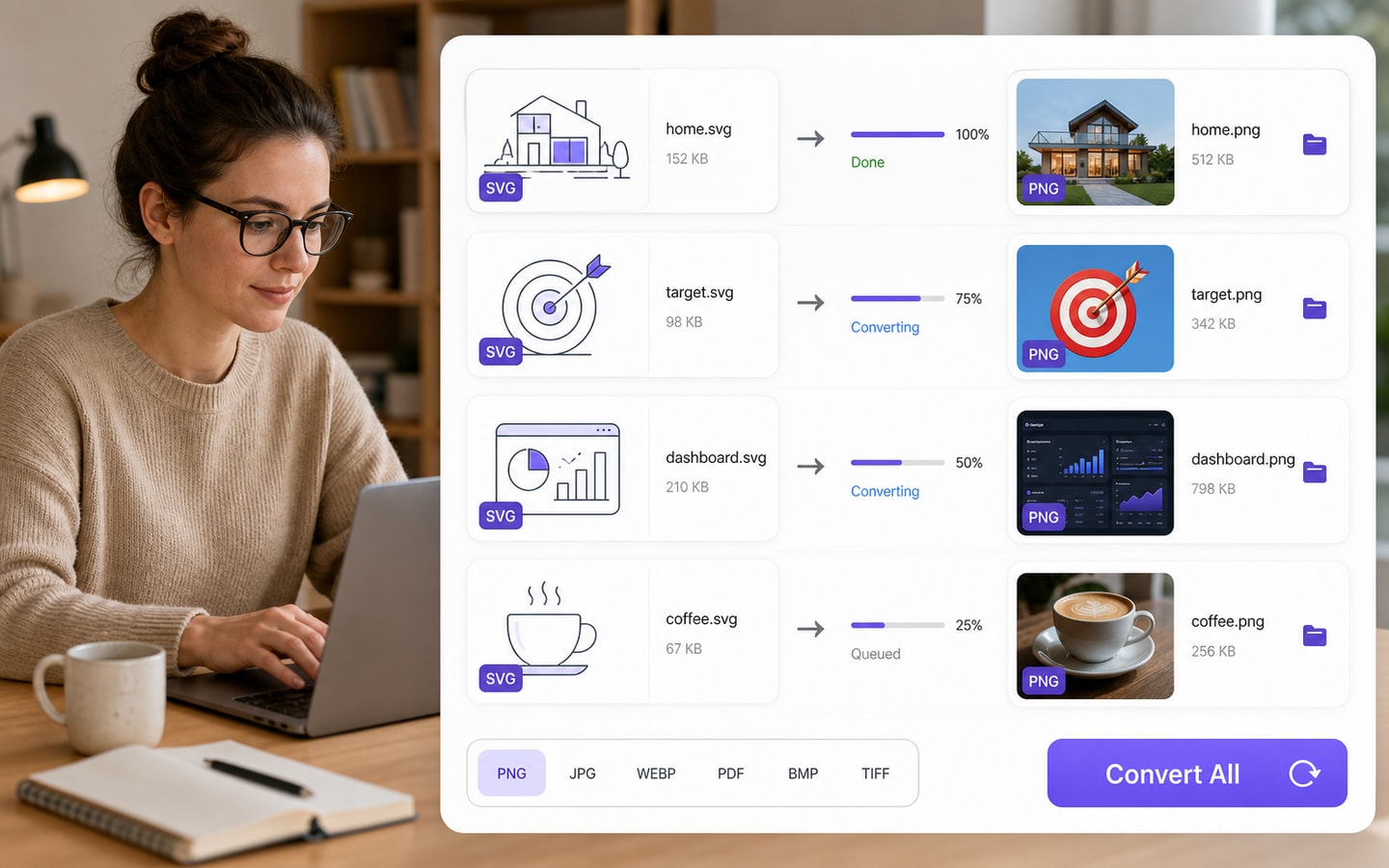
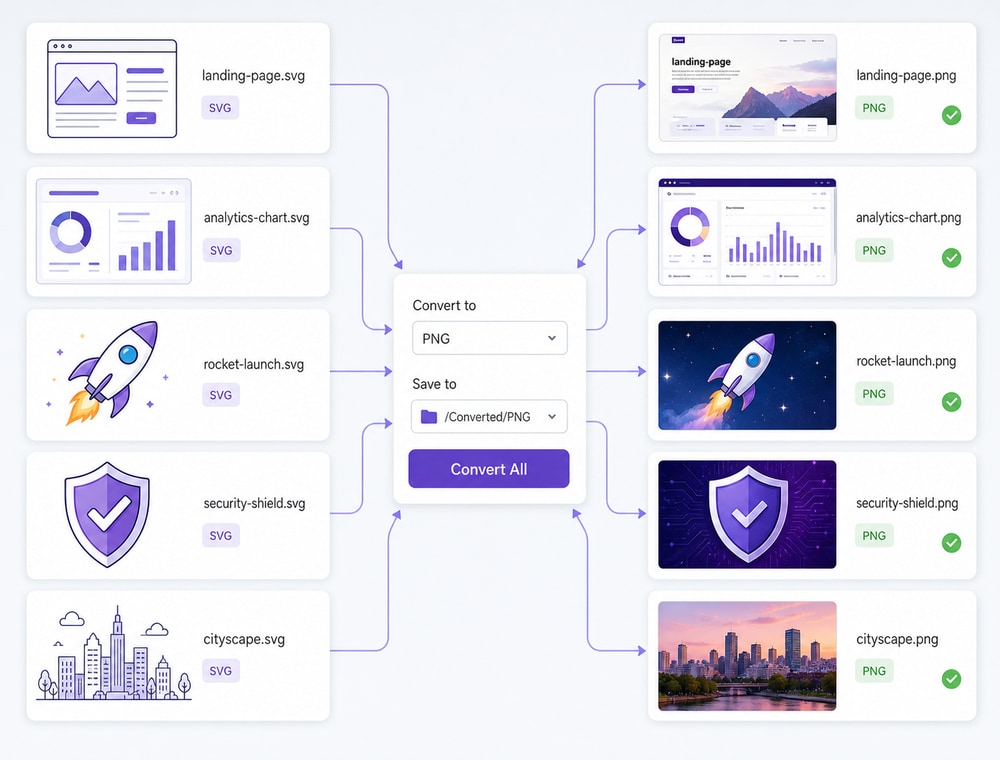
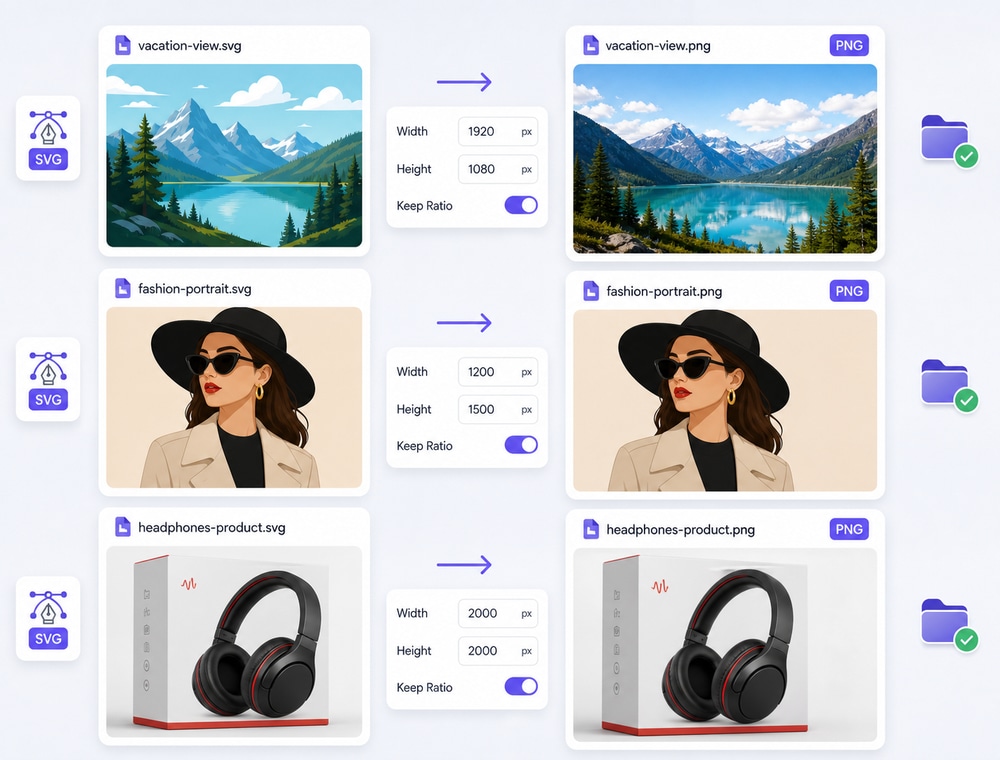
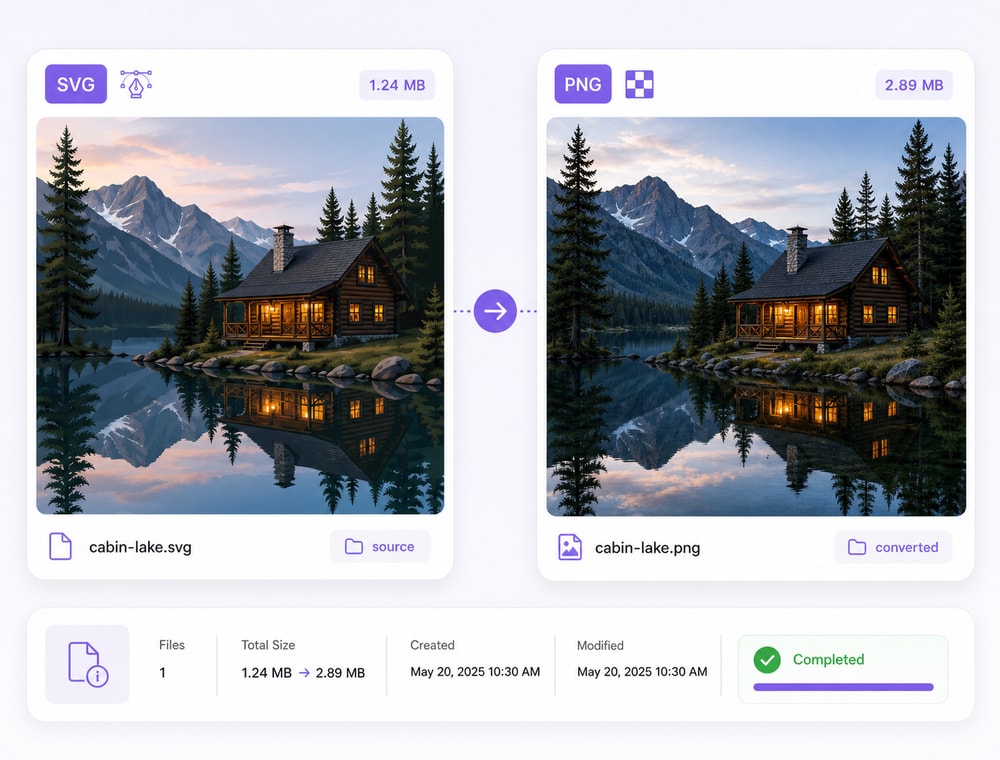
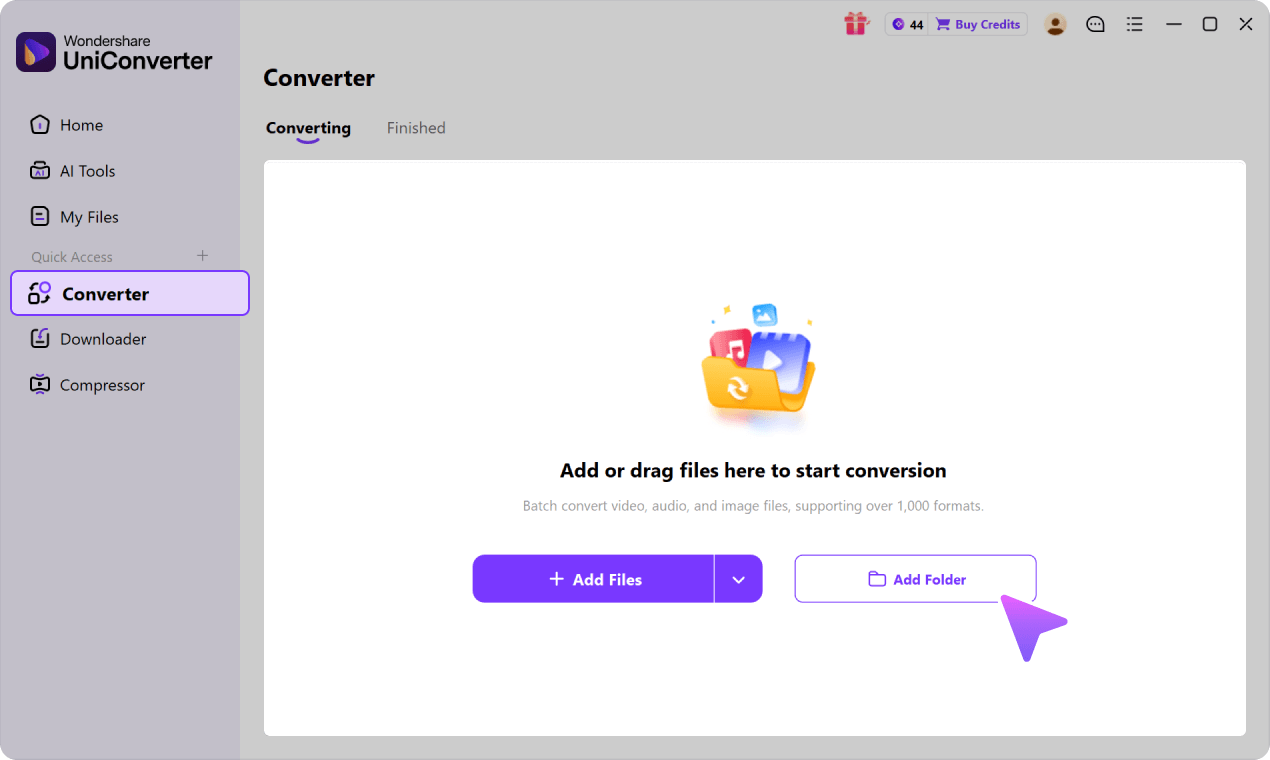
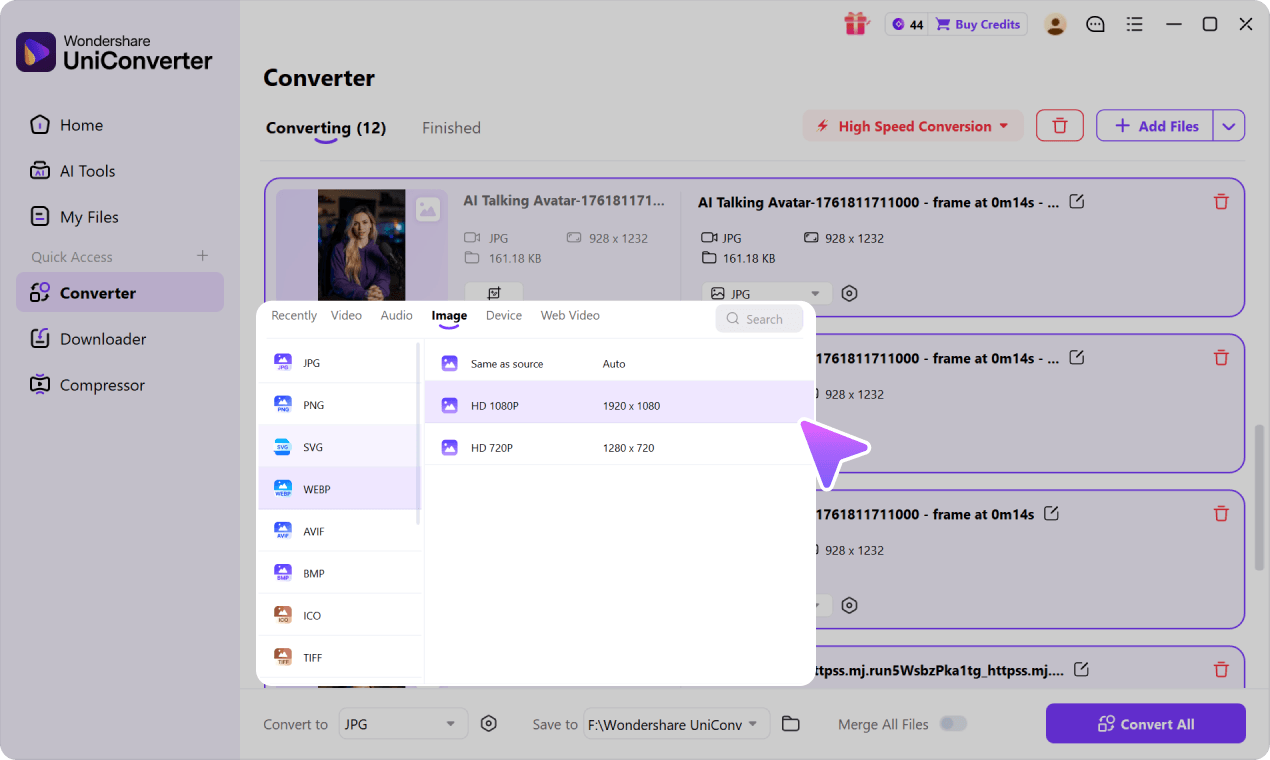
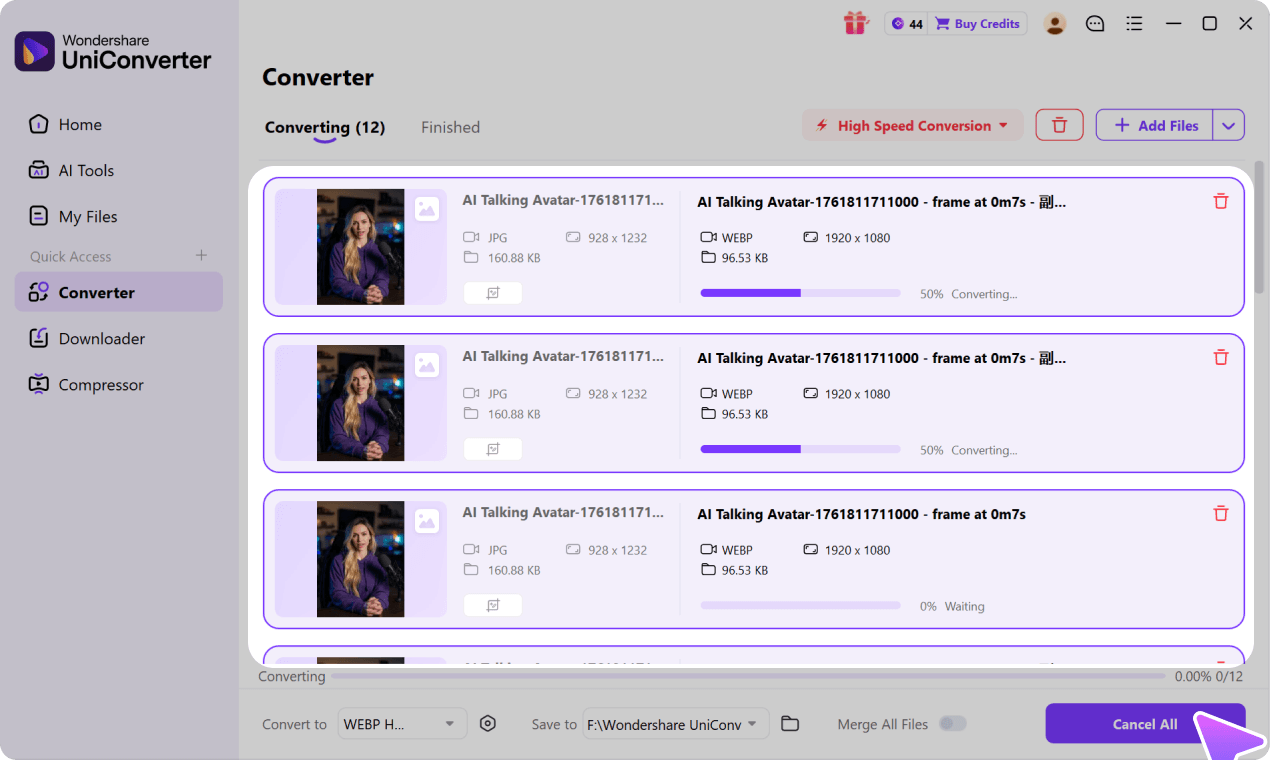
In Wondershare UniConverter Image Converter, supported queued SVG files can share PNG as the output format and one Save to destination folder. Available per-file output choices let individual items differ from the shared setting, while per-image Quality Setting controls can include Keep original size, custom pixel dimensions, and Keep aspect ratio. PNG output is raster-based, so review image size for the intended destination. SVG input, PNG output, controls, and folder support depend on the operating system and UniConverter version; quality adjustment is available only when JPG is selected in the current UI.
Format availability may vary by operating system and UniConverter version. See the
UniConverter Tech Specs
for current image format support and system requirements.