
Why UniConverter Is the Best Audio to SRT Converter for Creators
Create subtitle files faster, handle bigger workloads, and keep more control over your audio. UniConverter helps you move from raw recordings to timestamped SRT output in a workflow that fits both quick one-off jobs and repeated production work.
Batch Convert Audio to SRT Files for Faster Subtitle Work
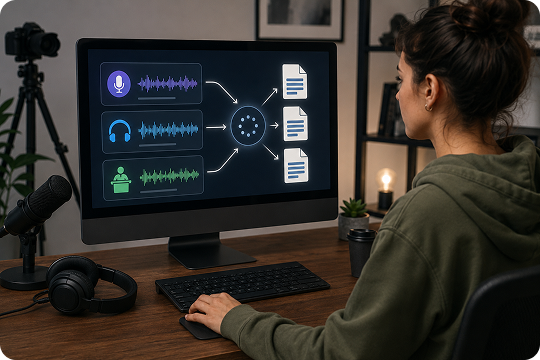
If you work with podcasts, interviews, lectures, or recurring client projects, UniConverter helps you convert audio to SRT files in batches instead of handling one file at a time. This makes the workflow more efficient for teams and creators who need an audio to SRT file generator that can support larger workloads and produce separate subtitle files with less manual effort.
Offline Audio to SRT Conversion for Privacy-First Projects
Some recordings are too sensitive for cloud-only tools. UniConverter gives you an offline audio to SRT workflow on desktop, so your files can stay on your device during processing. This is useful for legal, healthcare, business, and research scenarios where privacy matters. You can convert audio to SRT locally while keeping more control over your subtitle files and source recordings.

Convert Audio to SRT with Accurate Timestamps in 20+ Languages
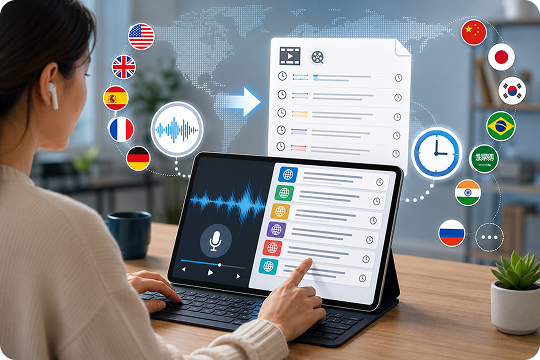
UniConverter helps you convert audio to SRT in more than 20 languages, including English, Spanish, French, German, Japanese, Korean, Chinese, and Portuguese. It also creates accurate timestamps that make subtitle files easier to review and reuse. If you need multilingual audio transcription to SRT, this workflow gives you readable captions that fit a wide range of content and publishing needs.
Generate SRT from Audio and Continue Editing in One Workflow
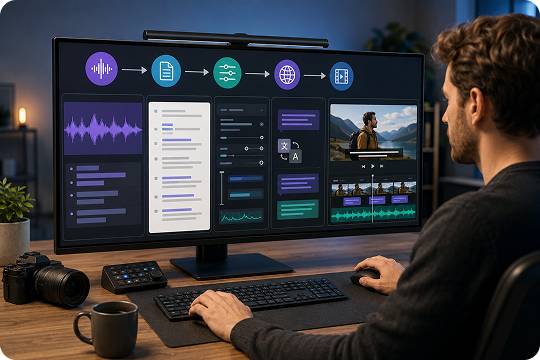
UniConverter does more than generate SRT from audio. After transcription, you can review subtitle text, make edits, translate captions, or continue with video-based subtitle work in the same workflow. This is useful for creators who want an audio to subtitle solution that goes beyond basic export and helps them move from raw audio to a more complete subtitle-ready output.
AI Audio to SRT Converter with High Transcription Accuracy
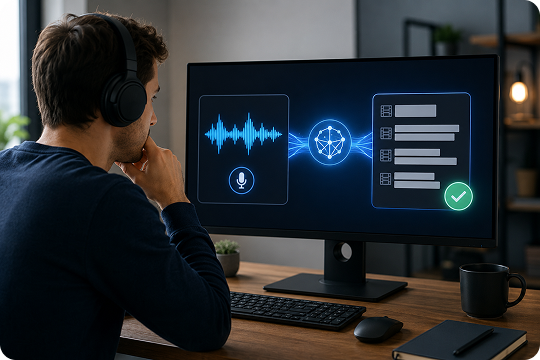
UniConverter works as an AI audio to SRT converter designed to create readable subtitle drafts from clear spoken recordings. It helps reduce manual subtitle writing by detecting speech, punctuation, and timing automatically. Audio quality, accents, and background noise still affect results, but for everyday projects, it gives you a fast first draft that is easier to refine than building captions from scratch.
Convert Large Audio Files to SRT with No Size Limit on Desktop
Browser tools are useful for short clips, but longer projects often need more flexibility. UniConverter desktop helps you convert large audio files to SRT without the size limits common in online tools. This is especially useful for podcasts, full lectures, long interviews, and meeting recordings. If you need a more scalable audio to SRT converter, desktop is the stronger option.
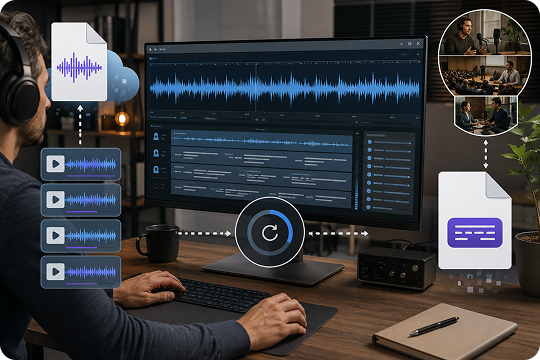
How to Convert Audio to SRT File in 3 Simple Steps
Turn audio into an SRT file in three clear steps. You can use the online tool for quick browser-based tasks or the desktop version for larger files, batch jobs, and offline processing.

Add your file to UniConverter online or desktop. You can upload MP3, WAV, M4A, AAC, FLAC, OGG, OPUS, and other common formats.

Choose the spoken language, then start transcription. UniConverter analyzes the speech, creates subtitle lines, and adds timestamps automatically.

Check the subtitle text, fix names or unclear phrases if needed, and export the final SRT file for YouTube, courses, clips, or internal documentation.
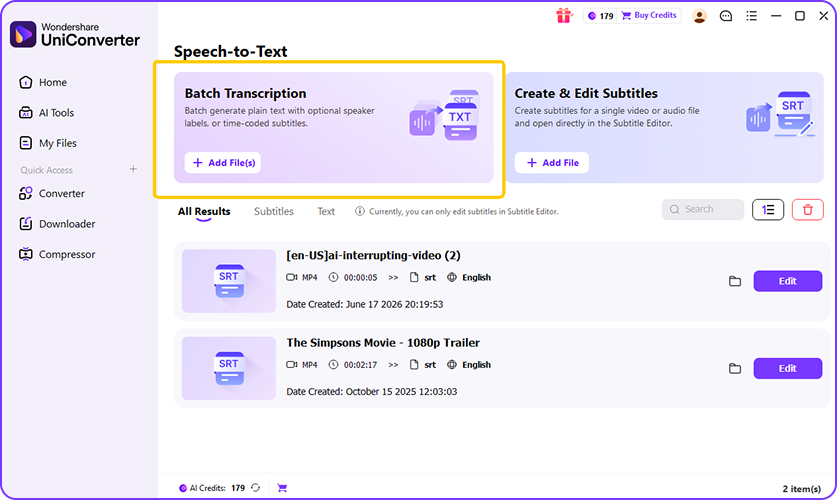
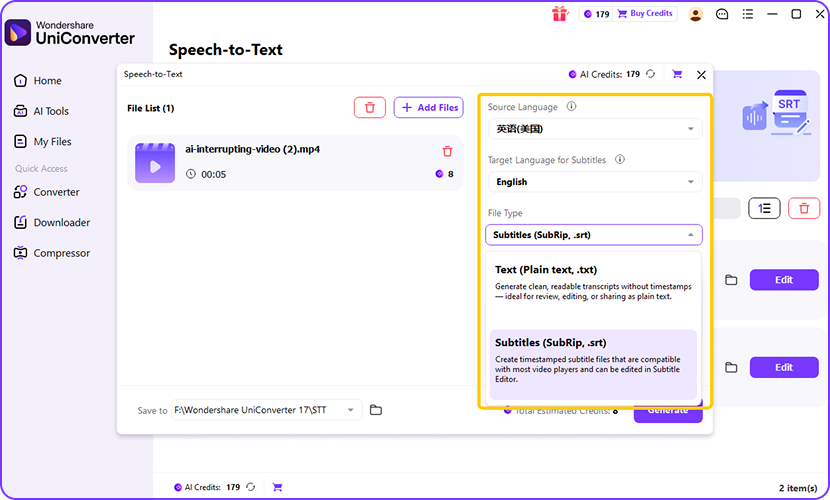
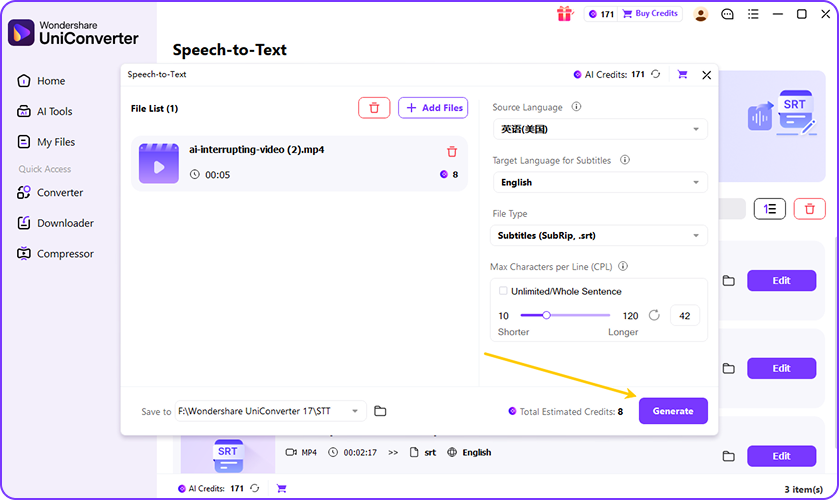
Online vs Desktop: Pick Your Audio to SRT Tool
Use the online tool when you want a quick way to convert short audio into subtitles in your browser. Choose desktop when you need batch audio to SRT conversion, support for long recordings, local processing, or a more complete subtitle workflow.
| Use Case / Need | UniConverter Desktop | UniConverter Online |
|---|---|---|
| Single short audio file | Works well for single files too | Best for quick audio to SRT tasks in your browser |
| Batch convert multiple audio files to SRT | Best choice for batch audio to SRT conversion | Not supported for larger workflows |
| Long audio recordings such as podcasts or lectures | Best for large audio files and long-form transcription | Better for lighter tasks and shorter files |
| Offline audio to SRT conversion | Works offline on your device | Requires an internet connection |
| Privacy-first subtitle workflow | Local processing gives you more control over private audio | Files are uploaded for browser-based processing |
| No file size limit | No file size limit on desktop workflows | May be limited for large uploads |
| Fast free trial access | Free trial available for full desktop workflow | Good for quick one-off use with no sign-up |
| Convert MP3, WAV, M4A, AAC, FLAC, OGG, or OPUS to SRT | Supports common audio formats plus larger workloads | Supports common audio formats |
| Edit subtitle text after conversion | Better for editing, refining, and continuing subtitle work | Good for basic output needs |
| Translate subtitles after generating SRT | Better for end-to-end subtitle editing and translation | Limited workflow |
| Burn subtitles into video after SRT export | Best for subtitle editing and burning captions into video | Not ideal for full post-edit workflows |
| Best for creators, teams, and repeated projects | Best for repeat, large-scale, or professional use | Better for occasional use |
Convert Audio to SRT for Every Scenario
From podcasts and YouTube videos to lessons, meetings, interviews, and films, UniConverter helps you turn spoken audio into subtitle files that are easier to review, reuse, and publish.

Turn Episodes into SRT Subtitles
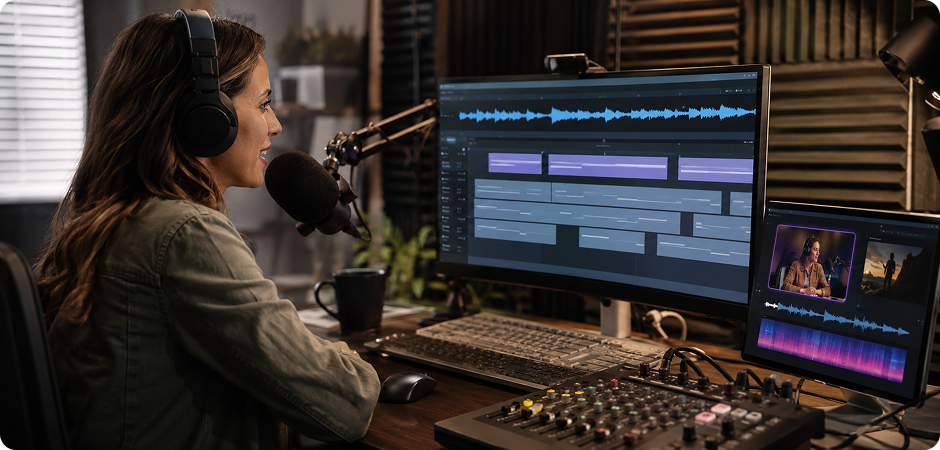
Podcasters often need podcast to SRT workflows for accessibility, repurposing, and search visibility. UniConverter helps you convert episode audio into subtitle files that are easier to reuse in clips, audiograms, show notes, and video uploads. If you need a podcast subtitle generator for full episodes or highlight segments, you can create timestamped SRT files faster and keep your production workflow more organized.
Convert Audio to SRT for Better Video SEO
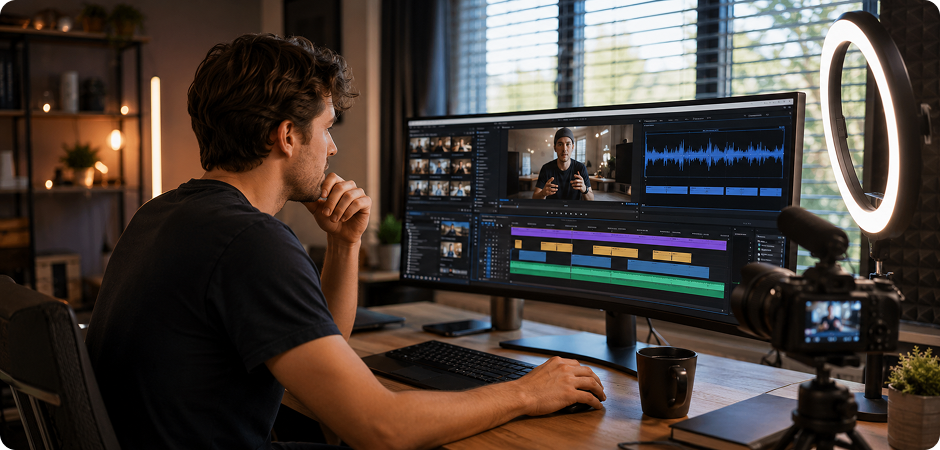
YouTubers often need youtube audio to SRT output for subtitles, multilingual publishing, and stronger content accessibility. UniConverter helps you turn an audio track into an SRT file that can be reviewed, edited, and uploaded with your video. This audio to YouTube subtitles workflow is useful for tutorials, commentary videos, explainers, and repurposed clips where readable captions improve watchability and reach.
Convert Lecture Audio to SRT for Learning Support
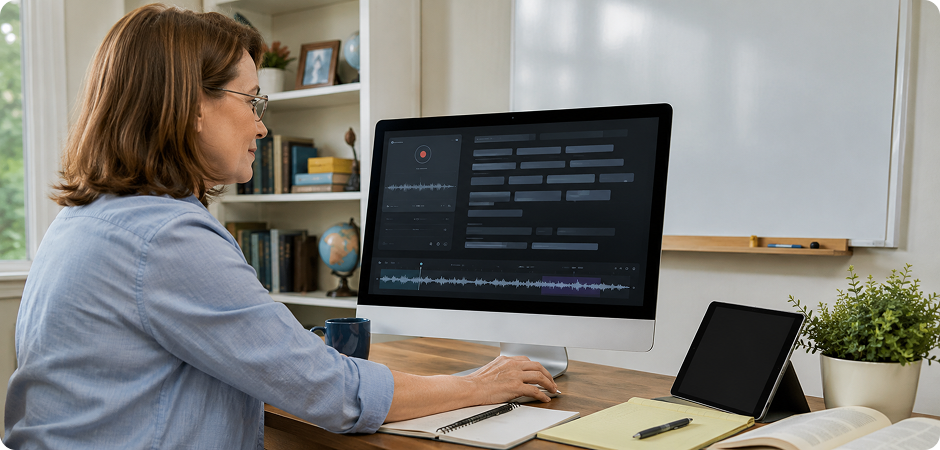
Lecture to SRT workflows help educators make lessons easier to follow, review, and archive. UniConverter lets you convert lecture audio into subtitle text for recorded classes, course clips, and training materials. This is useful when students need captions, searchable transcripts, or better accessibility support. You can create timestamped subtitle files from spoken lessons and reuse them across teaching platforms more easily.
Turn Meeting Audio into SRT for Internal Records
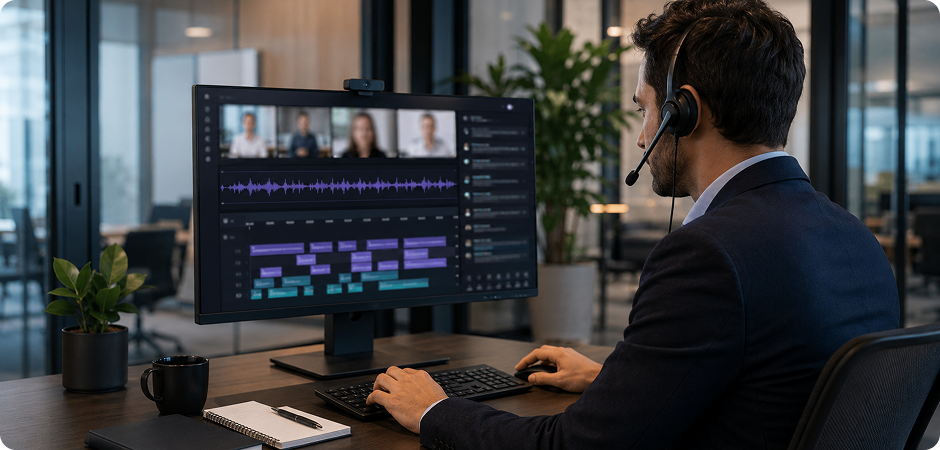
Businesses often need meeting audio to SRT conversion for internal review, training, and documentation. UniConverter helps teams turn Zoom recordings, voice notes, and meeting audio into readable subtitle files with timestamps. This is useful for project recaps, internal content, and shared communication records. If privacy matters, the desktop version gives you a more controlled way to handle business audio locally.
Convert Interview Audio to SRT for Faster Review
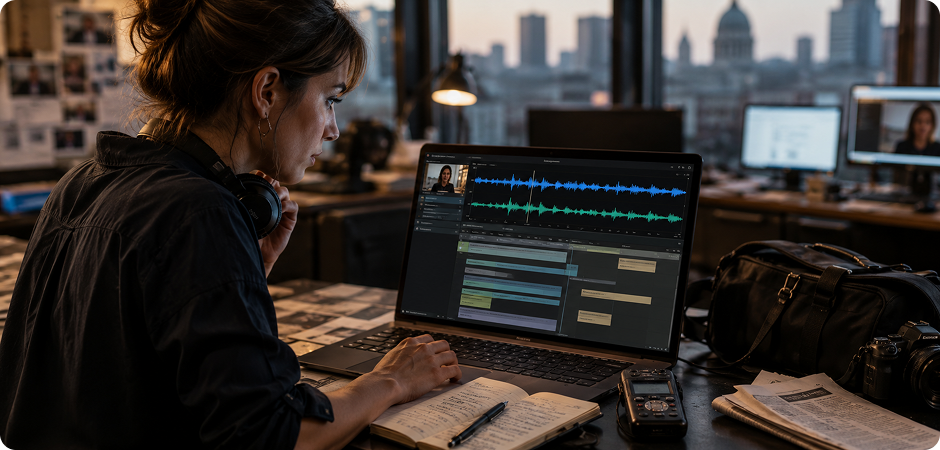
Journalists often work with source calls, field recordings, and interview clips that need to be reviewed quickly. UniConverter helps convert interview audio to SRT so spoken material becomes easier to scan, quote, and archive. This journalist transcription workflow is practical for long conversations, follow-up recordings, and multilingual material. Instead of replaying raw audio repeatedly, you can work from timestamped subtitle text.
Turn Dialogue Audio into SRT for Subtitle Prep
Filmmakers and video editors often need film audio to SRT output before they finalize captions or deliver subtitles. UniConverter helps turn dialogue transcription into structured SRT files that are easier to edit and sync. This is useful for short films, interviews, branded video, and documentary work. After conversion, you can keep refining the subtitles or move toward a video-ready caption workflow on desktop.
Frequently Asked Questions about Audio to SRT Conversion
What is an SRT file?
How do I convert audio to SRT for free?
What audio formats can I convert to SRT?
How accurate is UniConverter’s audio to SRT conversion?
Can I convert audio to SRT in languages other than English?
Is there a file size limit for audio to SRT conversion?
Can I batch convert multiple audio files to SRT at once?
How long does audio to SRT conversion take?
Is my audio data secure during SRT conversion?
Can I edit the SRT file after conversion?

Start Converting Audio to SRT Today
Create subtitle files from audio in a workflow that is simple, flexible, and practical for real projects. Use the online tool when you need a quick result, or choose UniConverter desktop for batch conversion, offline handling, and longer recordings.
Trusted by creators worldwide · Windows & Mac · Online and Desktop workflow
